CCTV Camera Pros is the North America master distributor of Zavio IP cameras and network video recorders (NVRs). CCTV Camera Pros is sorry to announce that Zavio IP cameras are no longer available. We highly recommend Viewtron IP cameras as a much better replacement.
Viewtron IP Cameras (Zavio Replacement)
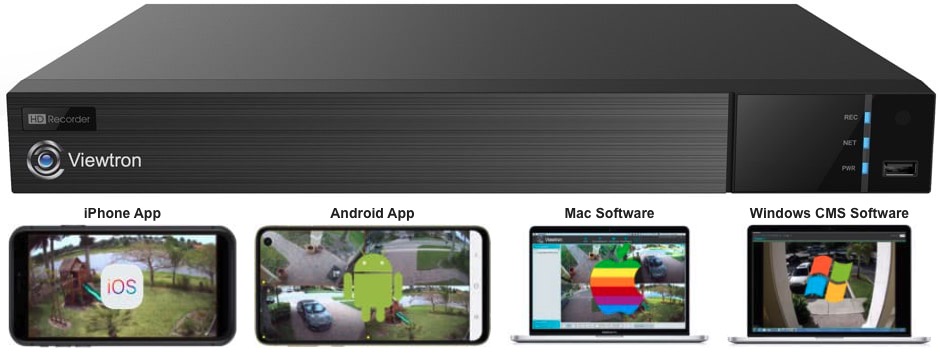
2023 Update! CCTV Camera Pros highly recommends Viewtron IP cameras for customers looking for a Zavio replacement. They cost less, perform better, and the remote camera viewing apps are the best. They are also ONVIF compliant so you can use them with our best selling Viewtron IP camera NVRs or any 3rd party NVR that is ONVIF compliant. We can help you plan your system migration from Zavio to Viewtron. You can email us at zavio@cctvcamerapros.net. We also have Viewtron AI security cameras that have advanced analytics functions such as vehicle detection, person detection, face detection, facial recognition, traffic counting, people counting, and license plate recognition (LPR).
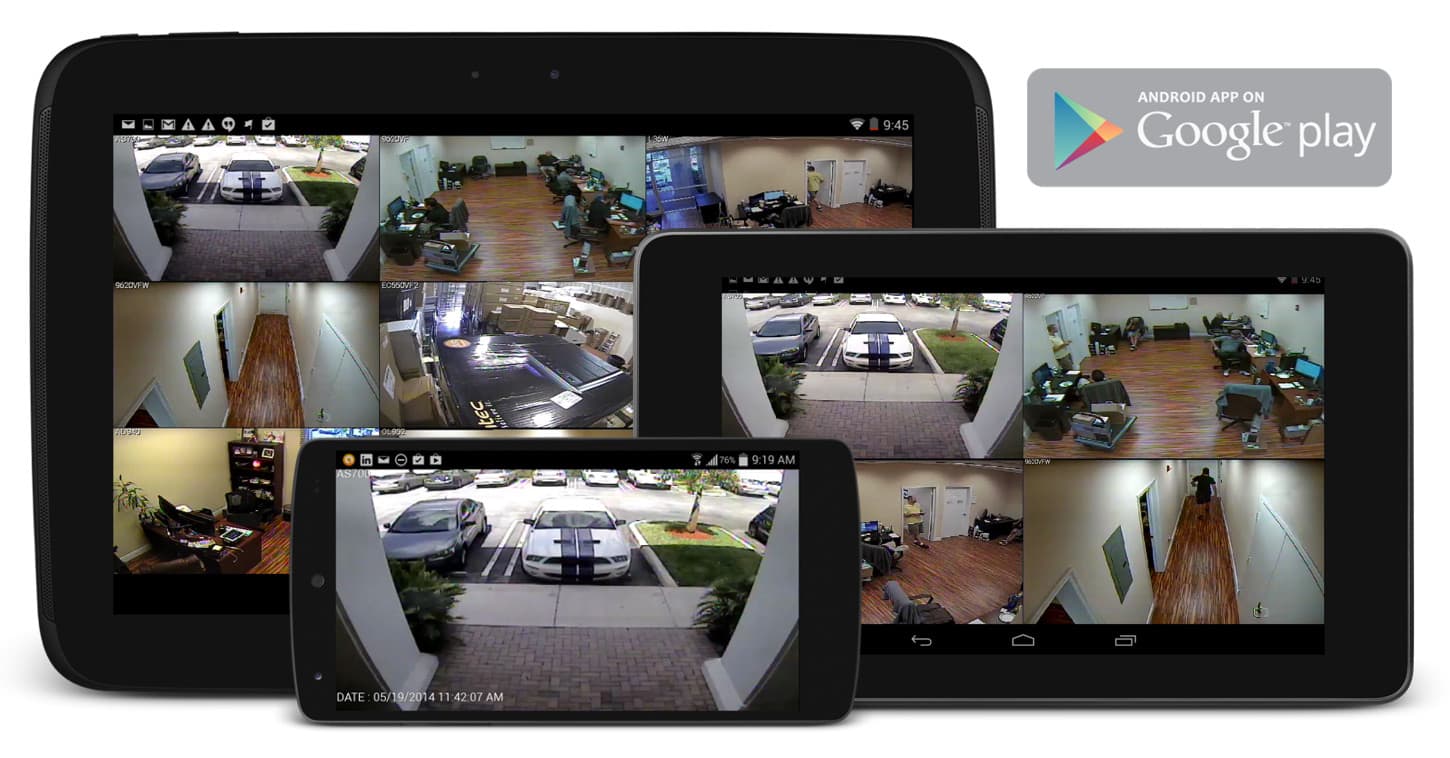
All cameras include 64 channel NVR software that turns a Windows PC into a recorder. Customers can use their own PC or CCTV Camera Pros can custom build a recorder for you. Zavio cameras are compatible for remote viewing using Windows, Mac, iPhone, iPad, and Android apps. Mac computers have been tested and confirmed compatible for remote live camera viewing.
Macintosh users, please read this before purchasing. Zavio IP cameras are also compatible with our iCamViewer iPhone app. Please contact us if you have any questions related to Zavio equipment or anything related to surveillance systems.
All Zavio IP cameras include NVR / IP camera recording software that supports up to 64 cameras for live viewing, recording, and playback. Some of the features included in the software are: 64 camera remote channel live view, 16 channel playback simultaneously, motion detection & scheduled recording, supports H.264/ MPEG-4/ MJPEG compression formats, multiple user access levels with password protection, iphone, ipad, and Android mobile apps, and powerful recording search functions. The software is compatible with all ZAVIO models, including VGA, 1.3 megapixel and 2 megapixel. This NVR software runs on Windows PCs.
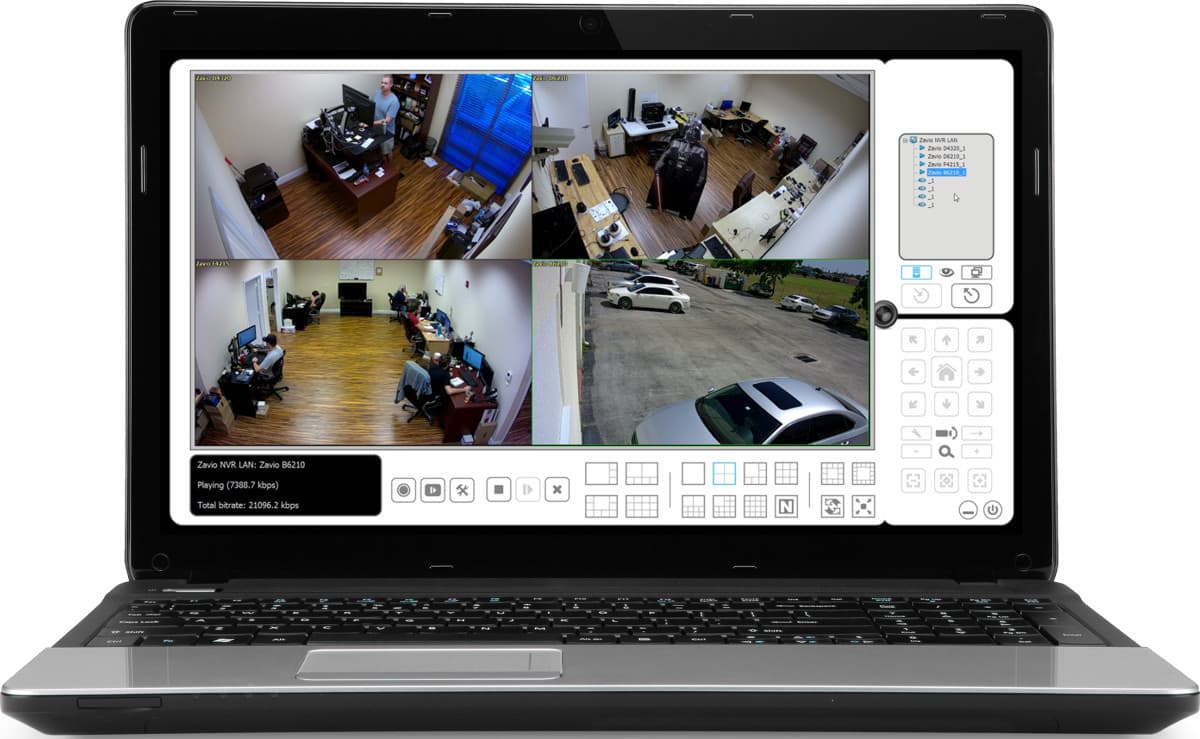
The Zavio software includes the Remote Live Viewer app for Windows. This software connects to Zavio stand-alone NVRs and PC based NVRs (built with the free Zavio software). It enables live remote viewing of all IP cameras connected to your NVR(s).
You can learn more about the Remote Live Viewer software here.
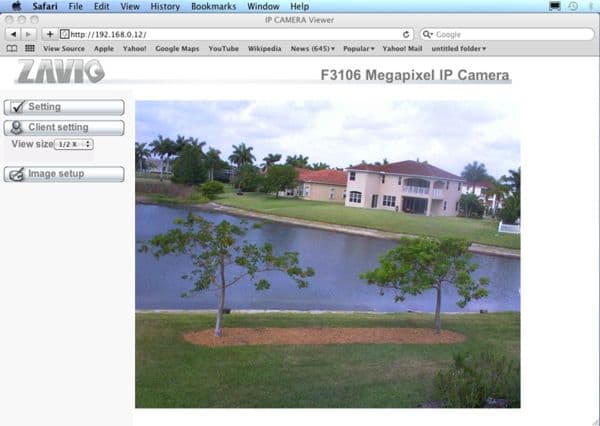
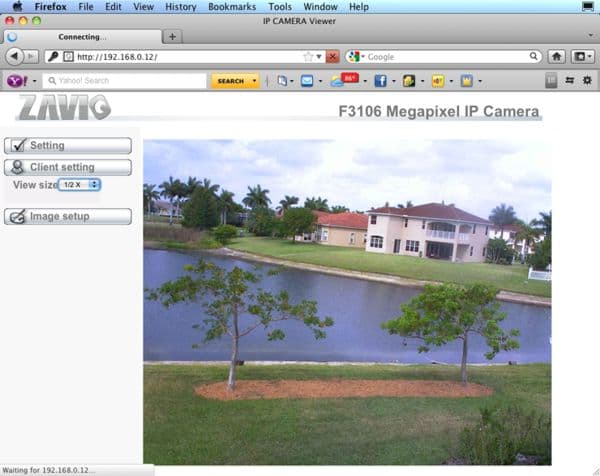
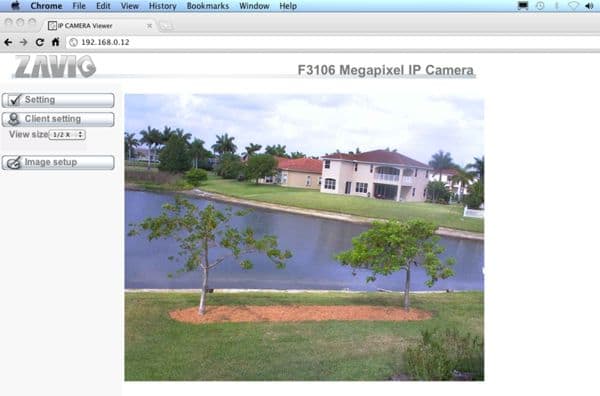
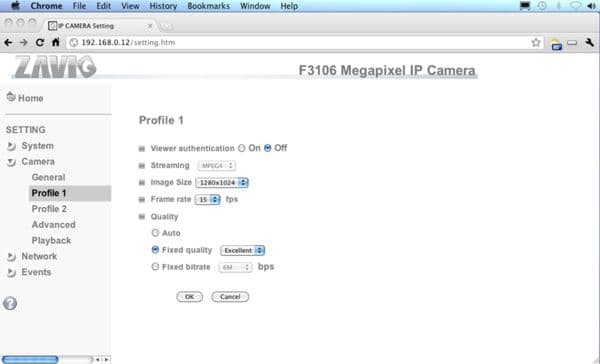
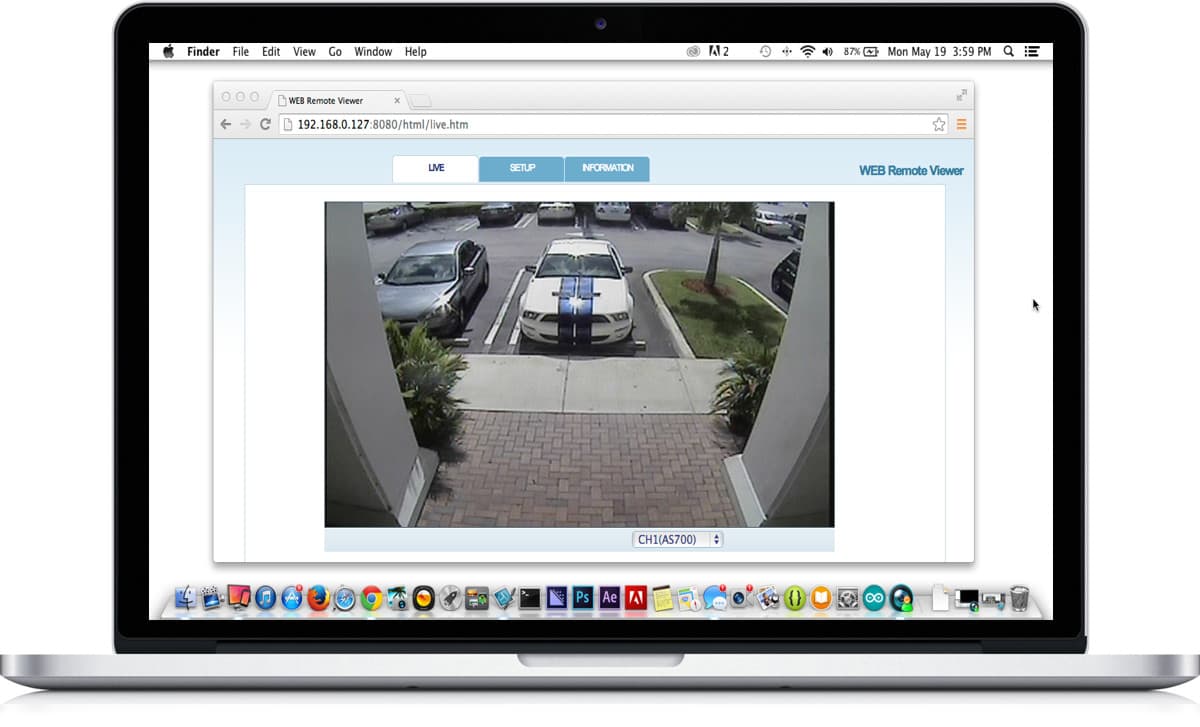
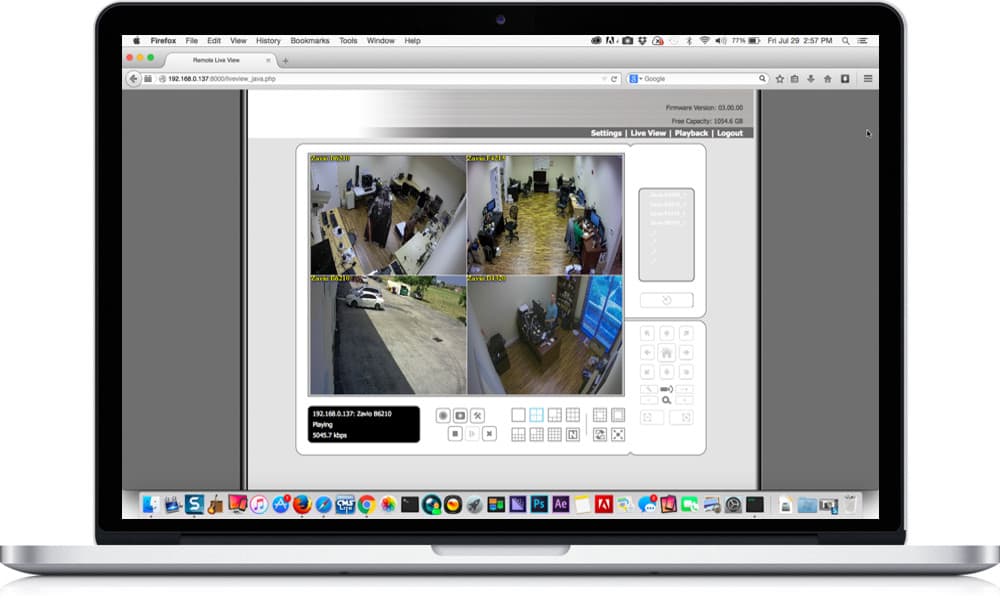
All Zavio IP cameras support live remote viewing over the Internet from a Mac computer. Macintosh users can directly access Zavio IP cameras using Safari, Chrome, and Firefox web browsers. For users that setup the Zavio NVR software on a Windows PC or use a stand-alone Zavio network video recorder, Mac users can also remotely access these NVRs to view all of the IP cameras, playback recorded video, and configure their NVR from Macintosh.
Learn more about remotely viewing IP cameras from Mac here.
Please note that Zavio camera DO NOT include video recording software for Mac. It is highly recommended that Mac users read our Zavio IP camera FAQ for Mac.
iPhone App Demo
This video demonstrates live security camera viewing capability from the iPhone app in single and multi-camera views. Digital PTZ functions are also demonstrated.
Important Note:
Click the gear icon in the lower right of the video player and select 720p or 1080p resolution so that you can view the video in the highest resolution available.
Cloud Backup Software
Some Zavio cameras work with the SAT Viewer. SAT Viewer is a cloud based application that lets users view and manage their cameras from any Java compatible web browser. The SAT viewer is integrated with Google Drive to enable automated cloud backup of video surveillance footage. Click here to learn more about this
cloud software for Zavio IP camera and see which cameras it works with.
The following image gallery shows screen shots of a Zavio IP camera remotely monitored from a Mac computer using the Safari, Firefox, and Chrome web browsers. In addition to being able to access Zavio network video recorders, Macintosh PCs can also connect directly to Zavio IP cameras using the web browser interface.Please click on any image to see a larger view.
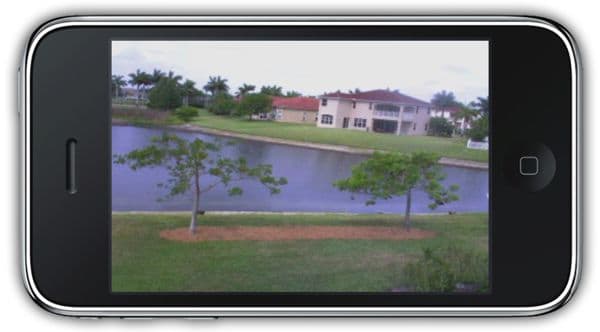
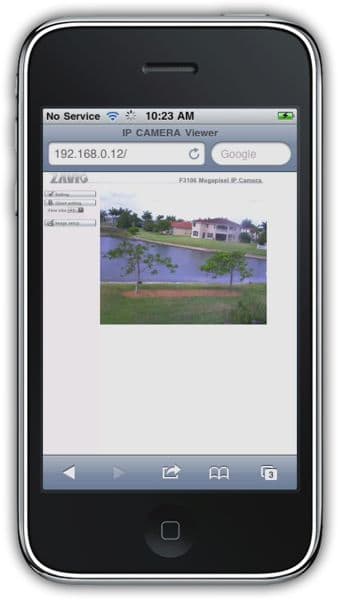
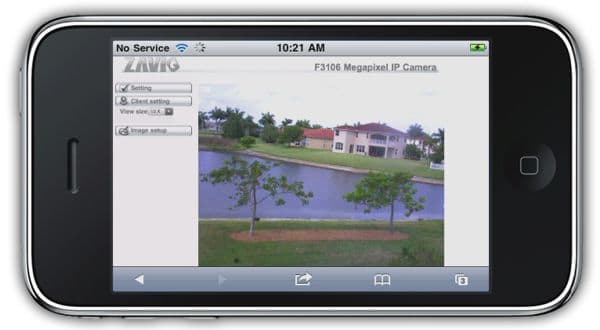
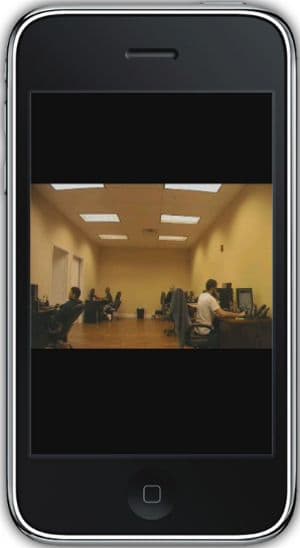
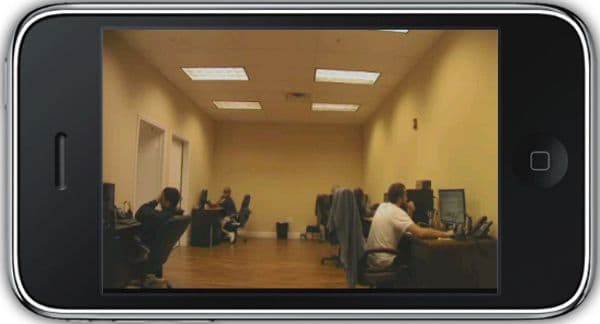
The following images shows screen shots of a Zavio camera remotely monitored from an iPhone using the Free iCamViewer app and the Safari web browser.. Please click on any image to see a larger view.
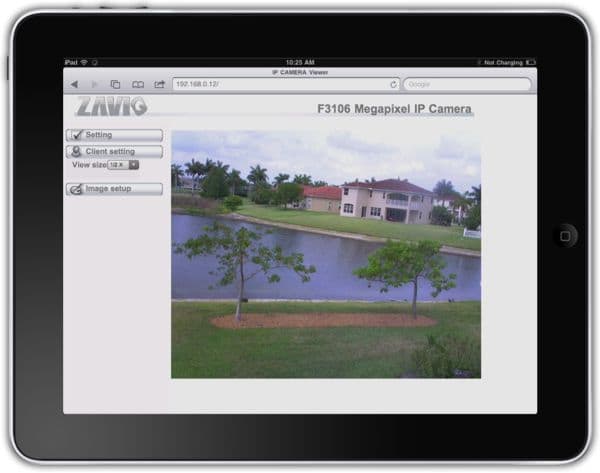
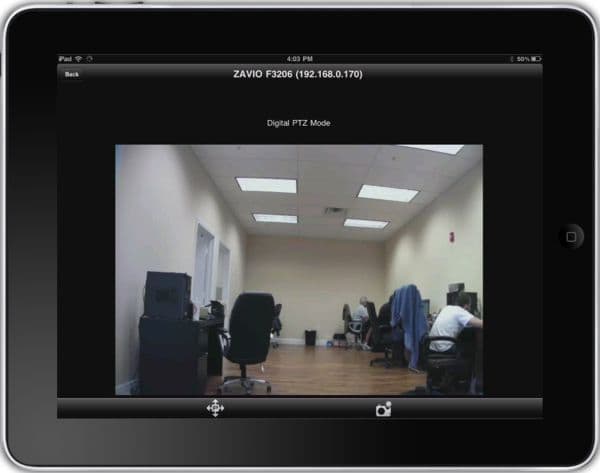
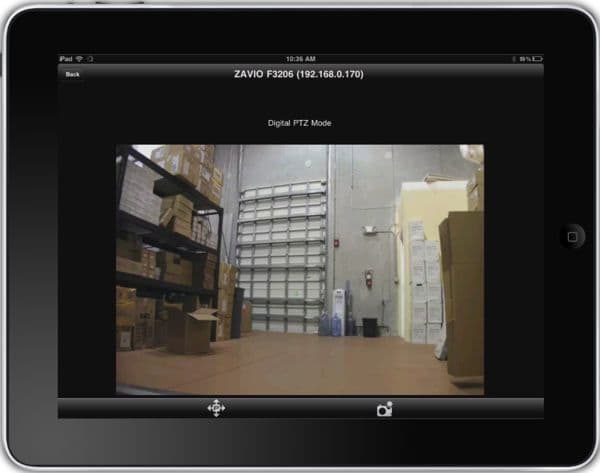
The following images shows screen shots of a Zavio camera remote viewing from an iPad using the iPad's built in Safari web browser.. Please click on any image to see a larger view.
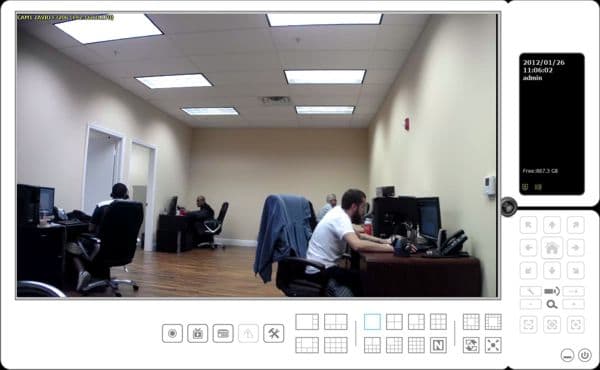
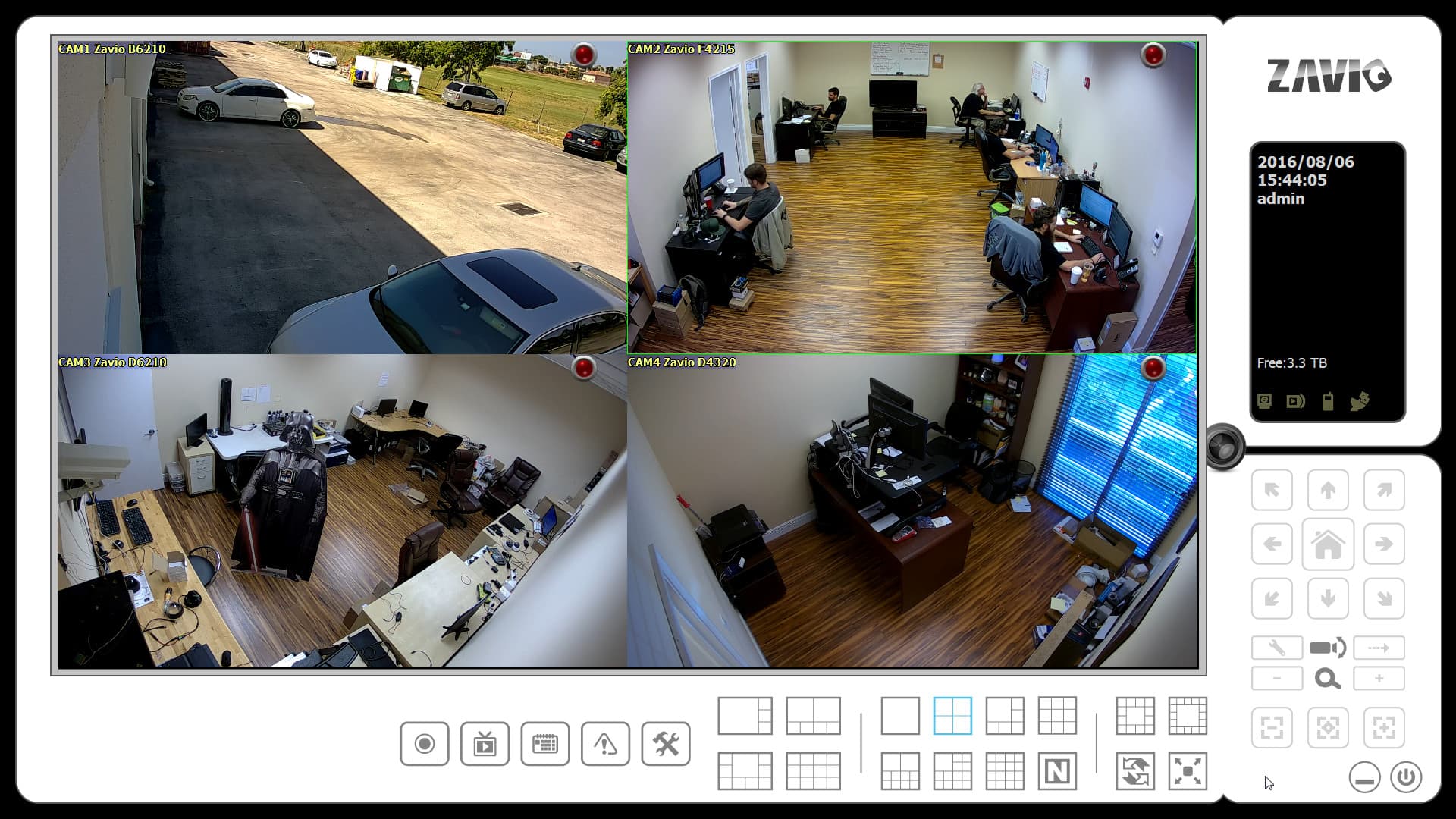
NEW! Zavio CamGraba is a free bundled network surveillance management software that features live viewing, playback and recording for up to 64 IP (Network) Cameras. It allows for the user to view up to 16 cameras simultaneously on one screen. Zavio CamGraba is compatible with all Zavio IP cameras and supports both iPhone and Android mobile phones. Below are screen shots of the CCTV Camera Pros office using the Zavio CamGraba surveillance management software. Click on any of the below Zavio images for a larger image view.
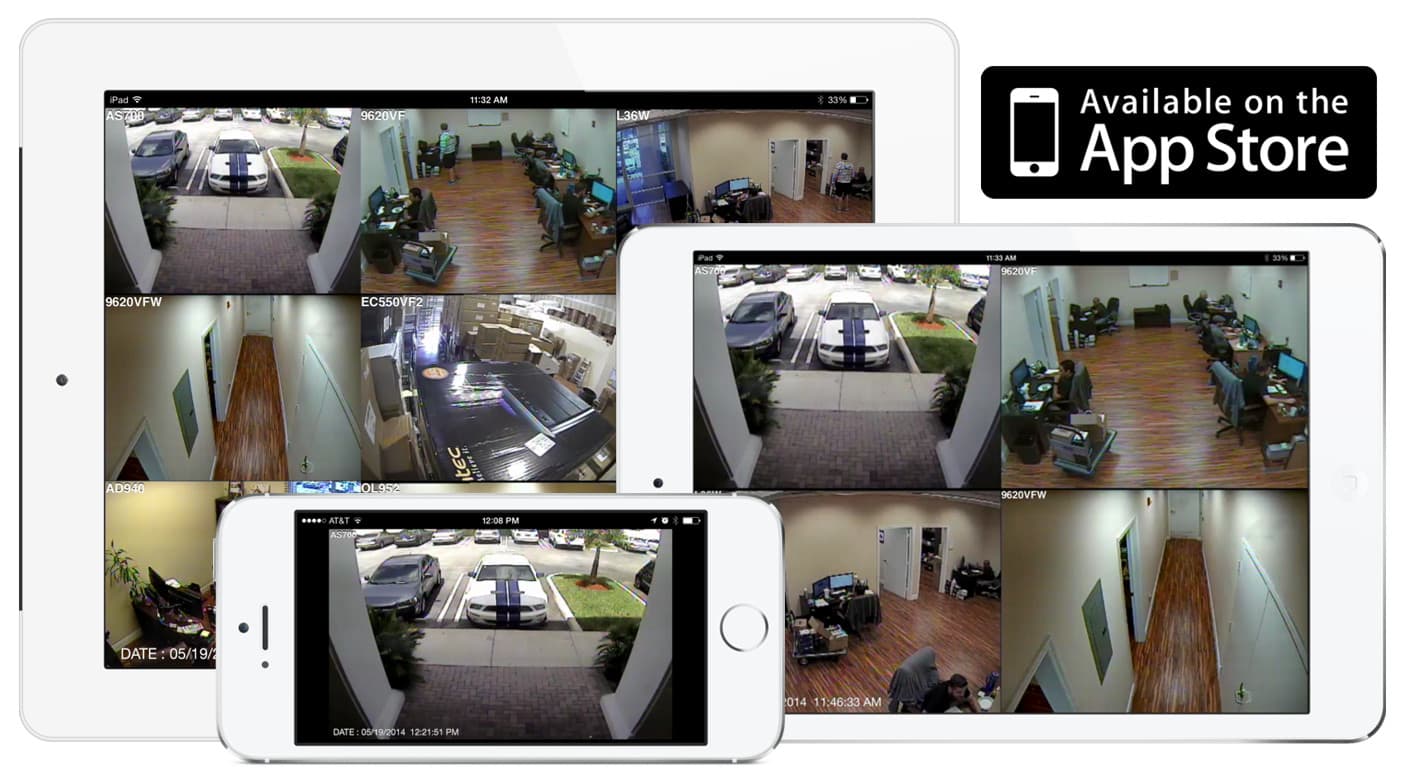
NEW! Zavio CamGraba is a free bundled network surveillance management software that features live viewing, playback and recording for up to 32 IP (Network) Cameras. With the new Zavio CamGraba iPhone App (Available in the App store) users are able to view their Zavio IP cameras form anywhere. Below are screen shots of the CCTV Camera Pros office using the Zavio CamGraba surveillance management software. Click on any of the below Zavio images for a larger image view.
NEW! Zavio CamGraba is a free bundled network surveillance management software that features live viewing, playback and recording for up to 32 IP (Network) Cameras. With the new Zavio CamGraba iPad App (Available in the App store) users are able to view their Zavio IP cameras form anywhere. This app is designed specifically for the iPad, allowing better image quality. Below are screen shots of the CCTV Camera Pros office using the Zavio CamGraba surveillance management software. Click on any of the below Zavio images for a larger image view.
Customers looking for older Zavio IP Cameras should visit our
Discontinued Zavio IP Camera page. This page contains discontinued Zavio IP cameras that are still fully supported by CCTV Camera Pros.
Be First to know of our deals and promotions. Sign up for our mailing list:













 Cloud Backup Software