Why Replace Your Hikvision NVR
Hikvision and Dahua products have been banned under multiple US regulations:
- NDAA Section 889 (2019) - Bans Hikvision and Dahua equipment from federal government use and federal contractors
- NDAA Section 889 grants and loans (2020) - Federal grant and loan funds can't be used to buy Hikvision or Dahua video surveillance equipment
- FCC Equipment Authorization Ban (2022) - No new FCC equipment authorizations for Hikvision and Dahua video surveillance equipment, including re-branded versions
- FCC Import and Marketing Ban (2026) - Previously approved Hikvision and Dahua equipment can no longer be imported or marketed for public safety, government, national security, and critical infrastructure uses
FCC update (as of September 30, 2026):
- July 16, 2026: The FCC prohibited importing and marketing previously approved Hikvision and Dahua video surveillance equipment for public safety, government facilities, and other national security purposes (Federal Register, Jul 6, 2026).
- October 13, 2026: New FCC rules take effect that block authorization of new devices containing logic-bearing components from Covered List companies such as Hikvision and Dahua, and that define "critical infrastructure." The FCC has stated that the import and marketing prohibition for critical infrastructure surveillance also takes effect that day (Federal Register, Sep 11, 2026).
- What did not change: You can keep using Hikvision or Dahua equipment you legally purchased. The FCC rules do not require anyone to remove installed systems.
Replacing a Hikvision or Dahua DVR or NVR? You can use your existing security cameras and cables. See our NDAA compliant Hikvision and Dahua DVR / NVR replacement guide.
While these bans directly affect federal agencies and contractors, many commercial businesses are also replacing their Hikvision systems due to:
- Corporate security policies prohibiting banned equipment
- Government contract requirements flowing down to subcontractors
- Concerns about future support and firmware updates
- Reputational risk of using equipment banned on security grounds
Viewtron NVRs are manufactured in an NDAA compliant factory and are not produced by any banned manufacturer. See our complete line of
NDAA Compliant NVRs.
See our NDAA compliant Hikvision and Dahua DVR / NVR replacement guide for more information.
Works with Your Existing Hikvision Cameras
You don't need to replace your entire system - just the NVR. Viewtron NVRs support
ONVIF Profile S, the industry standard for IP camera compatibility. Hikvision IP cameras support ONVIF and work with a Viewtron NVR once ONVIF is enabled in the camera (see the steps below). Not sure about your model? Email us your camera model numbers and we'll confirm before you buy.
How to check if your Hikvision cameras are ONVIF compatible:
- Log into your Hikvision camera's web interface
- Navigate to Configuration → Network → Advanced Settings → Integration Protocol
- Enable ONVIF if not already enabled
- Note the ONVIF port (usually 80 or 8080)
You can find a more detailed
HikVision camera compatibility guide here. Not sure if your cameras are compatible?
Email us your camera model numbers and we'll confirm compatibility before you purchase.
How to Transition from Hikvision to Viewtron
Replacing your Hikvision NVR with a Viewtron takes about 30 minutes:
- Document your current setup - Note your camera IP addresses and login credentials
- Disconnect the Hikvision NVR - Unplug network cables from the old NVR
- Connect the Viewtron NVR - Plug cameras into the same network (or directly into the Viewtron's PoE ports)
- Add cameras via ONVIF - The Viewtron will auto-discover ONVIF cameras, or add manually by IP address
- Configure recording settings - Set motion detection zones, recording schedules, and retention
What about my old recordings? Recordings stored on your Hikvision NVR's hard drive cannot be
transferred. If you need to preserve footage, export important clips before disconnecting the old NVR. Going forward, all new
recordings will be stored on your Viewtron NVR.
Viewtron NVR Features
When you upgrade to a Viewtron NVR, you gain access to features that may not have been available on your Hikvision system:
- AI Integration - Deep learning vehicle detection, person detection, and face recognition when paired with Viewtron AI cameras
- Built-in PoE Ports - Power cameras directly from the NVR with a single cable
- 4K Recording - Support for cameras up to 12MP resolution
- Free Remote Viewing - Mobile apps for iPhone, iPad, Android with no monthly fees
- USA-Based Support - Call or email our Florida-based tech support team
Viewtron Security Camera System Demo
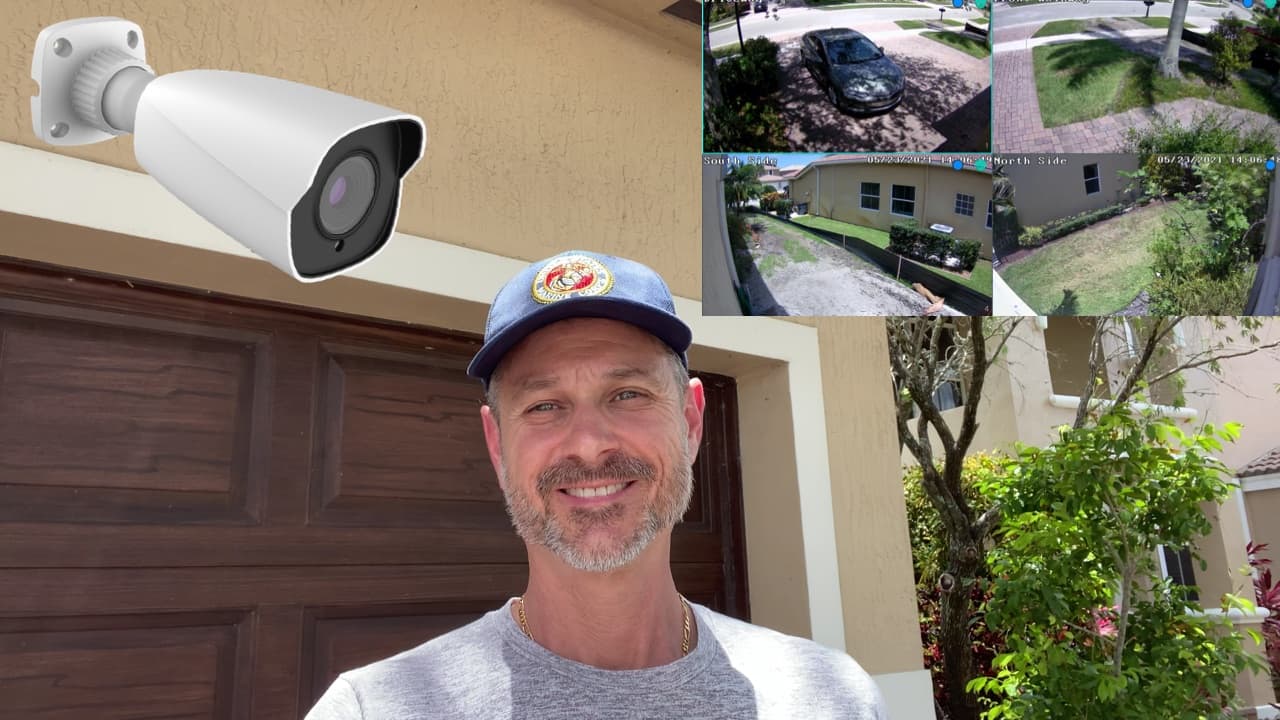
Watch this video to see a demo of a home surveillance system that uses a Viewtron NVR and
Viewtron IP cameras. Viewtron IP cameras are also NDAA compliant. All Viewtron security products are!
Remote Viewing Apps for iPhone and Android
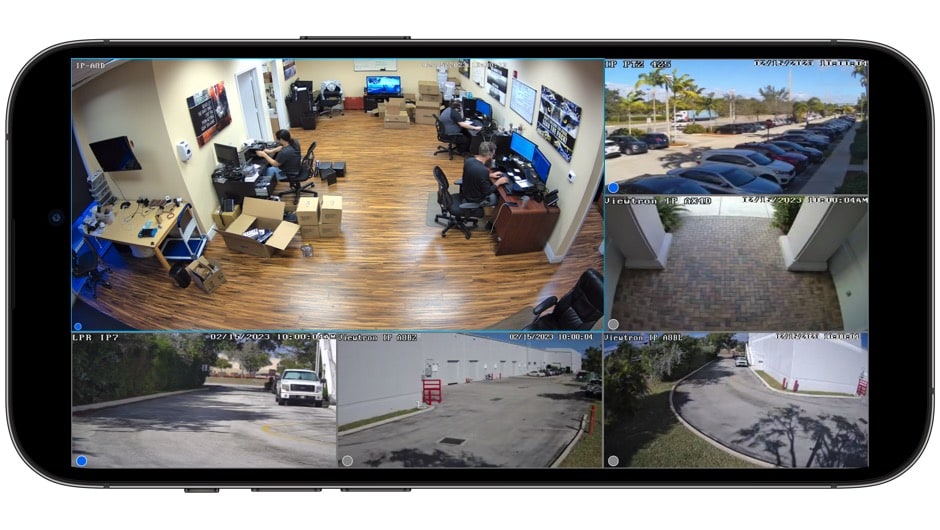
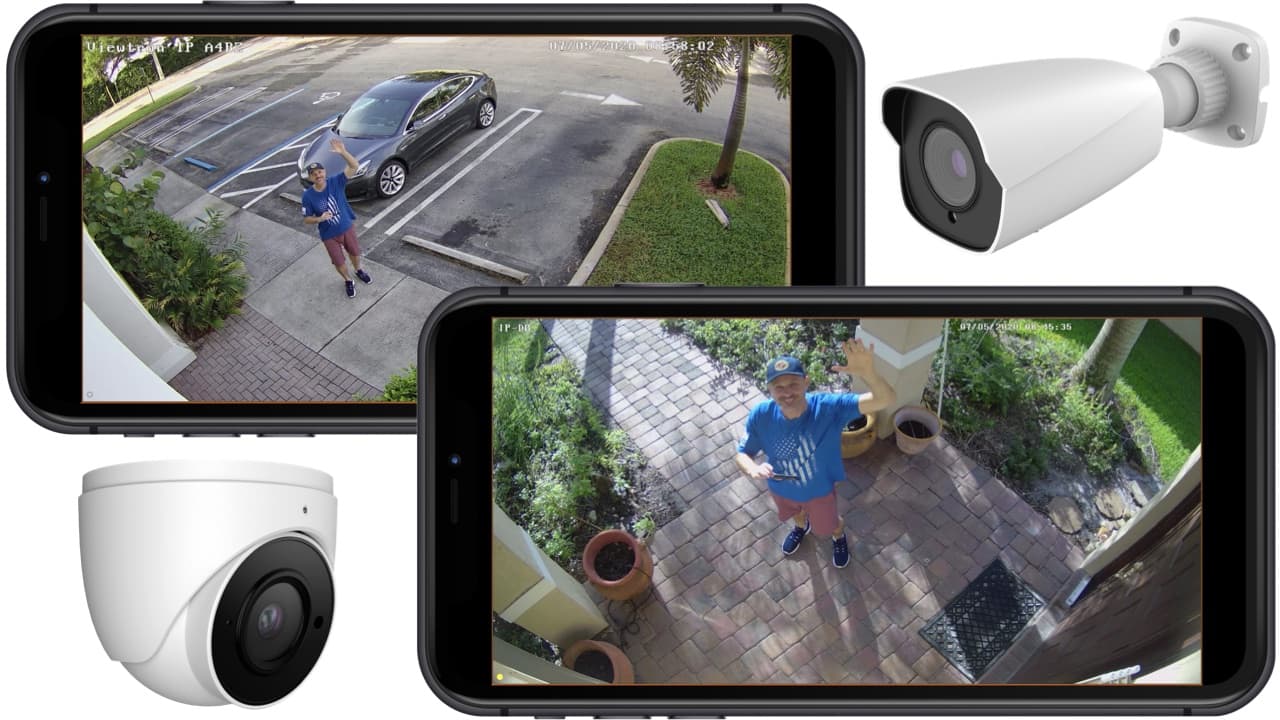
View your cameras from anywhere using the free Viewtron mobile app with no monthly fees. The app is a full-featured
alternative to Hik-Connect and works with iPhone, iPad, Android phones and tablets. You get live viewing, recorded video
playback, push notifications, and PTZ control.
Simple Setup Instructions |
Android Mobile App Demo |
How-to Playback Video Remotely |
Watch More Videos
View Security Cameras at Multiple DVR / NVR Locations
You can view and manage your security cameras at multiple DVR / NVR locations with the Viewtron mobile apps and desktop
software. Switch between locations instantly or view cameras from all sites on a single screen.
Viewtron VMS Software for Mac and Windows
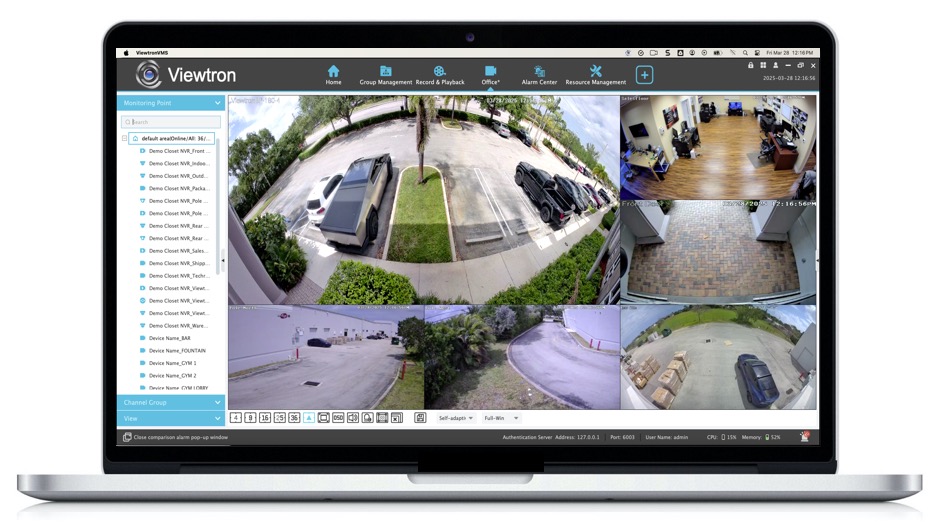
When you replace your Hikvision NVR with Viewtron, you also get free VMS software for Mac and Windows with no monthly fees.
Viewtron NVMS is a powerful alternative to iVMS-4200 that lets you view live cameras, search recorded video, and manage
multiple NVR locations from your desktop. The software supports unlimited cameras and includes features like multi-monitor
display, video export, and remote PTZ control. Please note that the above video demo was captured using the Mac VMS software. The Windows VMS looks and performs exactly the same.
Software Setup Guide |
Mac Software |
Windows Software |
Watch More VMS Software Videos
Human Detection & Vehicle Detection AI
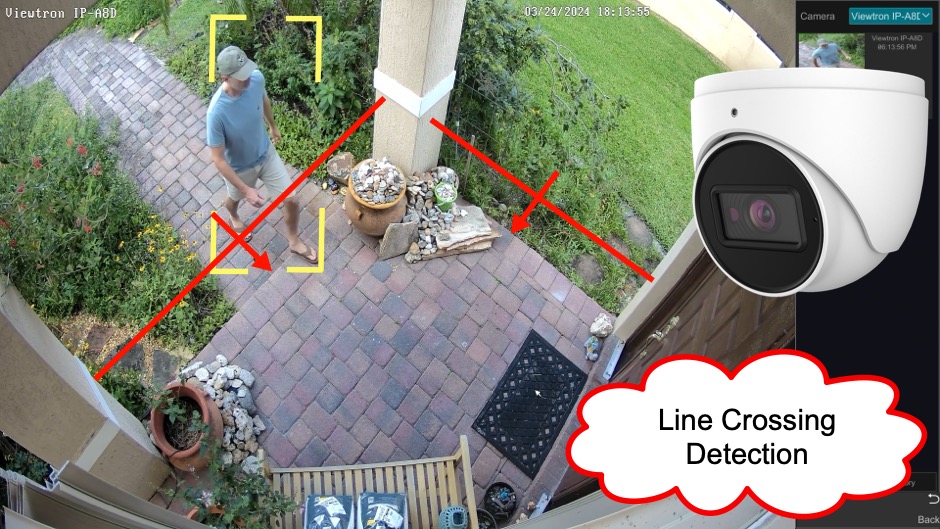
Viewtron NVRs are fully integrated with Viewtron AI cameras for human detection and vehicle detection. You can set up detection zones,
tripwire alerts, and smart search directly from the NVR interface. The AI software runs on the camera and sends intelligent alerts only
when people or vehicles are detected, eliminating false alarms from animals, shadows, and weather.
Shop AI Security Cameras |
Human Detection Videos |
Vehicle Detection Videos
FAQ - Hikvision NVR Replacement
Will my Hikvision cameras work with a Viewtron NVR?
Most Hikvision IP cameras support ONVIF and will work with Viewtron NVRs. BNC/analog Hikvision cameras require a
Hybrid DVR instead. Contact us with your camera model numbers and we'll confirm compatibility.
Is Viewtron NDAA compliant?
Yes. Viewtron NVRs and IP cameras are manufactured in a factory that is fully compliant with NDAA Section 889 requirements.
Does CCTV Camera Pros sell ONVIF compatible cameras?
Yes. All
Viewtron IP cameras are ONVIF compliant, They will work with any existing NDAA compliant NVR.
Do I need to run new cables?
No. Your existing network cables (CAT5/CAT6) work with Viewtron NVRs. Simply reconnect your cameras to the new NVR.
What channel count do I need?
Match or exceed your current Hikvision NVR's channel count. If you have 8 cameras, choose an 8-channel or 16-channel Viewtron NVR. We recommend going one size up if you plan to add cameras later.
Do Viewtron NVRs have an API for software development?
Yes. The
IP Camera API is available on Viewtron NVRs and IP cameras.
Can I use my existing hard drives?
Yes. Standard 3.5" SATA surveillance hard drives from your Hikvision NVR can be installed in a Viewtron NVR. The drive will need to be formatted, so export any needed recordings first.
Is there a monthly fee for remote viewing?
No. Remote viewing via the Viewtron mobile app and desktop software is completely free with no subscriptions required.
Need Help Choosing?
Not sure which Viewtron NVR is right for your Hikvision replacement? Our USA-based support team can help you select the right model based on your camera count, resolution requirements, and budget.
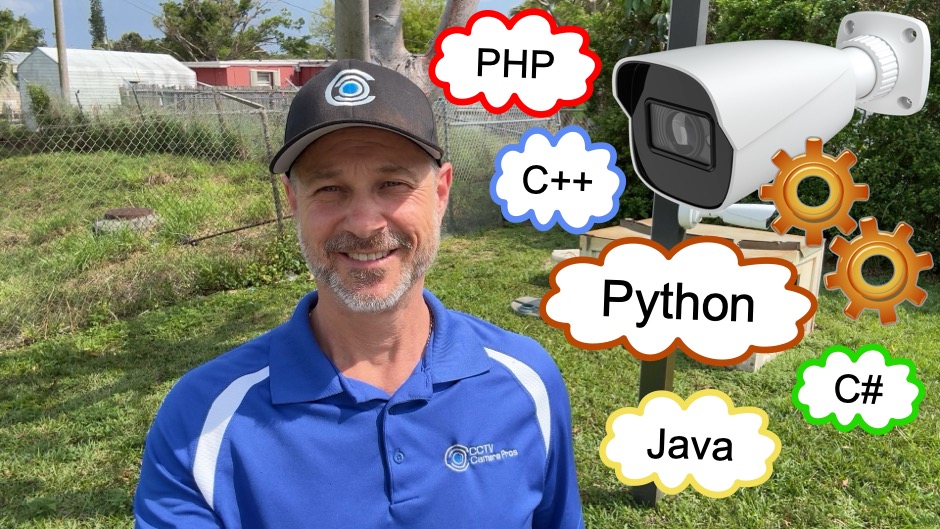
Viewtron NVRs and IP cameras support HTTP POST webhooks for AI event notifications. Developers can migrate their existing apps to the
Viewtron API—receive real-time alerts for human detection, vehicle detection, license plate recognition, and face detection events.
Our open source Python server makes integration straightforward—view the code, customize for your needs, and integrate with any system that
accepts HTTP requests.
Open Source API Server |
NVR Setup Guide |
IP Camera Setup Guide |
LPR Camera API Demo
Complete NVR Security Camera Systems
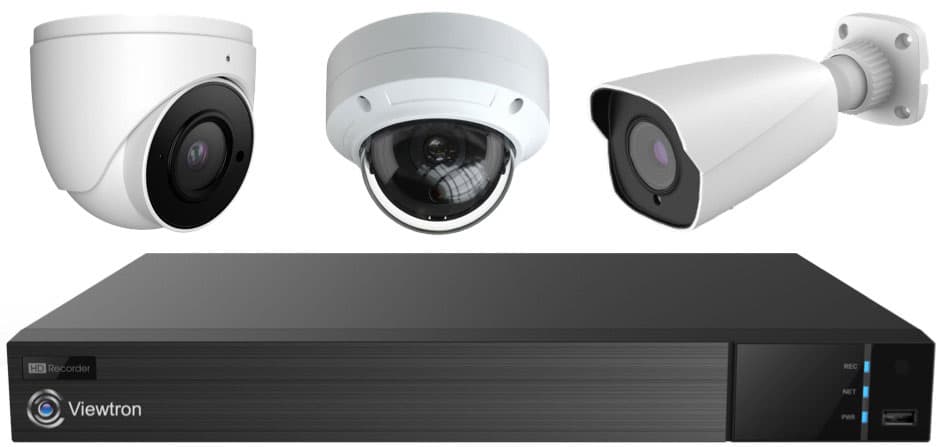
Did you know? CCTV Camera Pros can provide a complete NVR system quote? We can include IP cameras, cables, connectors, power supplies, and monitors. We can even mix and match different resolution IP cameras and our AI security cameras. As you have probably already seen on our website, we have 2, 4, 8, 16, and 32 channel NVR surveillance systems in pre-made packages. However, it is not possible for us to package up every combination and quantity of all the different camera models that we carry. So, we can also provide you with a custom quote with as many cameras as you need and a mix of any combination of camera model(s) based on your project requirements. Please
request a quote when you are ready.

BBB Rating & Reviews

CCTV Camera Pros is proud to have an
A+ rated with the Better Business Bureau. We also maintain a 5 star online review rating with ResellerRatings.com.

CCTV Camera Pros is proud to be a US Veteran Owned small business. Our co-founder, Mike Haldas, served in the United States Marine Corps 1993-1997.
NDAA Compliant NVR
Viewtron NVRs are NDAA compliant. That means that they are not manufactured by any of the manufacturers on the NDAA (the National Defense Authorization Act) list of banned manufacturers. Viewtron NVRs do not use any materials from banned manufacturers either. A Viewtron NVR may safely be purchased for government use. You can download
CCTV Camera Pros NDAA letter of guarantee here. You can find our NDAA compliant cameras here.
|