Thank You for your NVR System Quote Request
A sales engineer will be in touch with you very soon. In the mean time, please take a look at the below images and demo videos to see some of the great things that Viewtron systems are capable of..
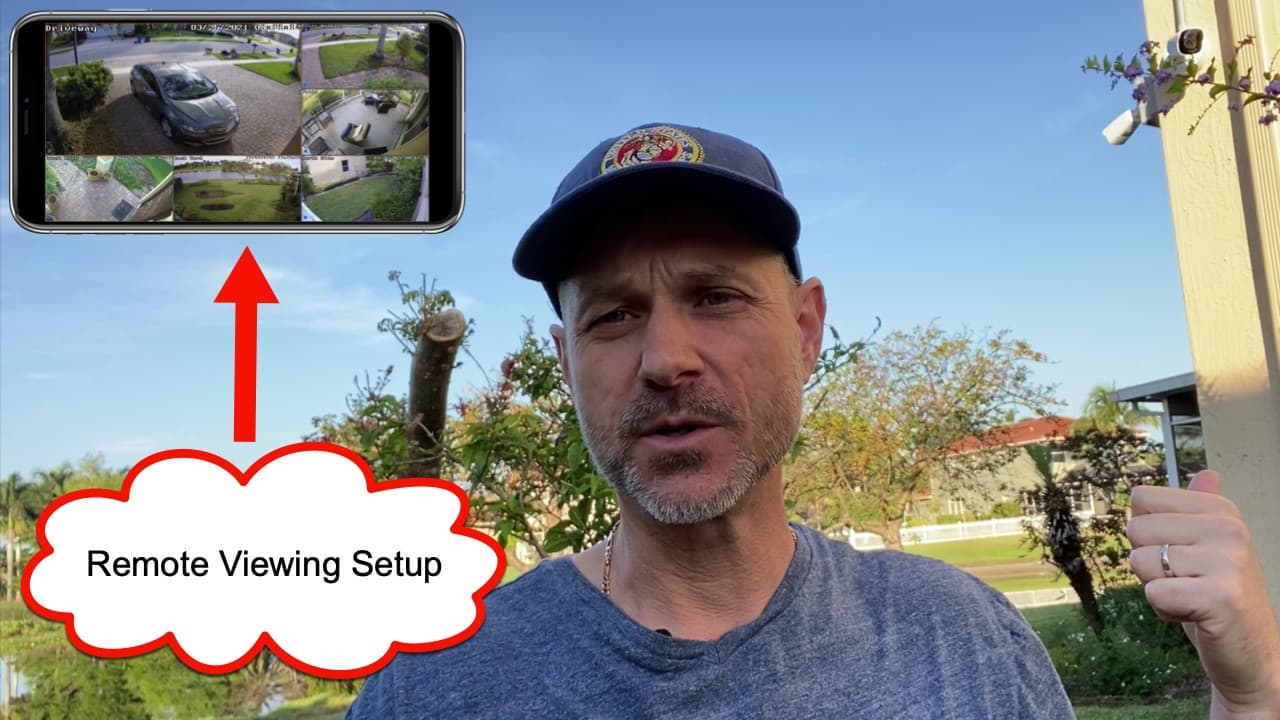
View Your Security Camera System Remotely from iPhone, Android, Mac & Windows
iPhone App
|
Android App
|
Mac Software
|
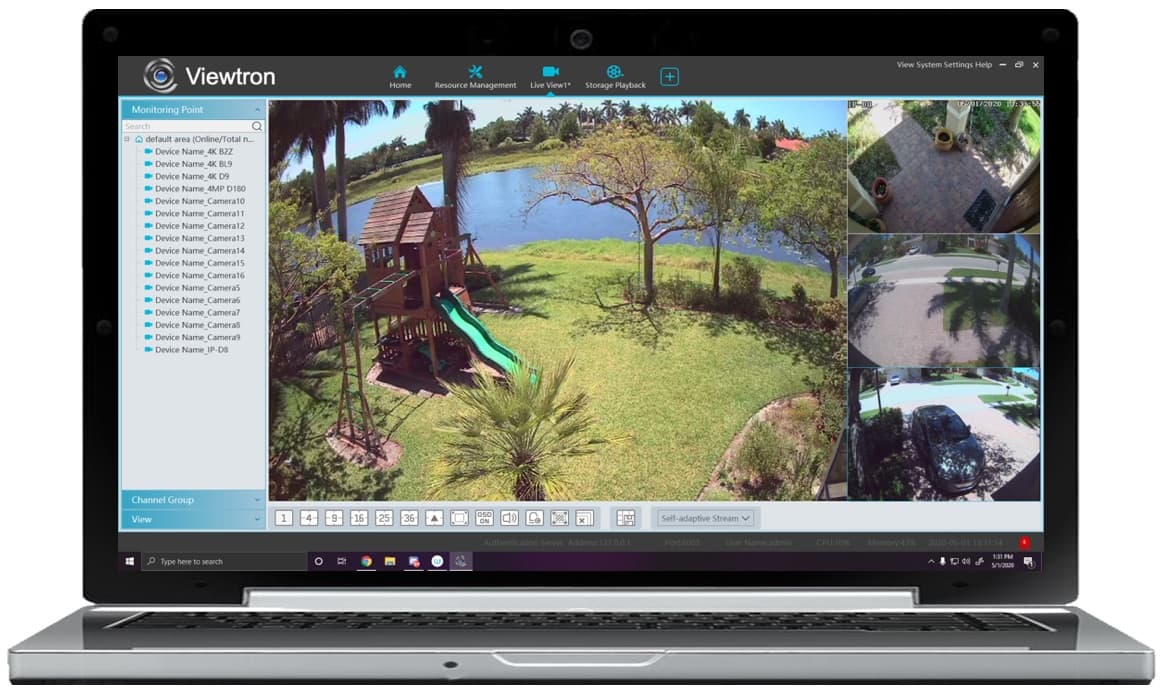
Windows CMS Software
|
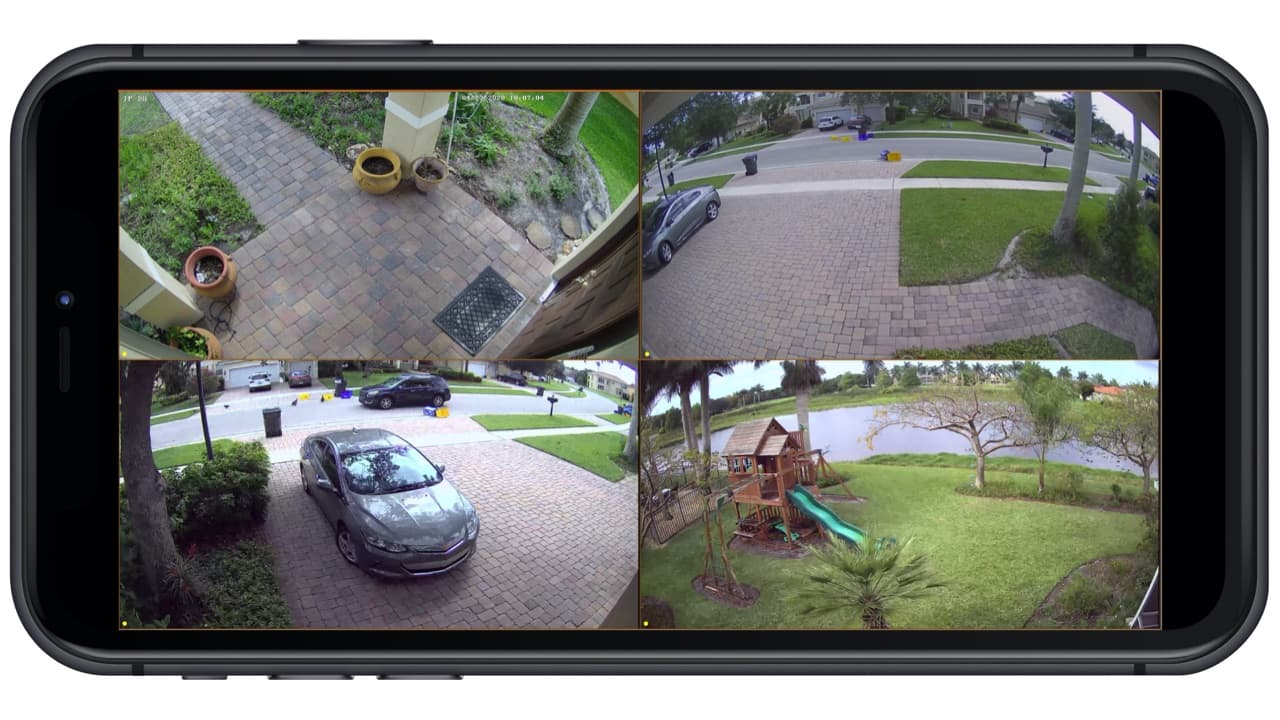
This video demonstrates the iPhone app that is included for use with all Viewtron DVRs, NVRs, and IP cameras. The demo shows how the app is used to remotely access Mike's home security camera system. Mike's system consists of multiple 4K BNC security cameras, this Viewtron 4K IP camera, and a 16ch hybrid DVR / NVR. Live security camera viewing, ad well as recorded video surveillance search & playback is demonstrated in the video. You can learn more about the
Viewtron security camera viewer app here.
View Security Cameras at Multiple Locations
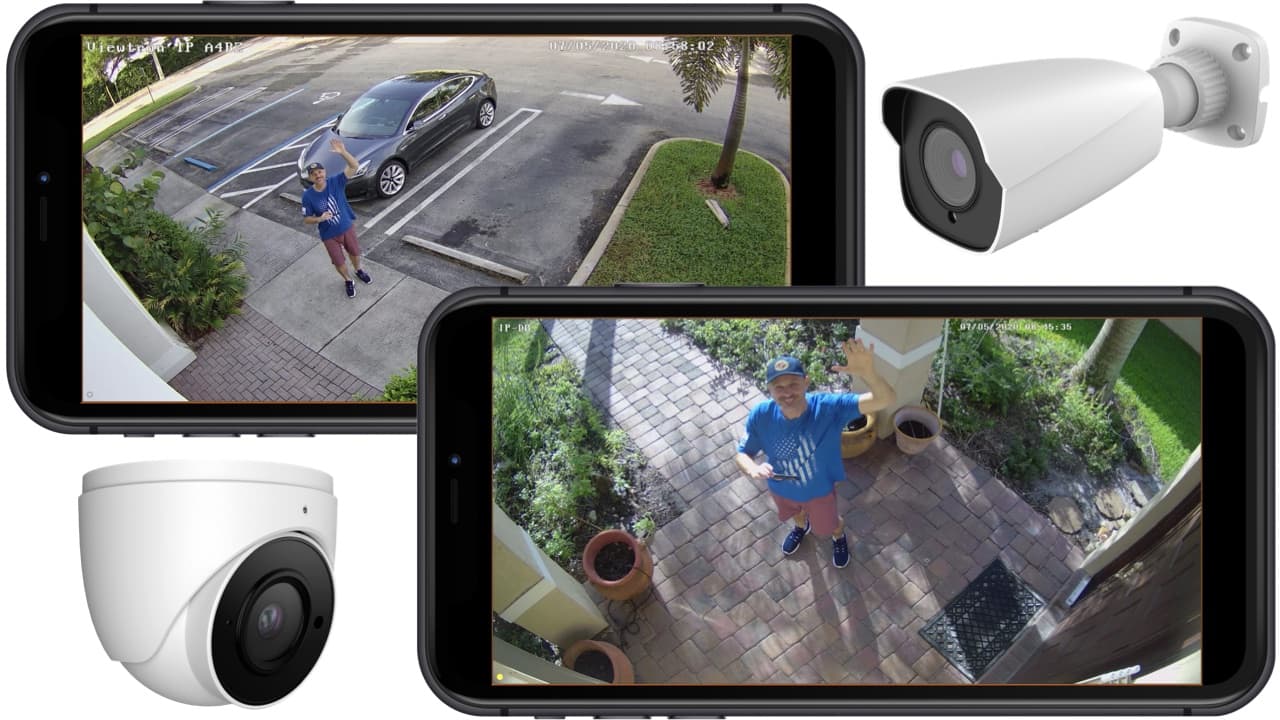
The iPhone app for Viewtron supports the ability to view security cameras that are installed at multiple locations. The above video demonstrates remotely viewing two IP cameras at different locations. The app can also be setup to view multiple DVRs and NVRs at various locations.
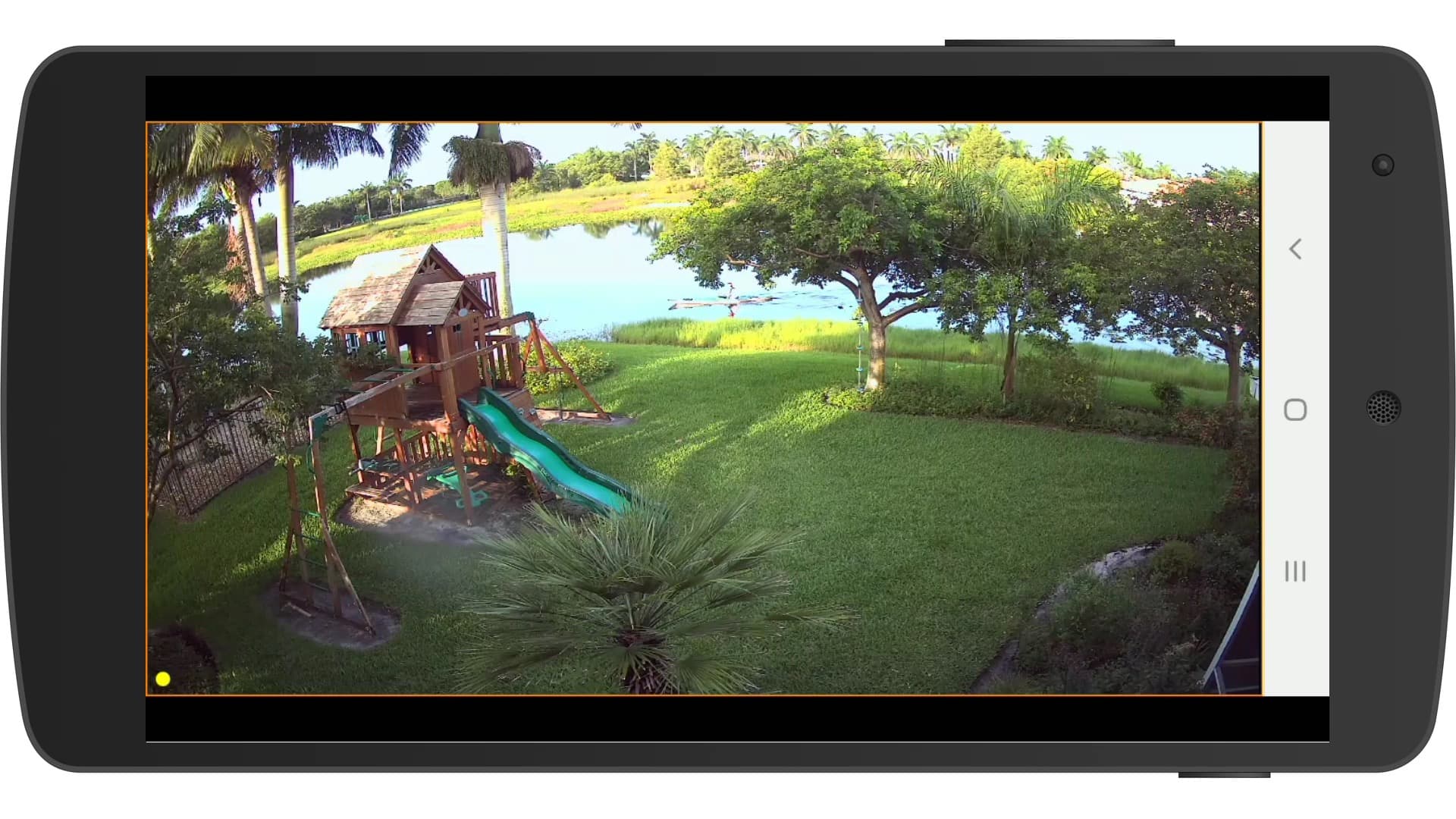
The Android app for Viewtron is identical to the iPhone app in look and functionality. Watch this video demo to see Mike access his home security camera system using the Android app. Live camera monitoring and recorded video surveillance search & playback is included in the demo. You can learn more about
how to view your security cameras from Android here.
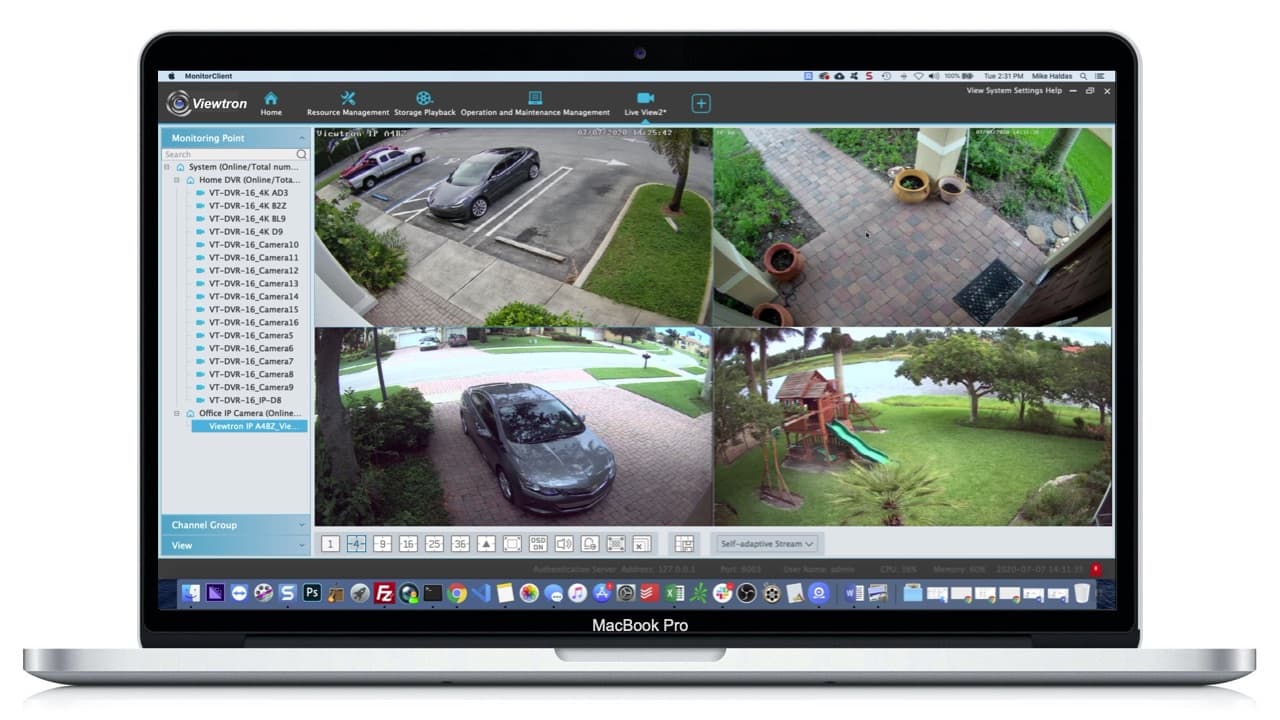
Watch this video to see the Mac security camera software connect to a Mike's home security system DVR and an Viewtron IP camera installed at CCTV Camera Pros business location.
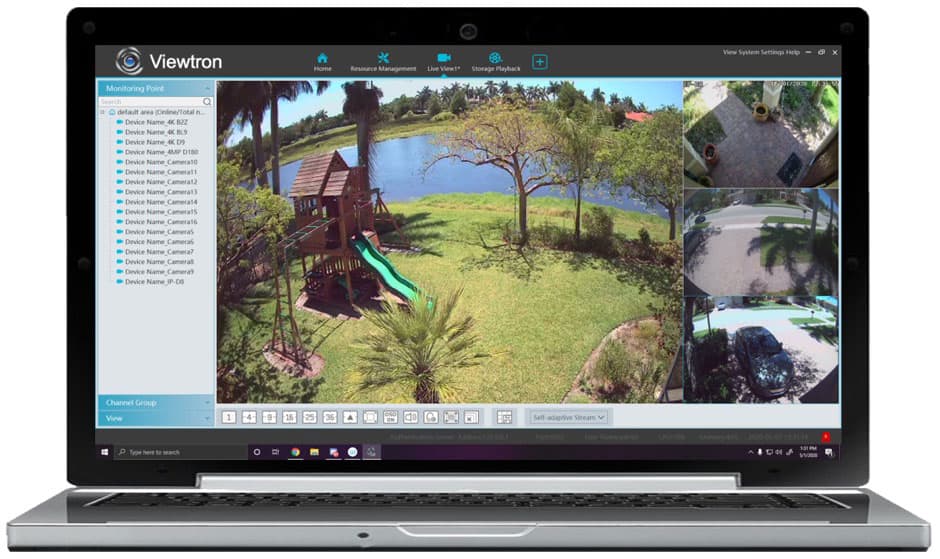
The Mac software that is included with all Viewtron products allows users to view their security cameras, create custom video layouts of multiple cameras at multiple locations, receive alarm alerts, and playback recorded video. Please take a look at our
Mac security camera software for Viewtron overview page for more information.
The Windows software included with all Viewtron products allows users to view their security cameras, create custom video layouts of multiple cameras at multiple locations, receive alarm alerts, and playback recorded video. We will be creating a video demo soon. Please take a look at our
Windows security camera software for Viewtron overview page for more information.
Watch this video to learn how-to setup the remote security camera viewing for the mobile apps and desktop software applications.
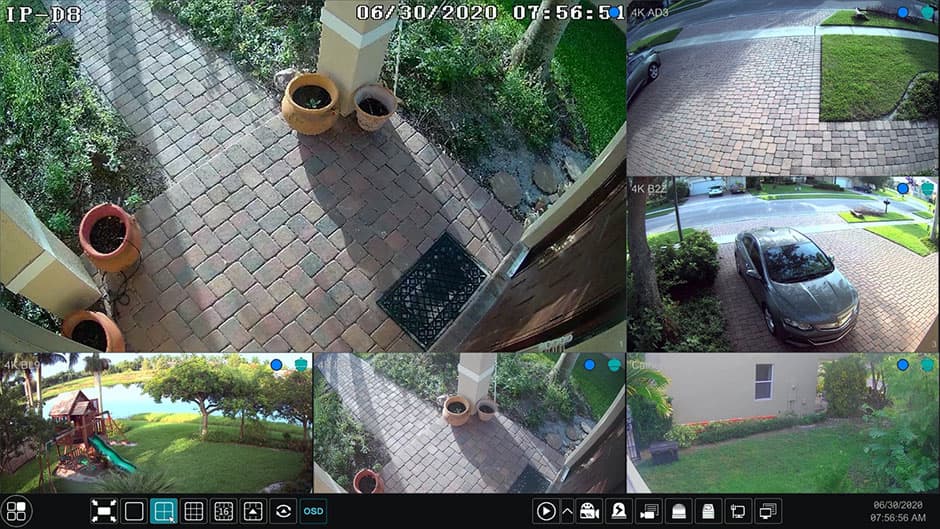
Watch this video to see how easy it is to watch live video and playback recorded video surveillance footage on Viewtron NVRs and hybrid DVRs. This video was captured using a Viewtron hybrid DVR, however, the user interface, menu system, and navigation is identical on Viewtron NVRs. Camera 1 in the video is a 4K IP camera. This video was made before Mike upgraded his house to a Viewtron IP camera system.
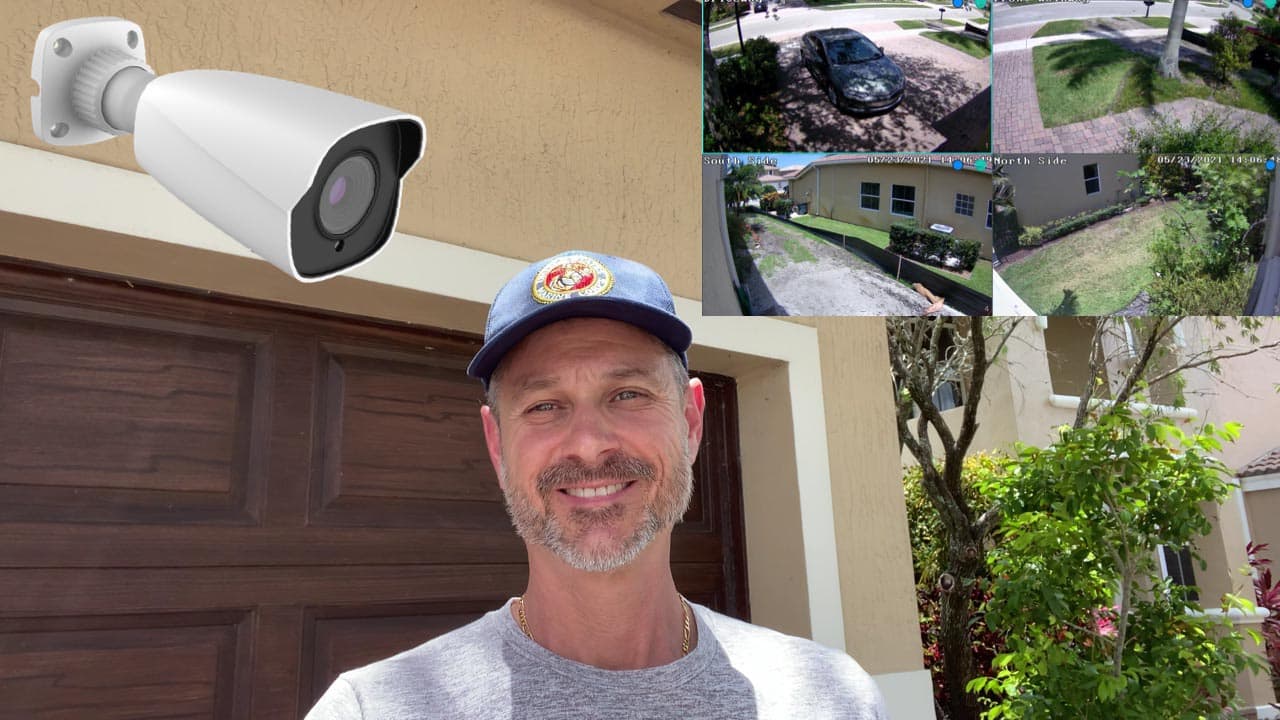
Home IP Camera System
Watch this video to see the IP camera system currently installed at Mike's house. Mike's new system consists of all Viewtron IP cameras and a Viewtron NVR.
Viewtron AI cameras support the following artificial intelligence / advanced analytics features. Please NOTE that these features are ONLY available with Viewtron AI security cameras. You can see the latest
video demos Viewtron AI cameras here. The following Intelligent Video Analytics are supported by this system.
- Perimeter Protection - Line crossing, region entrance/exiting/intrusion (human/motor vehicle/ non-motor vehicle classification)
- Target Counting - Line crossing human/motor vehicle/non-motor vehicle counting.
- Vehicle Detection - AI software can detect cars, trucks, bikes, and smaller vehicles.
- Human Detection - AI software can detect people. This is much more reliable that standard video motion detection performed by traditional non-AI security cameras.
- Exception Detection - Scene change, video blur and video color cast detection.
- Face Detection - Face detection and face capture software functions. Generate thumbnails of faces detected.
- Face Recognition - Match faces against a database. Trigger an alarm on unrecognized faces.
- Face License Plate Capture / Automatic Number Plate Recognition - The 32ch NVR included with this surveillance system has built-in LPR / ANPR software. However, you MUST add an Viewtron LPR-IP7 LPR camera to the system to take advantage of this feature. The IP cameras included with this system DO NOT support license plate reader functions. You can learn more about Viewtron LPR systems here and watch LPR video demos here.
Here are some of the AI functions that are supported by this Viewtron AI camera system.
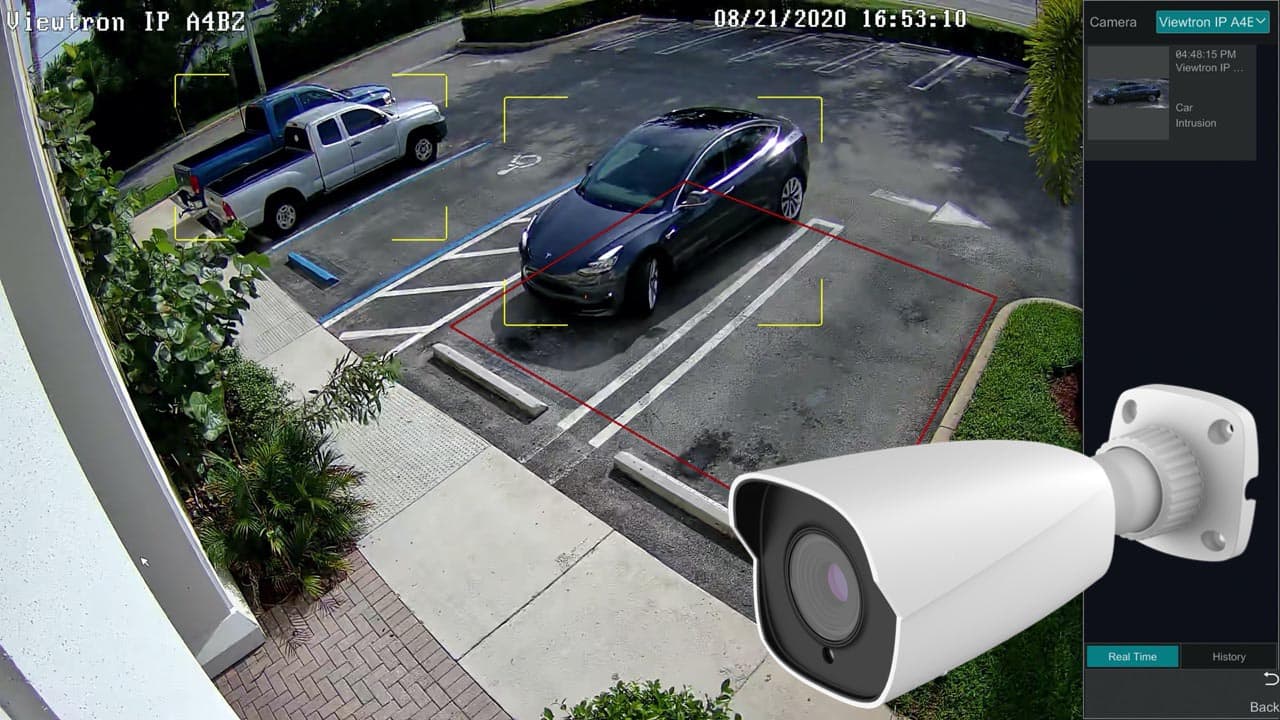
The vehicle detection function of Viewtron AI cameras is much more reliable than video motion technique used by a non-AI camera. Traditional video motion detection produces a lot of false alerts. A well trained AI camera can detect cars and motorcycles in real time and with 99% accuracy. Object detection events can trigger alarms such as video recording, mobile app push notifications, DVR buzzer, photo snapshots, and email alerts. Watch the above video to see a vehicle detection demo.
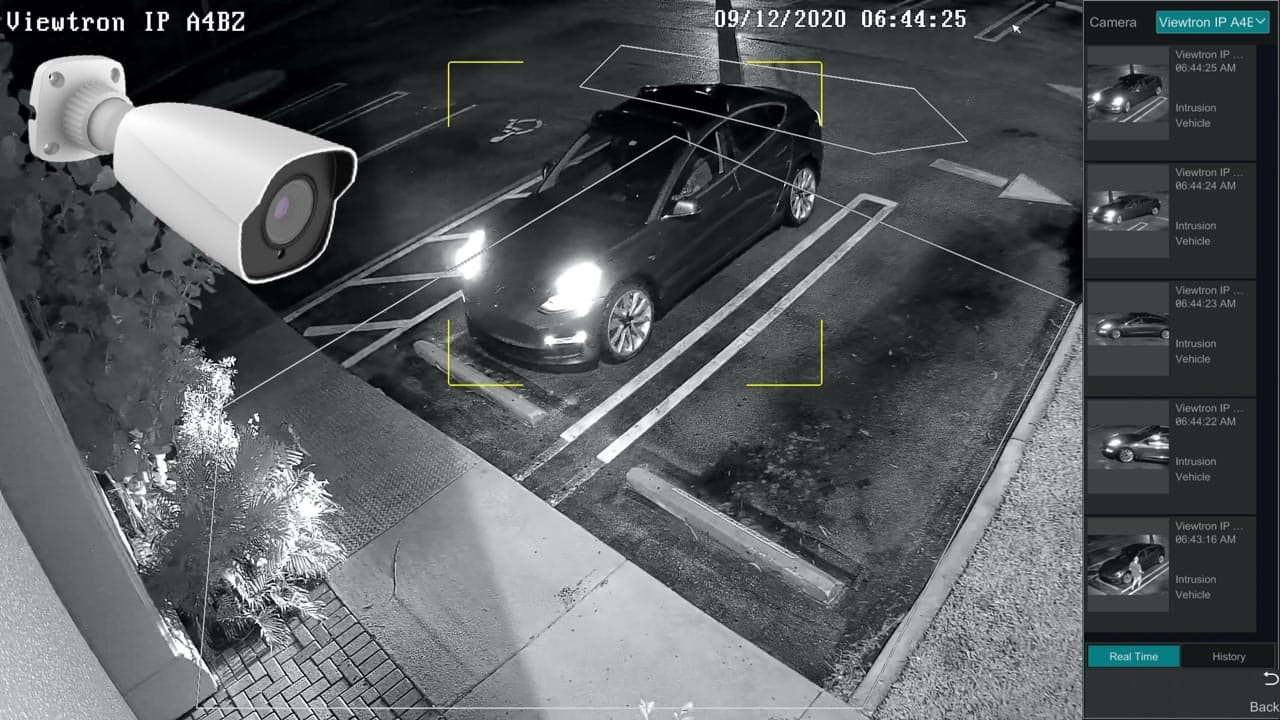
Watch this video to see the vehicle detection and person detection capability of this camera at night. This camera can detect objects in low light and zero light environments using it's built-in IR night vision.
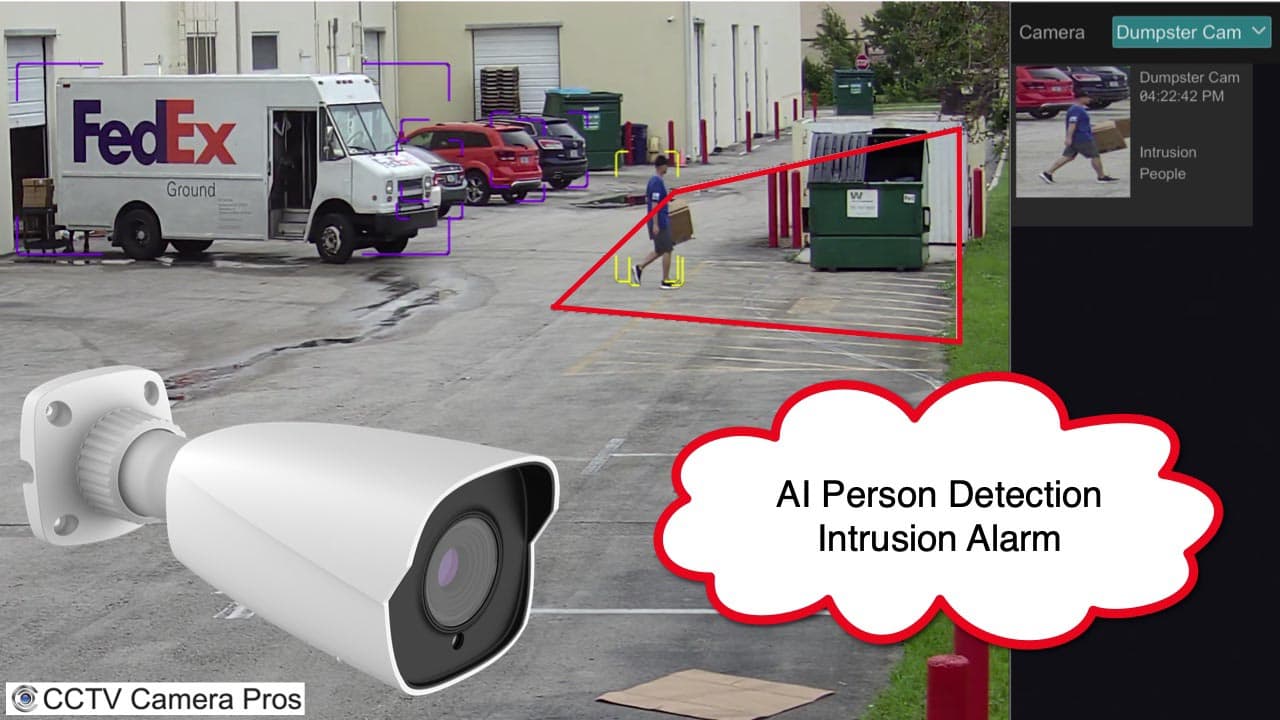
Watch this video to see an
IP-A4BZ AI camera and Viewtron NVR are used to monitor a garbage dumpster for illegal dumping. An intrusion zone is drawn around the dumpster area. When a human is detected inside the intrusion zone, the NVR records the event, takes a snapshot for the event bookmark, and sends a mobile app push notification.
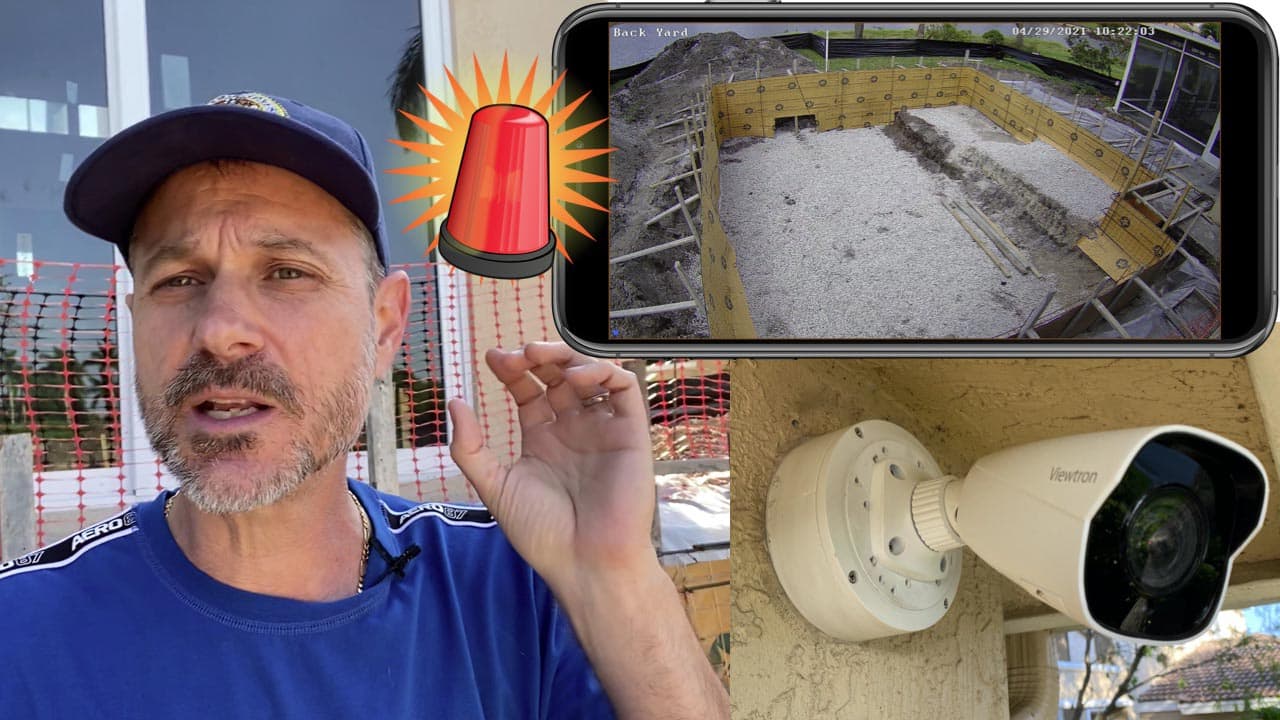
Watch this video to see how Mike uses a Viewtron AI camera to monitor the construction of the pool in his back yard. When a person enters the intrusion zone, the camera triggers an alarm on the Viewtron NVR. The NVR sends a
push notification to the iPhone app. Viewtron IP cameras and NVRs also support push alerts to the Android mobile app.
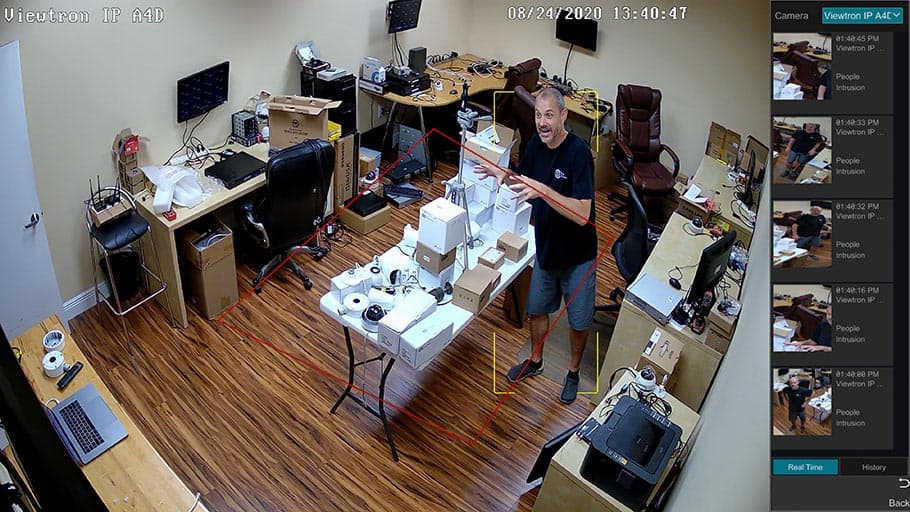
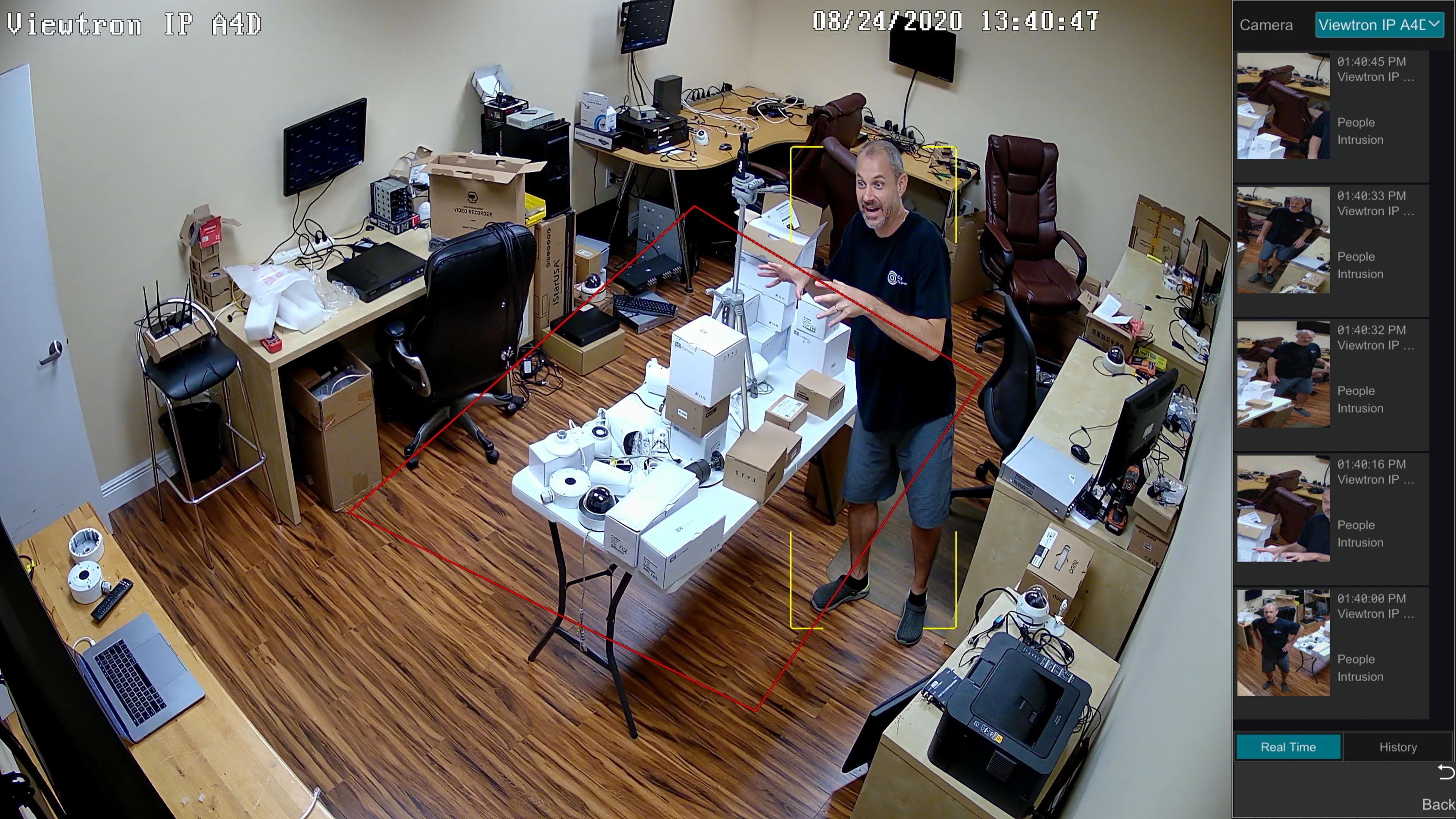
The person detection function of Viewtron AI cameras works the same as vehicle / car detection. An intrusion zone is mapped out on the DVR interface. The only difference is that human detection is selected in the setup, instead of vehicles. The red rectangle is the intrusion zone in in the above screenshot. You can see when Mike crosses over the intrusion zone, he is detected as a human and an alarm event is triggered. This
dome IP camera with AI was used to capture the above screenshot.
Watch this video to see how CCTV Camera Pros integrated a facial recognition camera with our access control system to unlock our front door.
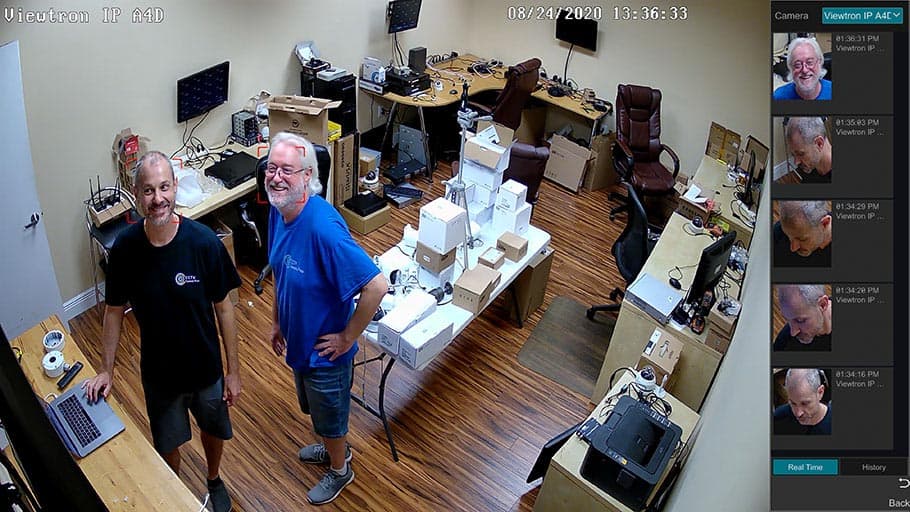
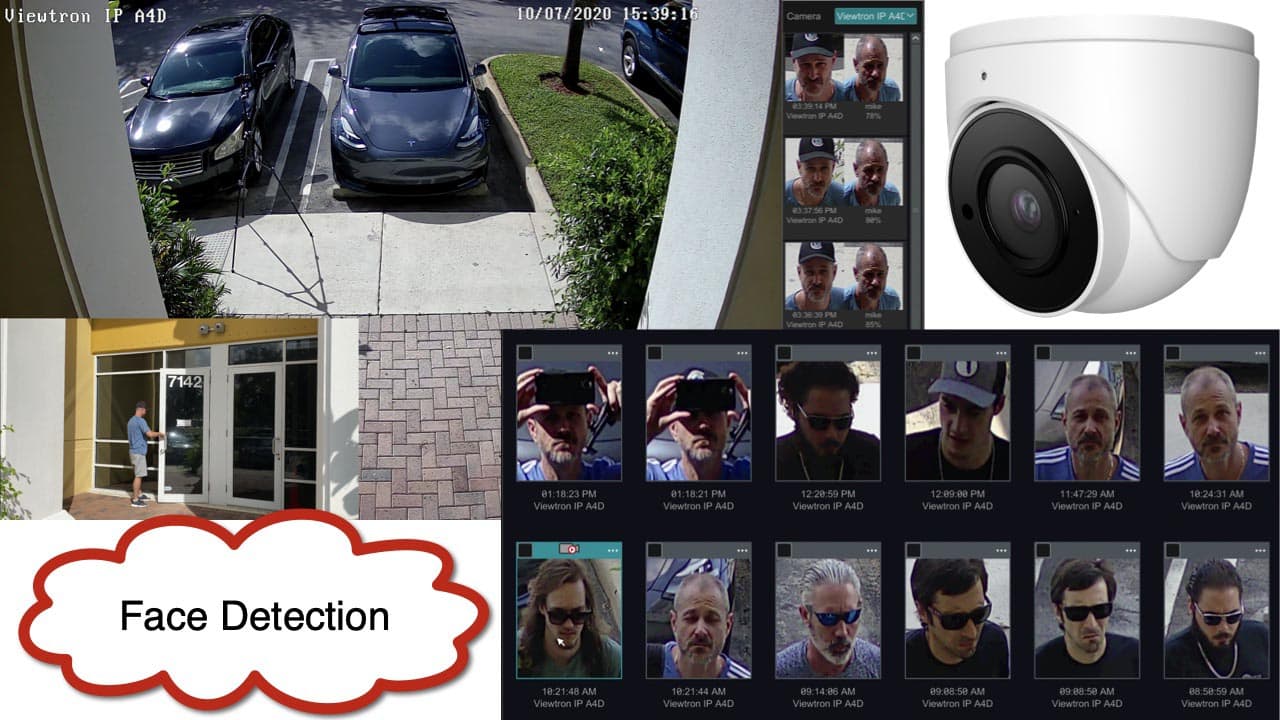
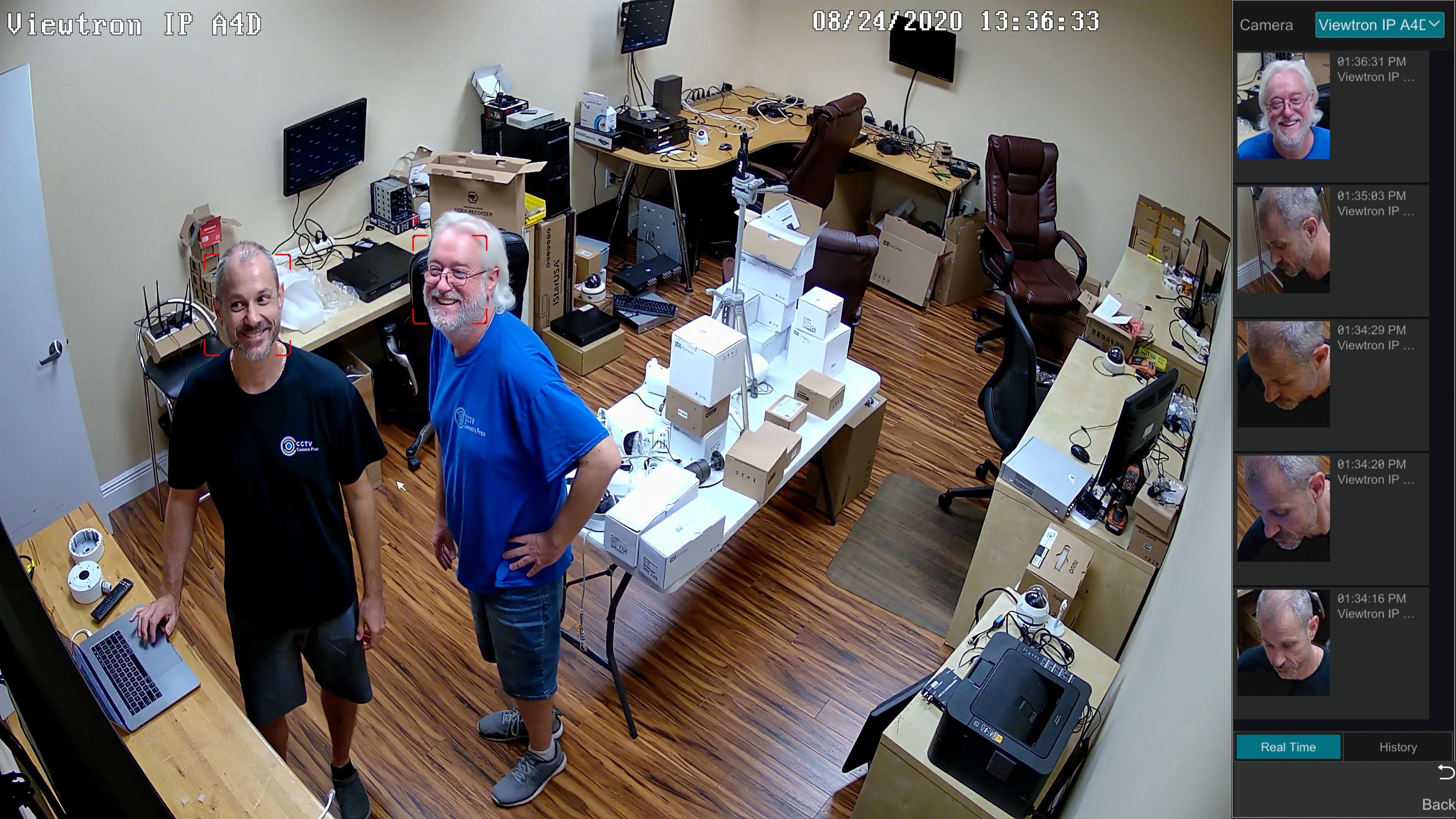
The face detection function of Viewtron AI cameras makes it easy to trigger alarms based on a human face appearing within the view of the camera. The above screenshot was captured using a
Viewtron IP-A4D dome AI camera connected to a
Viewtron IP camera NVR. When a face is detected, the event is recorded in the NVR's database. Thumbnail images can be displayed (like you see above) for easy access to playback the recorded video of the facial detection.
Download NVR Spec Sheet
Download NVR User Manual
|