Video Surveillance DVR, CCTV / HD Security Camera DVR
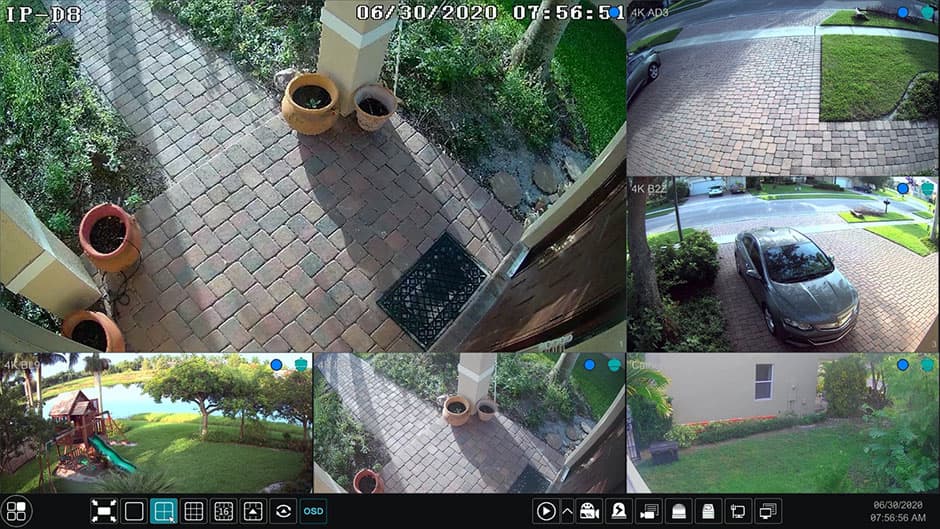
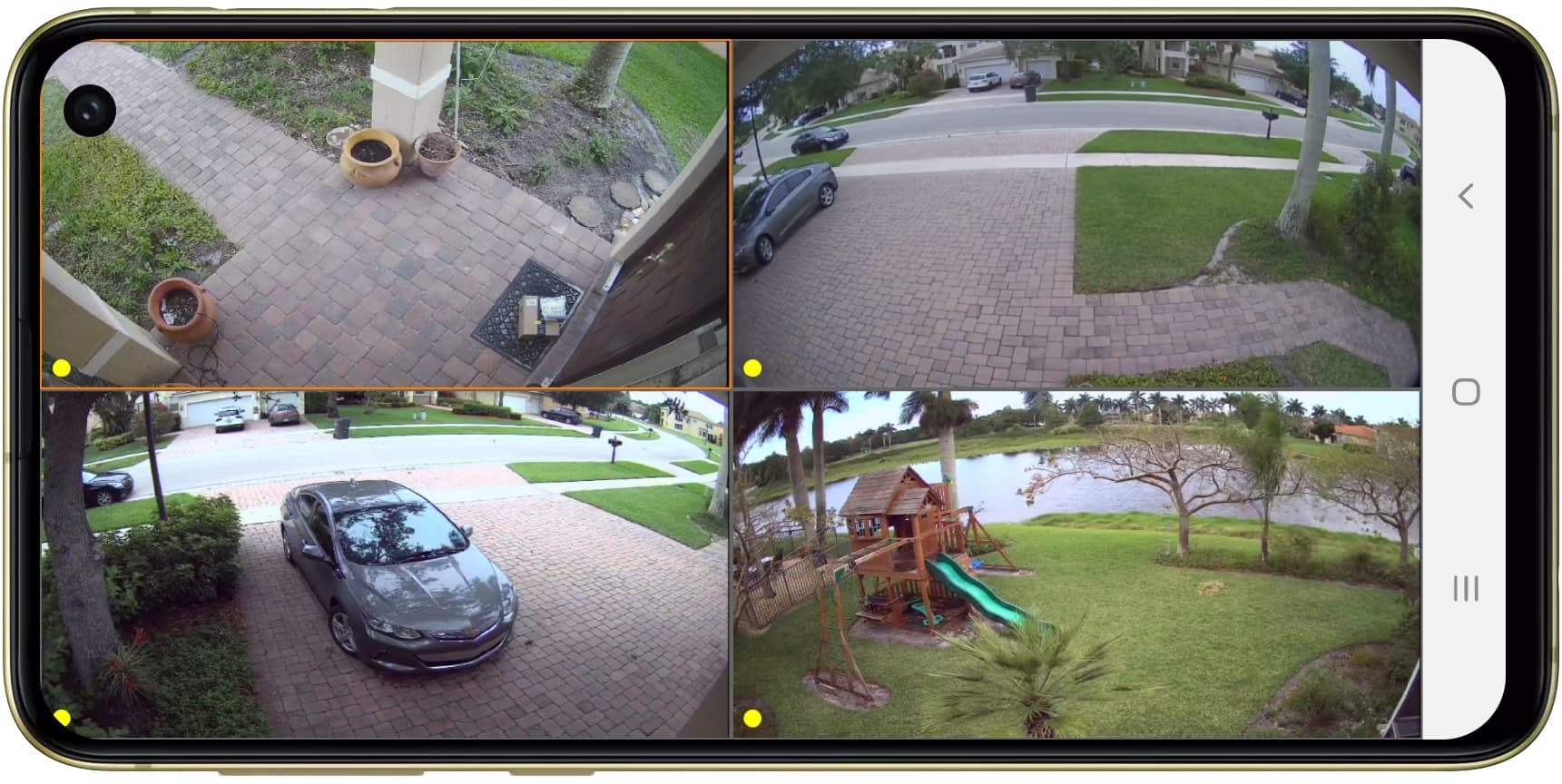
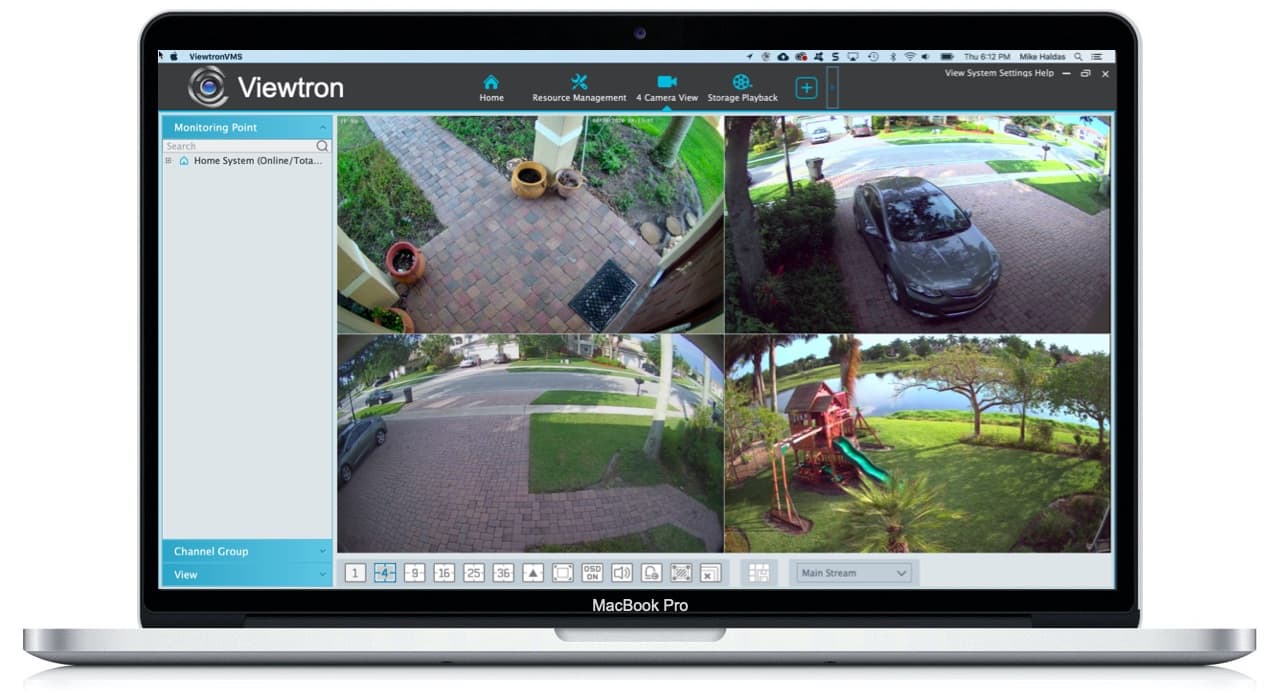
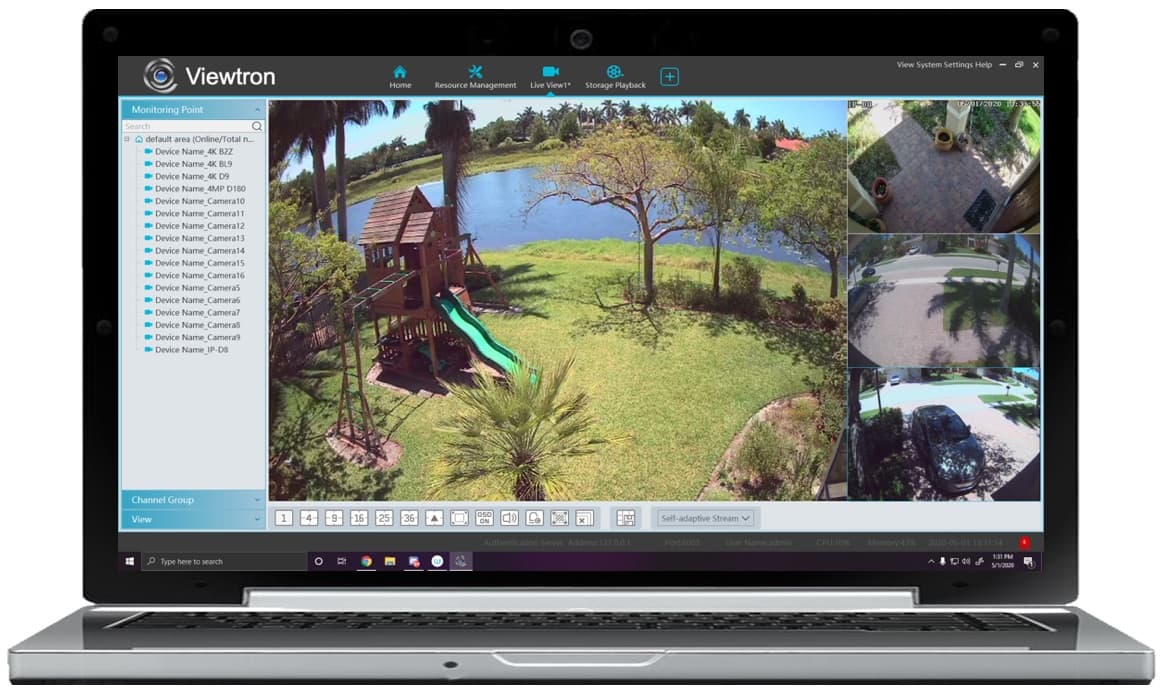
The iDVR (Internet DVR) from CCTV Camera Pros has been replaced by the Viewtron hybrid surveillance DVRs on this page. Viewtron DVRs include the best remote Internet viewing applications for mobile cell phones and personal computers. Viewtron DVRs support analog CCTV, HD-over-Coax security cameras (AHD, HD-TVI, HD-CVI), and network IP cameras. The following computer and mobile devices are supported by Viewtron for remote camera viewing: iPhone, iPad, Android, Windows, and Mac computers. There are free apps available to download for iPhone, Android, and MAC DVR viewing. In addition, users can also access Viewtron DVRs from a Windows computer using Internet Explorer or with the included CMS software (central monitoring software).
"Besides having some of the best video surveillance applications available, Viewtron DVRs also have one of the best user interfaces built into a standalone DVR that we have seen. We combine this product quality with our world class customer support to create an experience that our customers love." CCTV Camera Pros co-founder, Mike Haldas.
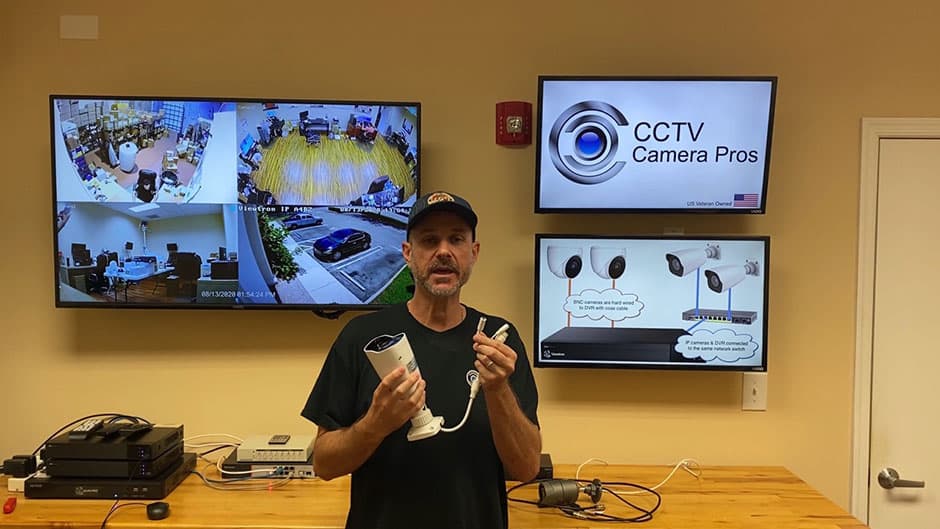
Please check out these video demos to see why Viewtron DVRs are our best CCTV DVRs for remote camera viewing.
|
|
iPhone App

|
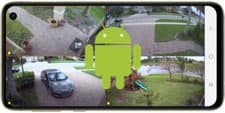
Android App
|
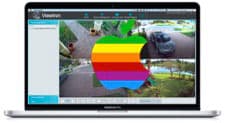
Mac Software
|
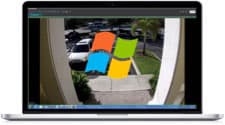
Windows CMS Software
|
You can view your security cameras live and also playback recorded video surveillance footage from iPhone and Android mobile apps. Windows PC and Mac DVR viewer software (desktop software) is also included. CCTV Camera Pros provides FREE Lifetime Tech Support on all of our Digital Video Recorders. Remote access setup is included. There are never any monthly fees for you to monitor your system. Please click on the above links to see why these great apps make the Viewtron DVRs one of the Best CCTV DVRs available.
Watch this video to see how easy it is to watch live video and playback recorded video surveillance footage on a Viewtron hybrid 4K DVR.
Viewtron hybrid BNC DVRs also support
network IP cameras. Watch this video to see how-to connect an IP camera to a hybrid DVR.
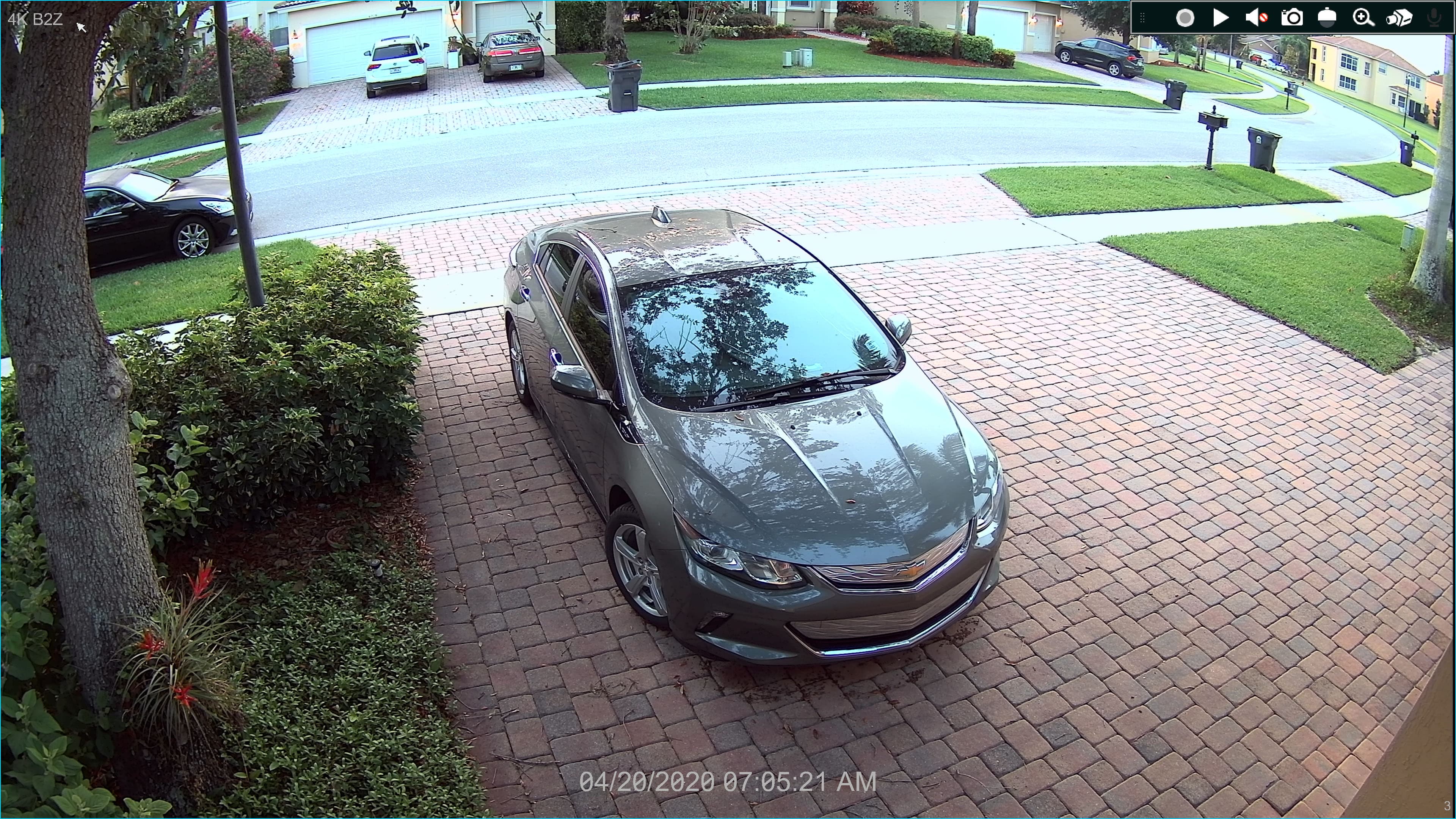
For customers that want to see what high definition BNC security cameras look like as seen on our Viewtron DVRs, we have these sample surveillance snapshot images for customers to see. Please click on the image to see the full size resolution that was recored.
4K BNC security Camera
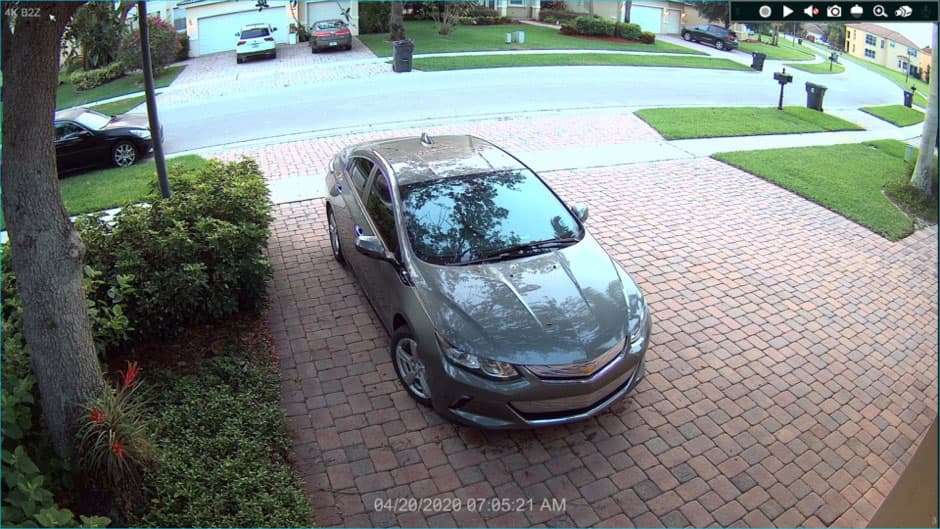
Here is a snapshot captured from a home security camera system. This is the
4K-B2Z varifoal bullet camera connected to a Viewtron hybrid DVR.
Custom Security Camera System Quotes
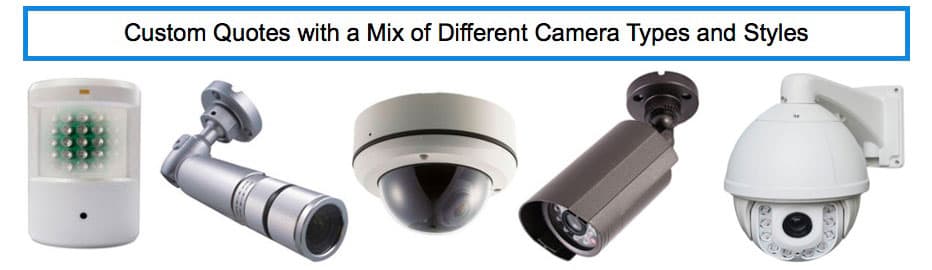
Do you need a custom security camera system? CCTV Camera Pros can provide a custom video surveillance system quote that includes a mix of various camera styles, cables, connectors, power supplies, and monitors. We can include a 4 channel, 8 channel, or 16 channel DVR. As you have probably already seen on our website, we have 2, 4, 8, and 16 camera surveillance systems in pre-made packages. However, it is not possible for us to package up every combination and quantity of all the different camera models that we carry. Use this form to request a quote.
When you request a quote, we will also send you login information to our demo system so that you can try out the remote viewing apps.

BBB Rating & Reviews

CCTV Camera Pros is proud to have an
A+ rated with the Better Business Bureau. We also maintain a 5 star online review rating with ResellerRatings.com.
Works with Analog CCTV, Network IP, and HD BNC Security Cameras
Users can mix and match different camera technologies. This is perfect for customers that have existing CCTV cameras and want to upgrade to high definition over time. Hybrid iDVR-PROs work with the following security camera types and resolutions.
4K security cameras
- AHD Cameras (720p, 1080p / 2mp, 3mp, 4mp, 5mp, 4K / 8mp / 4K)
- HD-TVI Cameras (720p, 1080p / 2mp, 3mp, 4mp, 5mp, 4K / 8mp / 4K)
- HD-CVI Cameras (720p, 1080p / 2mp, 3mp, 4mp, 5mp, 4K / 8mp / 4K)
- Network IP Cameras - ONVIF compatible IP cameras up to 4K resolution supported
- Analog CCTV Cameras (all analog resolution supported including CIF, D1, 960H)
In addition to supplying these DVRs with our security cameras, we also help customers that are looking for a replacement DVR for their existing CCTV system. Many customers want to replace their DVR but want to still use their existing cable and cameras. Viewtron DVRs work with almost any BNC security camera including Night Owl, Swann, Samsung, Lorex, and many others.
Hybrid CCTV / HD BNC DVRs let you use your existing standard definitions cameras now and upgrade to HD security cameras when you are ready. All BNC inputs support all video formats.
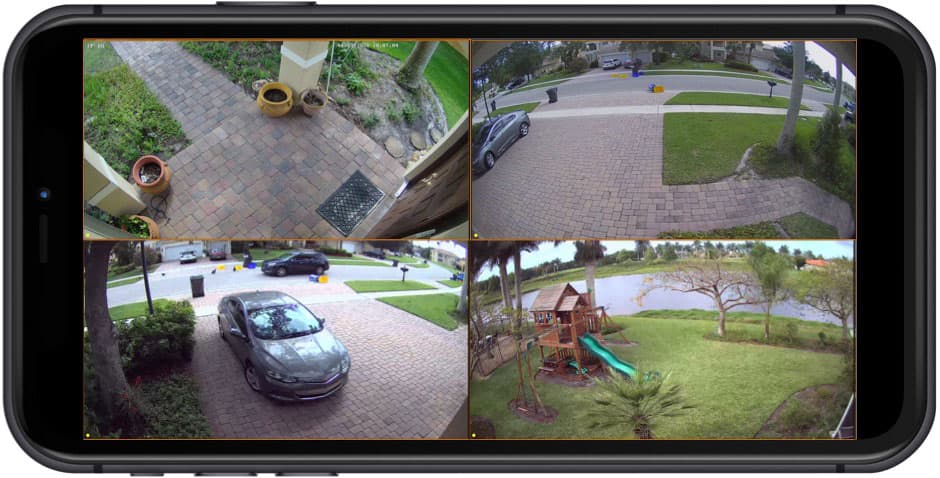
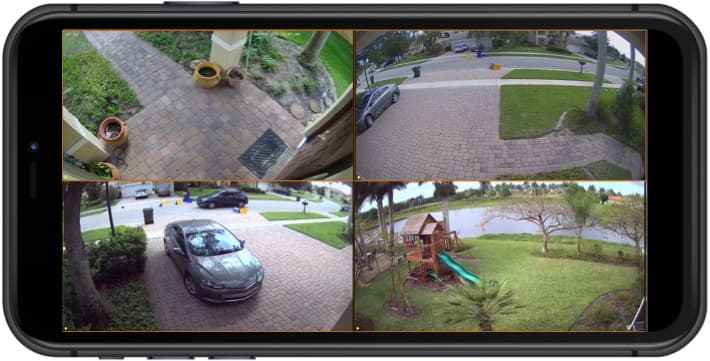
View your security camera from the iPhone app that is included with all Viewtron DVRs and NVRs. You can access your security cameras remotely from any WIFI or cellular connection and there are no additional fees. In addition to the live camera view, the iPhone app can also playback recorded video surveillance footage on your DVR's hard drive and receive push notifications when motion is detected by your cameras.
Learn more about
how to view your security cameras from iPhone here.
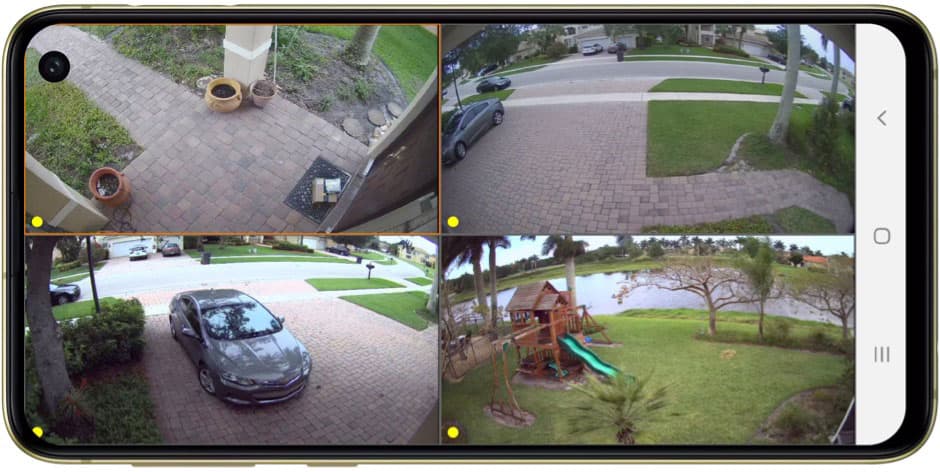
View your security camera from the Android app that is included with all Viewtron DVRs and NVRs. You can access your security cameras remotely from any WIFI or cellular connection and there are no additional fees. In addition to the live camera view, the Android app can also playback recorded video surveillance footage on your DVR's hard drive and receive push notifications when motion is detected. Learn more about how to
view your security cameras from Android here.
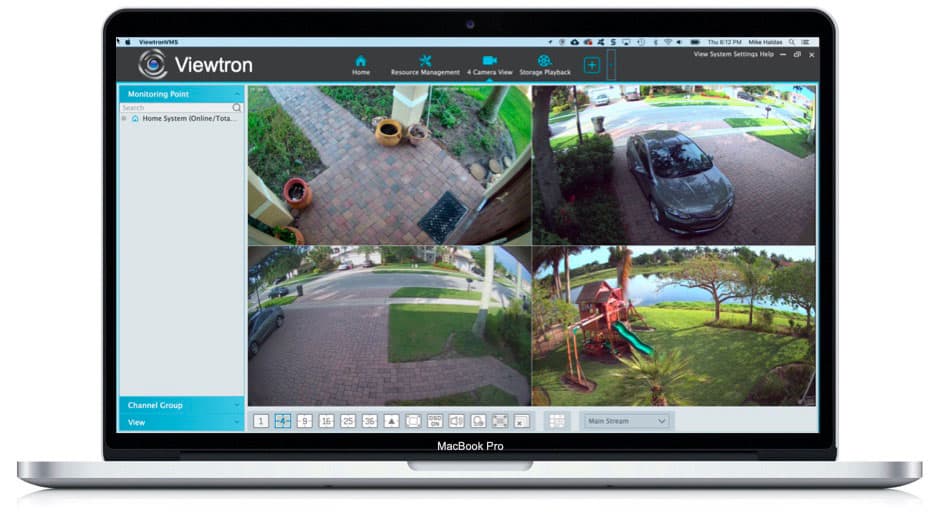
View your security camera with Mac software that is included with all Viewtron DVRs and NVRs. You can access your security cameras remotely from any WIFI or cellular connection and there are no additional fees. In addition to the live camera view, the Mac DVR software can also search and playback recorded video surveillance footage on your DVR's hard drive. Learn more about how to
view your security cameras with Mac software here.
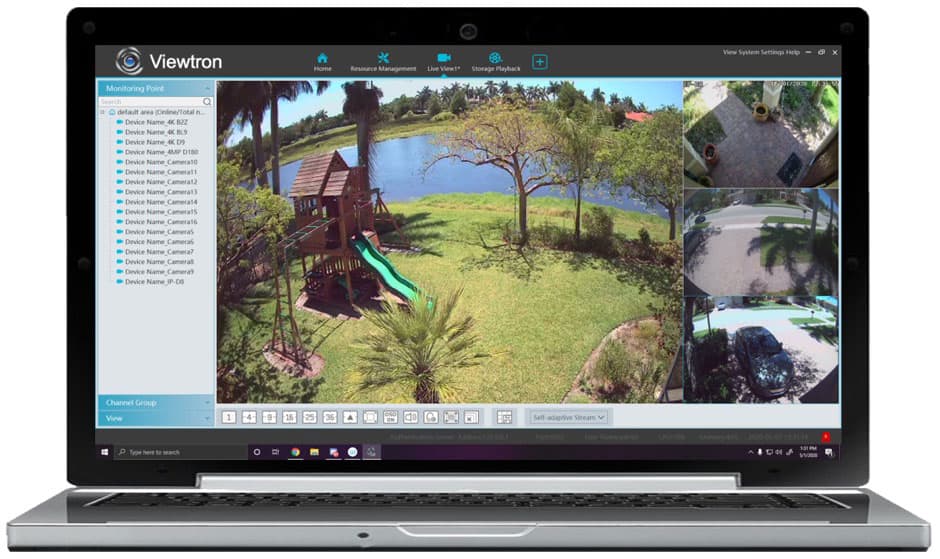
View your security camera with Windows PC software that is included with all Viewtron DVRs and NVRs. You can access your security cameras remotely from the Viewtron VMS software via any WIFI or cellular connection. There are no additional monthly fees. In addition to the live camera view, the Windows DVR viewer software can also search and playback recorded video surveillance footage on your DVR's hard drive. Learn more about how to
view your security cameras with Windows PC software here.
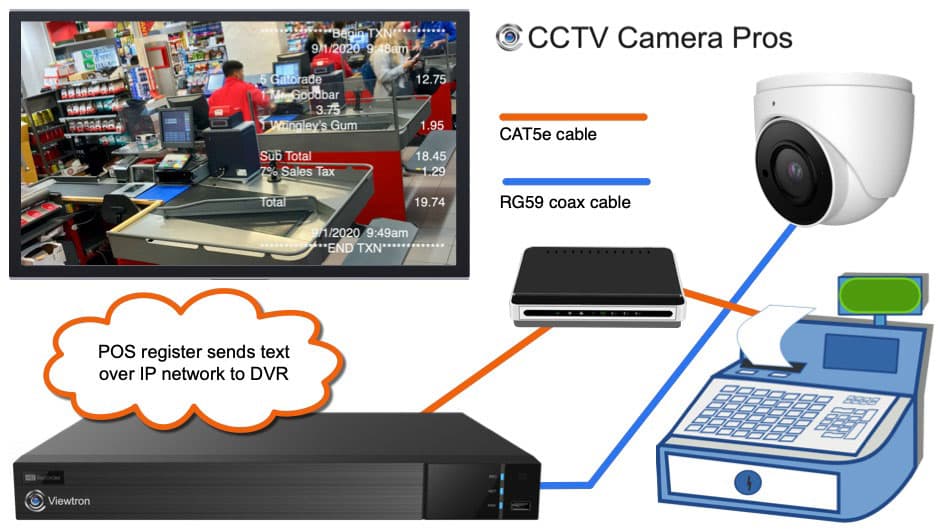
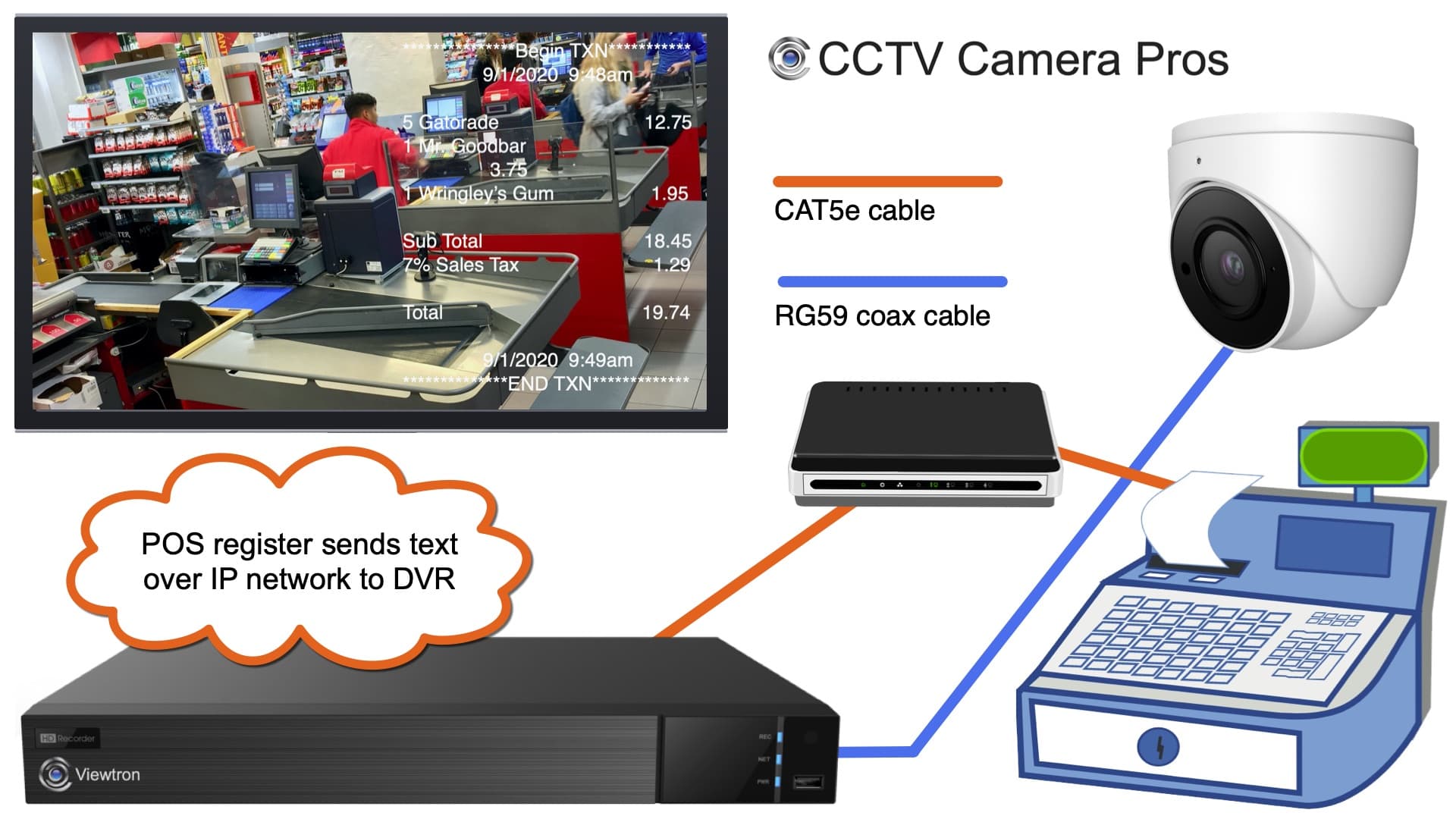
The above diagram shows how a POS system /cash register can be installed with a Viewtron DVR. This allows point of sale text overlay over one or more security cameras on your system. The point of sale / cash register is connected to the same network as the network video recorder. This is done by connecting both devices to the same network switch or router using CAT5 or CAT6 network cable. The security camera is hard wired to the DVR using coax cable. The camera can be an analog CCTV camera or an HD-over-Coax camera.
You can learn more about
CCTV POS integration with Viewtron DVRs and NVRs here.
Best Replacement DVR
In addition to being our best selling DVR for new system installation, Viewtron DVRs are also the best choice as a replacement DVR for almost all customers with existing BNC / coax camera systems. Many customers contact us who are looking for a replacement DVR for an existing security camera system. If your DVR has failed but your cameras still work and you are looking for a drop-in replacement. Viewtron DVRs are almost always an excellent choice. We commonly supply replacement DVRs for customers with the following brands, and many more: Swann, Q-See, Night Owl, Samsung, Digital Watchdog, FLIR, Lorex, JPEG2000. Because Viewtron DVRs are compatible with almost all BNC video formats and resolutions, they work great as a replacement DVR in almost all cases. If you have any questions about DVR compatibility with your cameras,
please email us here anytime.
Complete Security Camera Systems
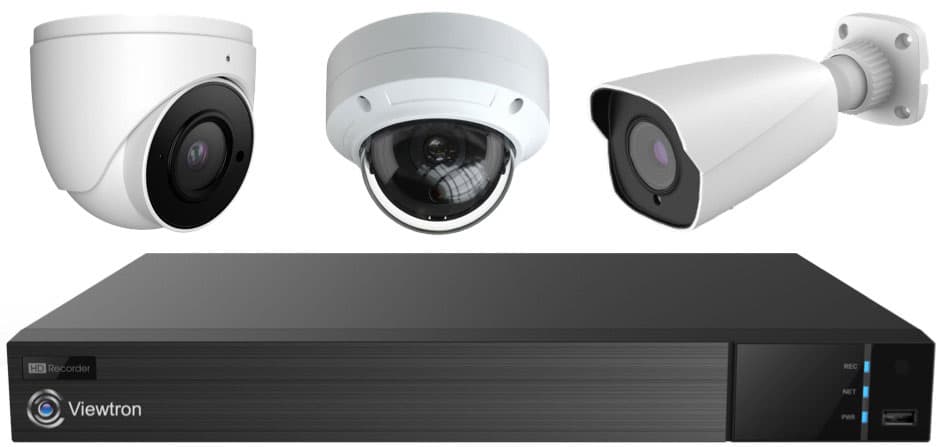
Did you know? CCTV Camera Pros can provide a complete surveillance system quote that includes any Viewtron DVR or NVR model? We can include security cameras, cables, connectors, power supplies, and monitors. We can even mix and match IP cameras and HD BNC security cameras because Viewtron DVRs are hybrid. This means that they work with just about any type of security camera. As you have probably already seen on our website, we have 2, 4, 8, and 16 camera surveillance systems in pre-made packages. However, it is not possible for us to package up every combination and quantity of all the different camera models that we carry. So, we can also provide you with a custom quote with as many cameras as you need and a mix of any combination of camera model(s) based on your project requirements. Please
request a quote when you are ready.
|
|
|