How-to Setup Multiple Monitor Displays
using the Windows CMS Software for iDVR-PRO CCTV / HD-over-Coax Security Camera DVRs

In order to set up a multi monitor display for the iDVR-PRO Series DVRs, the Windows iDVR-PRO CMS software, included with all
iDVR-PRO DVRs, must be used.
Multi Monitor Setup Instructions
Follow these instructions to set up a multi monitor display using the iDVR-PRO Windows CMS software. These instructions assume that you already have the client software (CMS) for iDVR-PRO installed on your Windows and that your DVR connection is already configured. If it is not, please
follow these setup instructions first. Then, follow the instructions below.
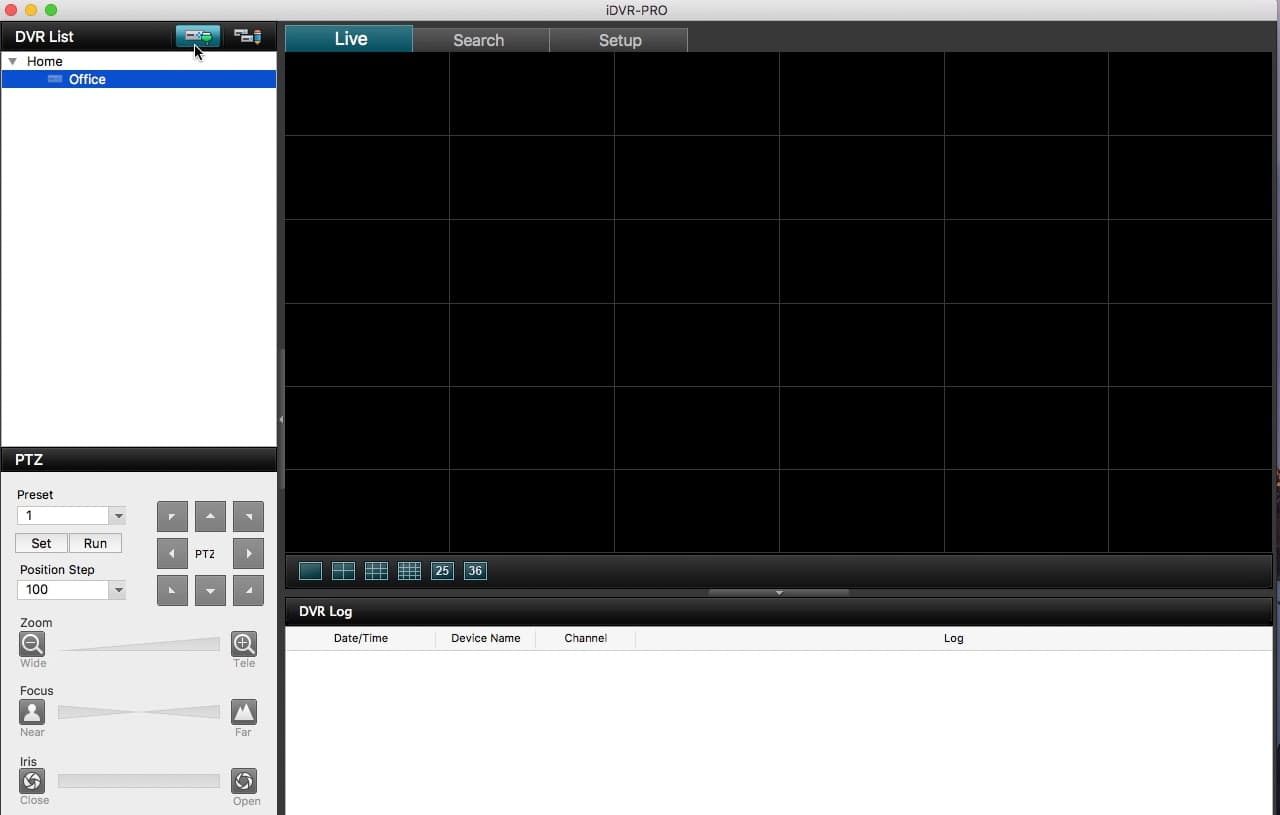
Once you are logged into the iDVR-PRO CMS software on your Windows PC, locate the Setup tab in the upper-left corner. Then, under the Setup menu, locate and select Create View. Repeat this step for each additional monitor being used.
Now, click and drag the cameras into the views / layouts as needed.
Once all of the views are set up, go to the Live tab and select the View you wish to display on a specific monitor. Lastly, click the Multi Monitor Button and select the monitor you want to display that view on.
Learn more about iDVR-PRO
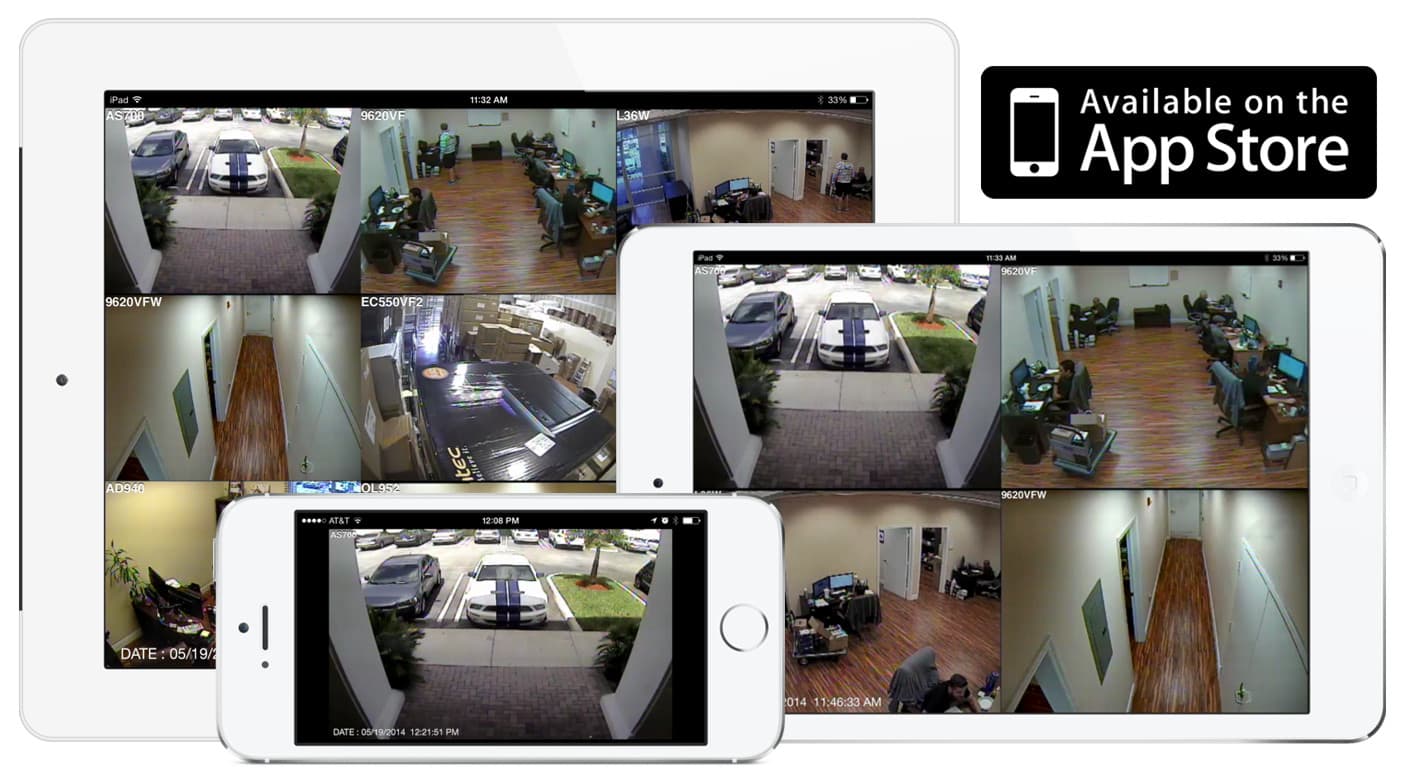
iPhone / iPad Compatible
|
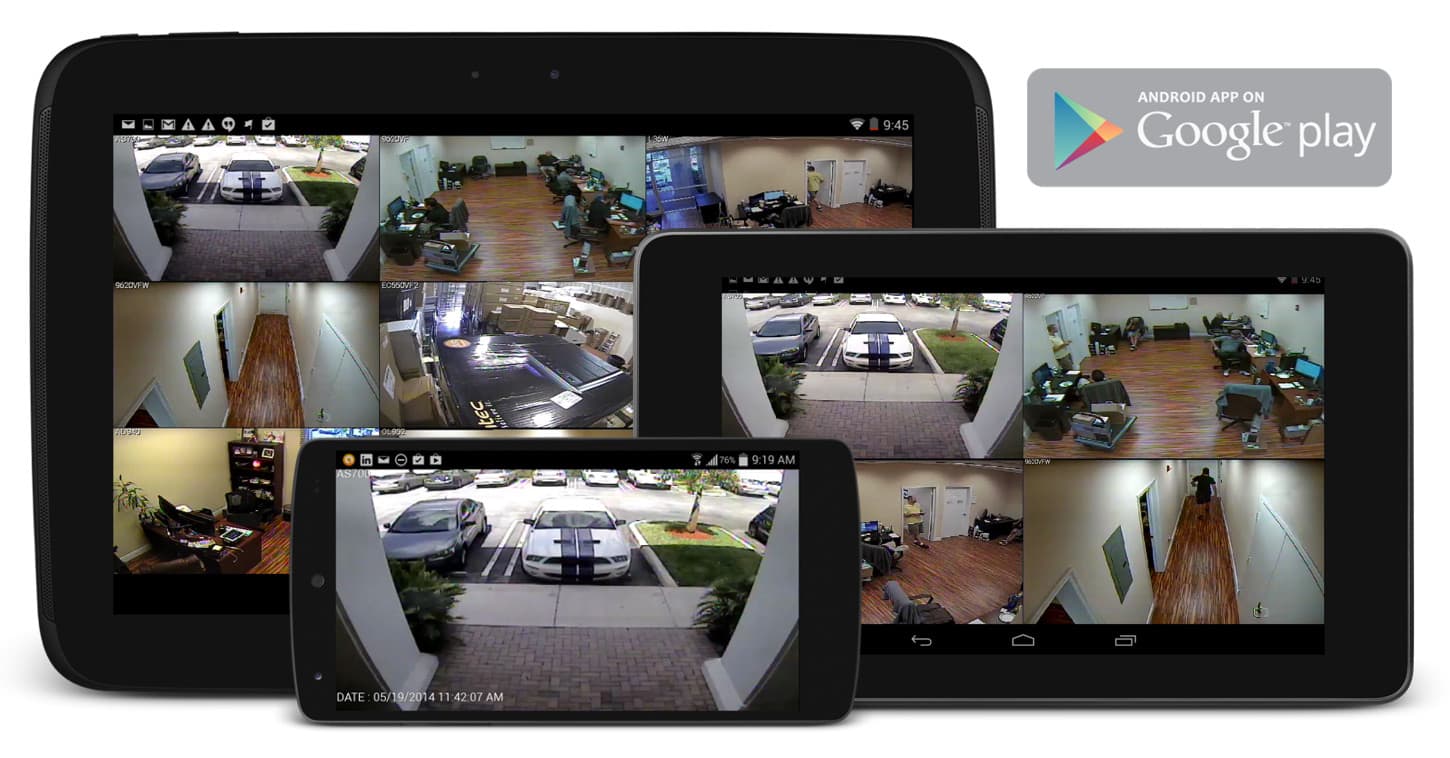
Android Compatible
|
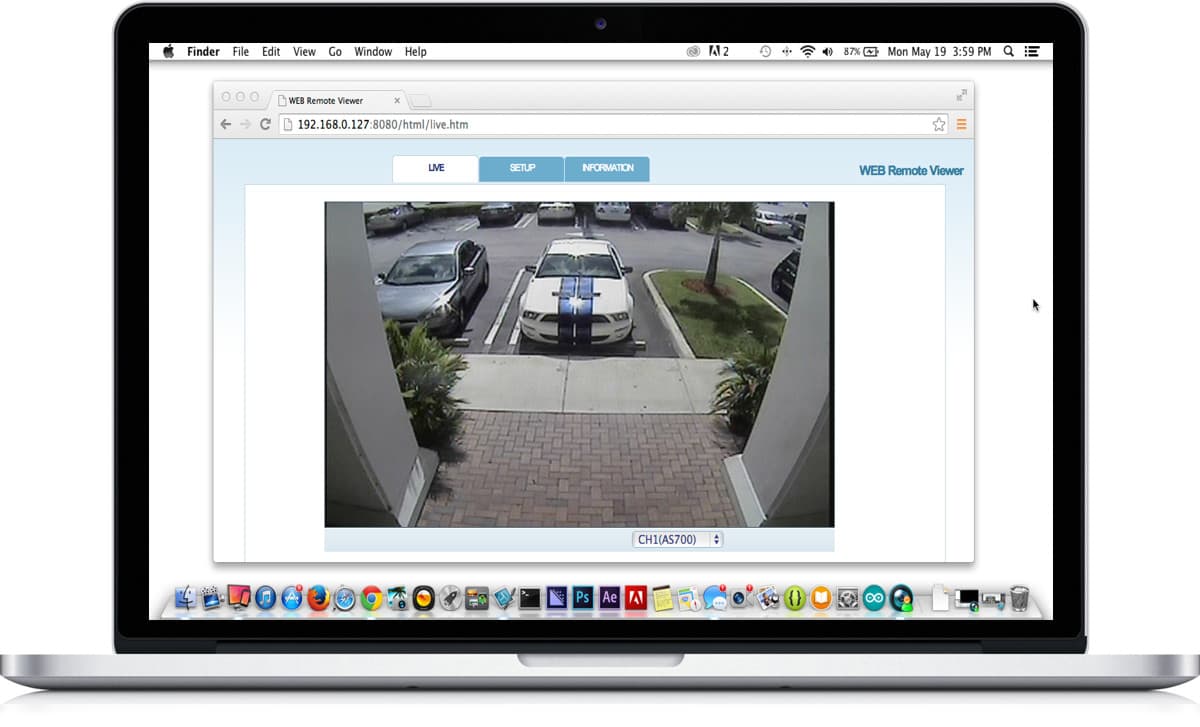
Mac Compatible
|
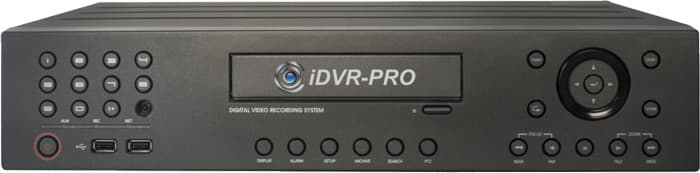
Click here to
learn more about the latest iDVR-PRO CCTV / HD security camera DVRs.
Works with Analog CCTV and HD Security Cameras

Hybrid iDVR-PROs work with the following security camera types and resolutions.
- AHD Cameras (720p and 1080p resolution models supported)
- TVI Cameras (720p and 1080p resolution models supported)
- Analog CCTV Cameras (all analog resolution supported including CIF, D1, 960H)
Request a Demo
If you do not currently have an iDVR-PRO and would like to log in to the demo unit at our office, please request a demo login below. You will be able to log in from iPhone, iPad, and Android mobile devices. You can also log in from Macintosh and Windows computers. Please
click here to request a demo login.

Complete CCTV Systems
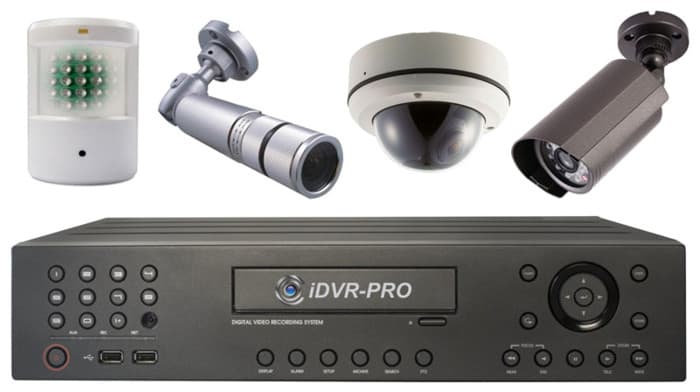
Did you know? CCTV Camera Pros can provide a complete surveillance system quote that includes any iDVR-PRO model with cameras, cables, connectors, power supplies, and monitors? We can even mix and match SD and HD security cameras because the latest iDVR-PROs are hybrid. They work with CCTV, AHD, and HD-TVI type cameras. As you have probably already seen on our website, we have 2, 4, 8, and 16 camera surveillance systems in pre-made packages. However, it is not possible for us to package up every combination and quantity of all the different camera models that we carry. So, we can also provide you with a custom quote with as many cameras as you need and a mix of any combination of camera model(s) based on your project requirements.

About the Author

This article was written by
Mike Haldas, co-founder and managing partner of CCTV Camera Pros. If you have any questions about this article, please email me at [email protected].
|