|
 Zavio NVC Search and Export Zavio NVC Search and Export
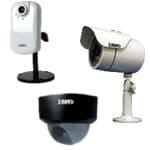
The NVC standalone network video recorder series from Zavio allows users to search, playback, and export recorded video data directly from the NVR. The instructions featured in this article explain the step by step process of how this is done.
Zavio NVC Search and Export
The instructions below explain how to search for and export recorded video data on the NVC recorder series from Zavio.
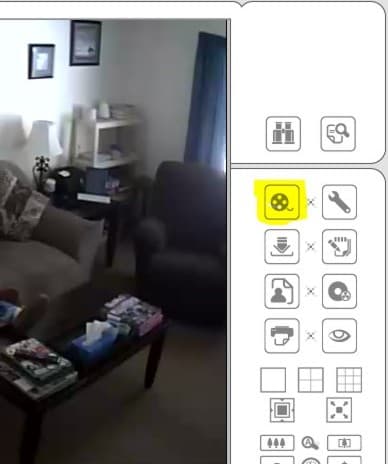
1. First, click on the "Film Roll" to open the Playback menu. (Shown Below)
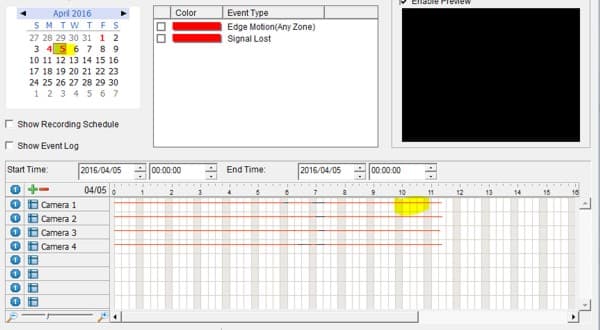
2. Next, select the Time and Date by using the Calendar, Start Time, and End Time drop down menus. Click OK. (Shown Below)
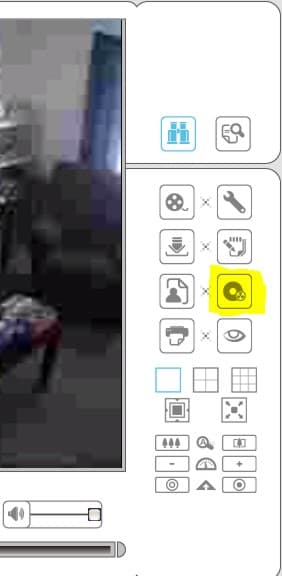
3. Then, click the save as AVI/ASF icon to export the video file as an AVI/ASF file. (Shown Below)
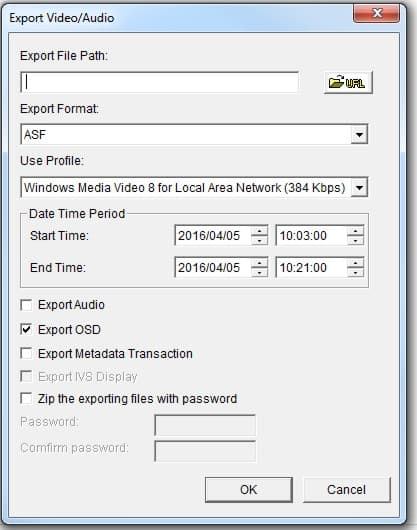
4. Select the desired path you would like to save the exported video data to. In this example, we will be saving the video as an ASF file. If you wish to export the recorded audio as well, click the Export Audio checkbox. (Shown Below)
5. When the video has completely downloaded, you may access it from the file path that it was saved to. Double click the video file and it will begin to play in Windows Media Player (or another media player that supports these formats).
|