IP Camera VIdeo Surveillance iPhone App
View Zavio IP Cameras and Network Video Recorders (NVR) Live and Play Back Recorded Video with the CamGraba App for iOS

CamGraba is an video surveillance app for iOS that is used to view Zavio IP cameras and network video recorders (NVR) from remotely over the Internet. This iOS app lets users remotely view their security cameras live from iPhone and iPad. It also features a few more options including recorded video playback from the HDD of the NVR, pan / tilt camera controls and two way audio (if the camera supports it).
This article will familiarize customers with the user interface, functions, and controls built into the app.
IP Security Cameras / NVRs
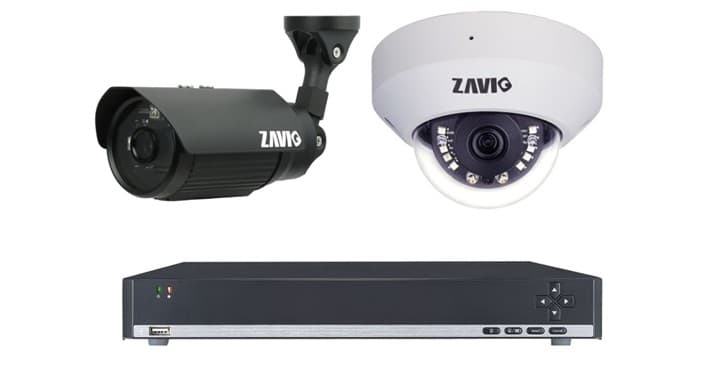
The CamGraba mobile application is designed to work with
Zavio IP Cameras in addition to Zavio Network Video Recorders.
CamGraba iPhone App Controls
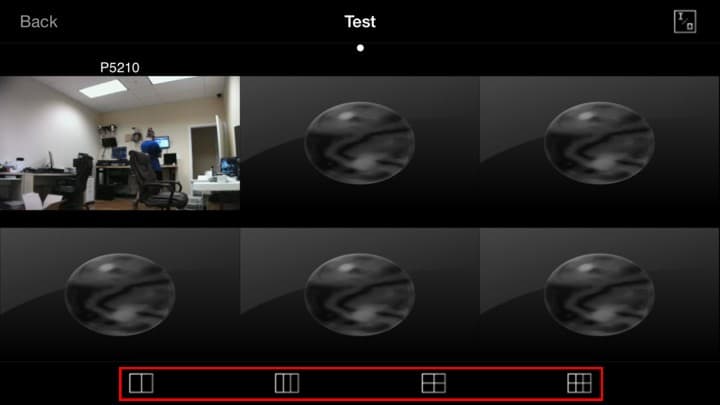
The above screen shot shows the live multi camera viewing screen of the app.
- Screen Layout - Users can choose to view 2, 3, 4 and 6 camera grid displays. Users may also view a single camera at a time by double tapping the desired camera.
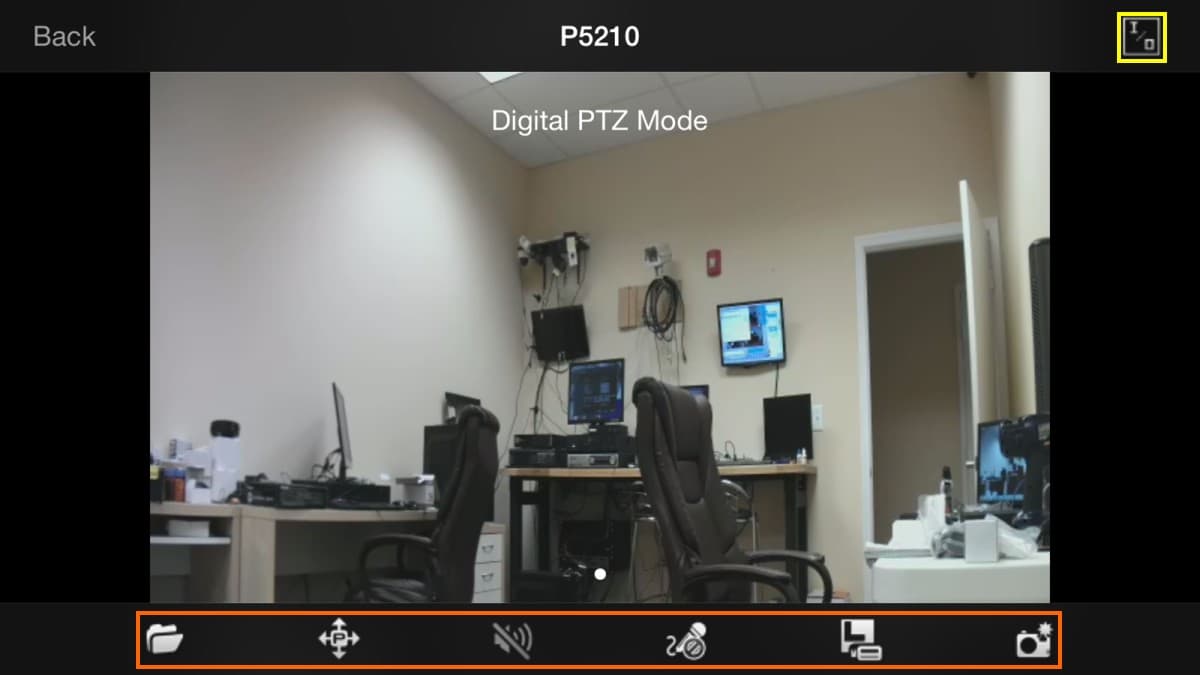
The screen above displays the controls featured on the app for individual cameras.
- Digital I/O - Users can activate or deactivate Digital Inputs / Outputs of the connected cameras.
- Camera Controls - This section features a variety of camera controls.
- Recorded Video Search - Opens the recorded search and playback screen so users can view previously recorded video data.
- Pan / Tilt Controls - This allows the user to manually Pan / Tilt their camera (Only for Pan / Tilt IP cameras).
- Audio On / Off - The user can choose to hear or mute the camera's audio on their phone while viewing.
- Microphone On / Off - If the cameras support two-way audio, the user can turn on the mic of their phone and speak into it. The audio will then be heard from the camera's speaker.
- Video Quality - Allows for selection between high and low quality video resolution.
- Snapshot - Takes a snapshot of the screen and gives the user the option to save or email the picture.
iPad IP Camera App

The Zavio IP camera app is also works with iPad. The above image shows the live security camera view on an iPad. You can see that the layout and controls are exactly the same as iPhone. All functions and features that are available on iPhone also work on iPad.
Portrait & Landscape View

The app supports both portrait and landscape views on iPhone and iPad.
App Downloads
You can find the latest
version of the CamGraba app here.
Learn more about Zavio IP Cameras
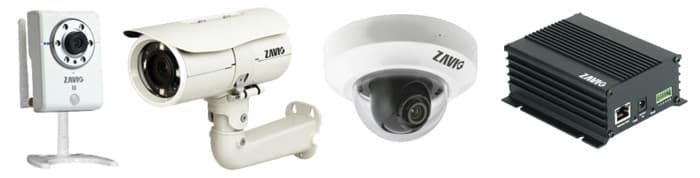
Click here to
learn more about the latest Zavio IP cameras.
Request a Demo
If you do not currently have an iDVR-PRO and would like to log in to the demo unit at our office, please request a demo login below. You will be able to login from iPhone, iPad, and Android mobile devices. You can also login from Macintosh and Windows computers. Please
click here to request a demo login.
Complete CCTV Systems
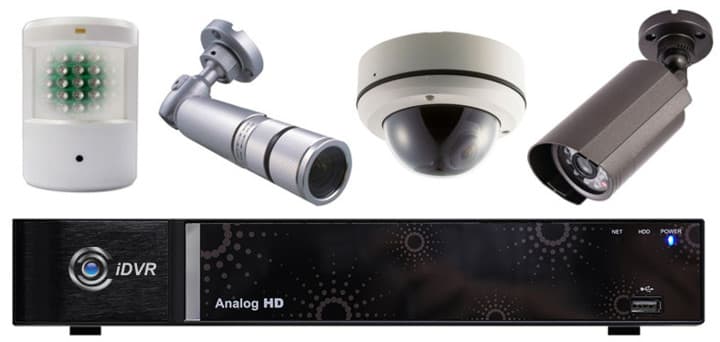
Did you know? CCTV Camera Pros can provide a complete surveillance system quote that includes a hybrid iDVR-E surveillance DVR, any number of cameras SD and
HD CCTV cameras you need plus cables, connectors, power supplies, and monitors? As you have probably already seen on our website, we have 2, 4, 8, and 16 camera surveillance systems in pre-made packages. However, it is not possible for us to package up every combination and quantity of all the different camera models that we carry. So, we can also provide you with a custom quote with as many cameras as you need and a mix of any combination of camera model(s) based on your project requirements.

About the Author

This article was written by
Mike Haldas, co-founder and managing partner of CCTV Camera Pros. If you have any questions about iPhone security camera app for iDVR, please email me at [email protected].
|