|
iDVR-PRO Surveillance DVR Remote Access (IE)
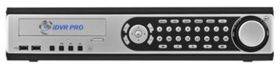
The iDVR-PRO8 and iDVR-PRO16 CCTV surveillance DVRs are capable of being accessed remotely through an Internet Explorer web browser. In the browser view users can view live video footage as well as view playback and manage DVR settings. Remote access allows users to have access to their iDVR-PRO from anywhere.
Remote Access (IE) Instructions
To remotely access your iDVR-PRO please follow the instructions below.
1. Insert a ethernet cable to the back of the DVR.

2. Now make sure that ports 554 and 8080 are forwarded in your router. (For instructions on port forwarding, please select your router make below)
3. Once the correct ports are forwarded, launch an Internet Explorer web browser. Then input the IP Address or URL of the DVR along with port 8080. Example: http://192.168.0.1:8080 (The IP address can be found in the Network menu on the iDVR-PRO).
NOTE: Internet Explorer web browser is the only browser that supports the multi screen display. Google Chrome, Safari, Mozilla etc will only display a single camera at a time
NOTE 2: To view your cameras via your mobile phone you can type your ip address in the mobile web browser as shown above.
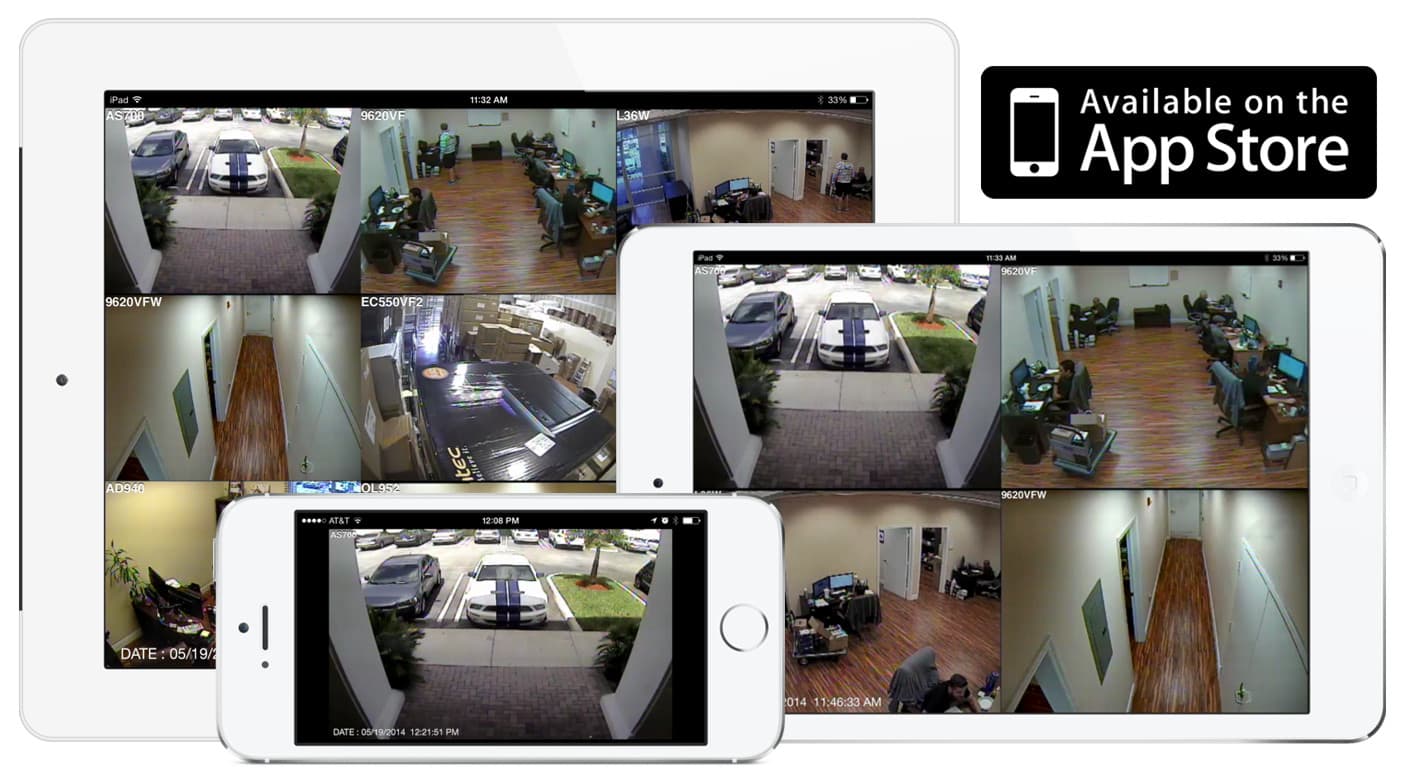
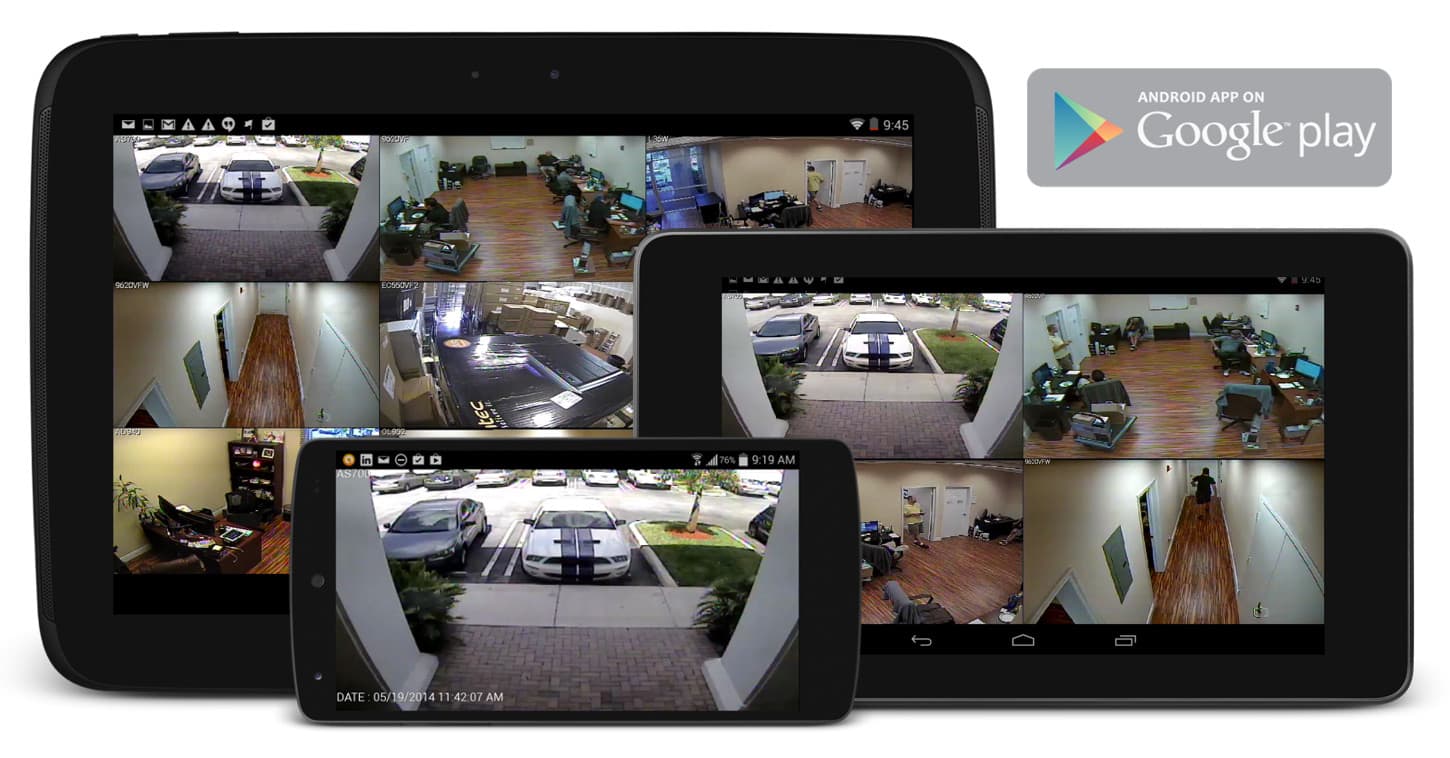
NOTE 3: If you have an iPhone or Android Mobile Phone and would rather view your cameras via a mobile application you can find the download to the free DVR viewer mobile application here.

4. After entering the correct IP Address or URL you will be prompted to download Active X Controls, if you are having trouble downloading them please visit our
Active X forum post.
5. Once Active X controls are downloaded, you will see the Remote Access page below. Here users can view live footage and playback as well as manage DVR settings.

Learn more about iDVR-PRO
iPhone / iPad Compatible
|
Android Compatible
|
Mac Compatible
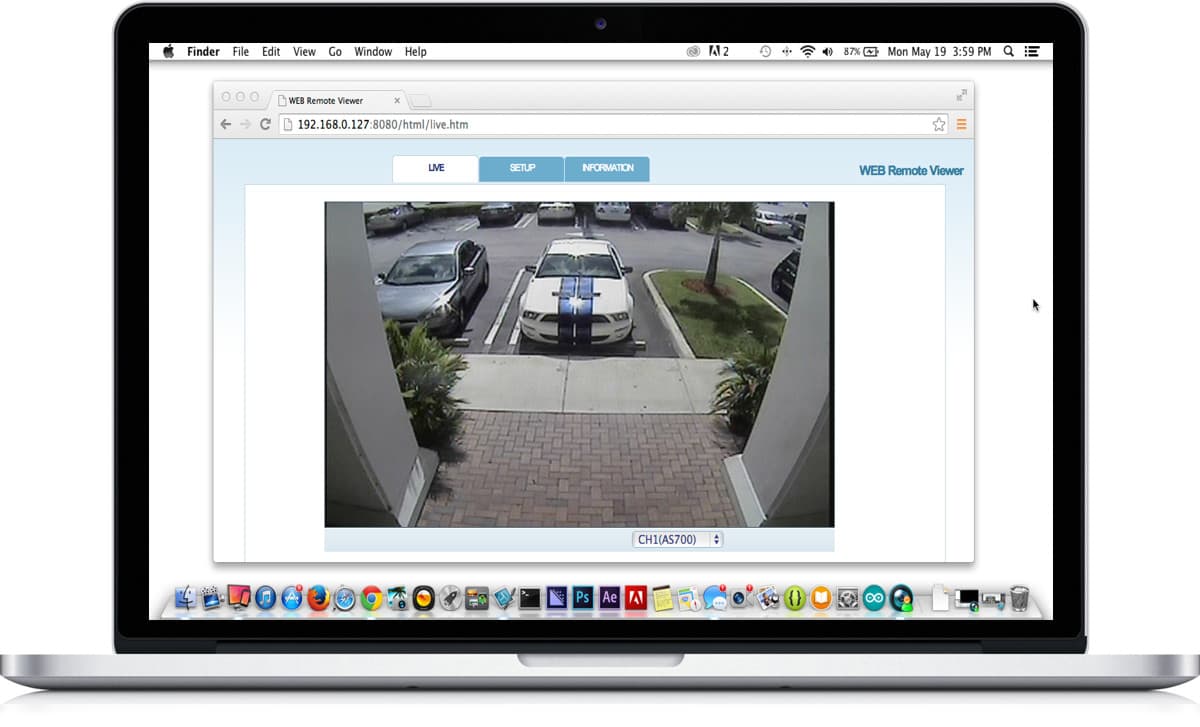
|
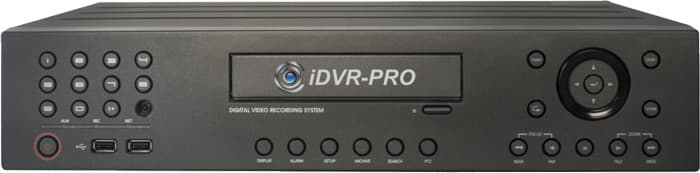
Click here to
learn more about the latest iDVR-PRO CCTV DVRs.
Works with Analog CCTV and HD Security Cameras

Hybrid iDVR-PROs work with the following security camera types and resolutions.
- AHD Cameras (720p and 1080p resolution models supported)
- TVI Cameras (720p and 1080p resolution models supported)
- Analog CCTV Cameras (all analog resolution supported including CIF, D1, 960H)
Request a Demo
If you do not currently have an iDVR-PRO and would like to log in to the demo unit at our office, please request a demo login below. You will be able to login from iPhone, iPad, and Android mobile devices. You can also login from Macintosh and Windows computers. Please
click here to request a demo login.
Complete CCTV Systems
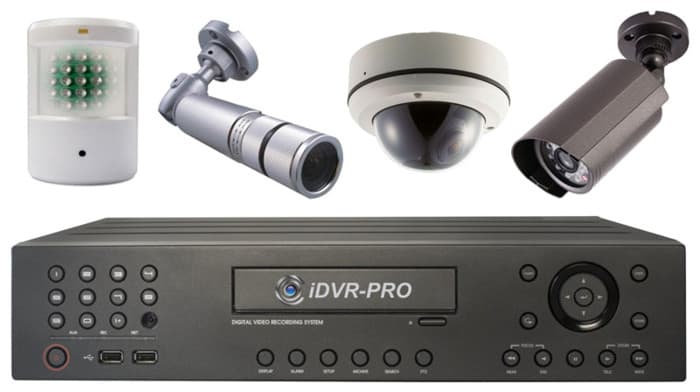
Did you know? CCTV Camera Pros can provide a complete surveillance system quote that includes any iDVR-PRO model with cameras, cables, connectors, power supplies, and monitors? We can even mix and match SD and HD security cameras because the latest iDVR-PROs are hybrid. They work with CCTV, AHD, and HD-TVI type cameras. As you have probably already seen on our website, we have 2, 4, 8, and 16 camera surveillance systems in pre-made packages. However, it is not possible for us to package up every combination and quantity of all the different camera models that we carry. So, we can also provide you with a custom quote with as many cameras as you need and a mix of any combination of camera model(s) based on your project requirements.

About the Author

This article was written by
Mike Haldas, co-founder and managing partner of CCTV Camera Pros. If you have any questions about iPhone security camera app for iDVR, please email me at [email protected].
|