|
Geovision Video Servers
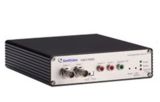 Geovision video servers transform analog video signals from CCTV cameras into digital IP signals, effectively turning analog cameras into network IP cameras. Geovision IP servers have one or more BNC video inputs for CCTV cameras. Geovision servers work with any brand CCTV camera. Once the video stream from an analog camera is digitized by a video server, that video stream can be accessed over the local network that the server is connected to. Users can also setup port forwarding and make the video stream accessible remotely over the internet. Click here to view installation examples. Geovision offers a free iPhone and iPad app that is compatible with Geovision IP cameras and network video servers. Click here to view screenshots of the iPhone app in use with a video server. Geovision video servers transform analog video signals from CCTV cameras into digital IP signals, effectively turning analog cameras into network IP cameras. Geovision IP servers have one or more BNC video inputs for CCTV cameras. Geovision servers work with any brand CCTV camera. Once the video stream from an analog camera is digitized by a video server, that video stream can be accessed over the local network that the server is connected to. Users can also setup port forwarding and make the video stream accessible remotely over the internet. Click here to view installation examples. Geovision offers a free iPhone and iPad app that is compatible with Geovision IP cameras and network video servers. Click here to view screenshots of the iPhone app in use with a video server.
|
|
|
Please check the below example installations options that are typically used when a Geovision server is used as an add-on device to enable remote viewing of CCTV cameras when an existing video surveillance DVR is in place that does not support remote viewing.
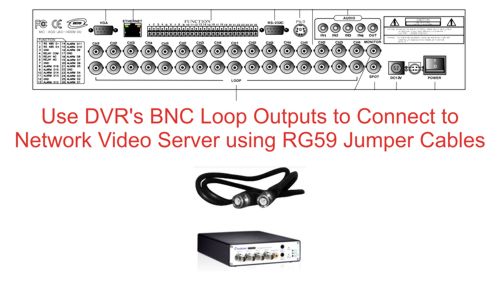
Installation Example #1: If the existing DVR has video loop outputs, the below installation option can be used.
Installation Example #2: If the existing DVR does not have video loop outs, a VDS-4008 4 to 8 channel video splitter can be used to share the video signals from up to 4 cameras between the network server and the existing CCTV DVR.
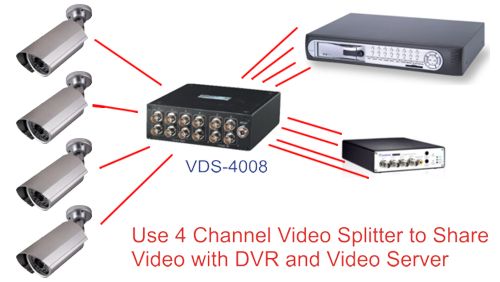
Note: In both of the above installations, the Geovision server must also be connected to a network router or switch using Ethernet cable.
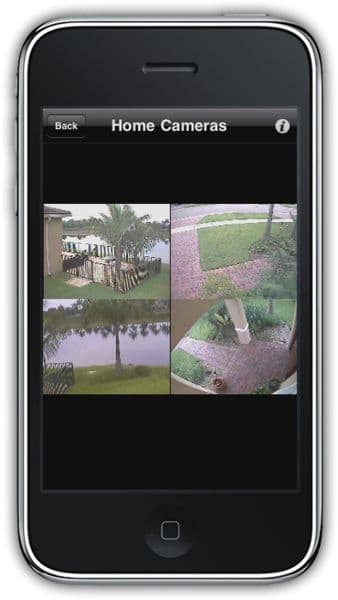
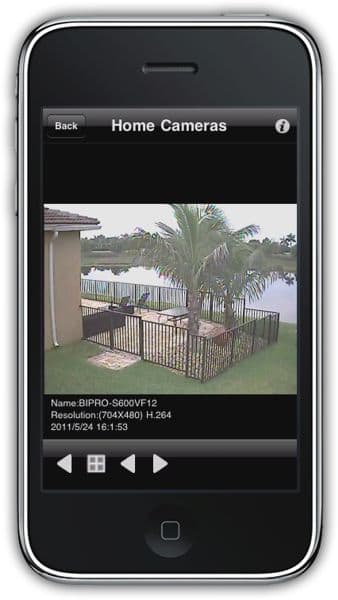
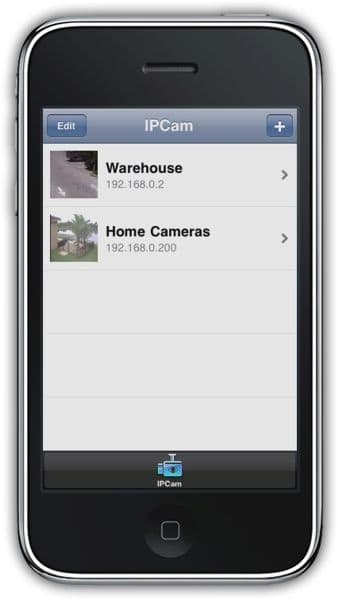
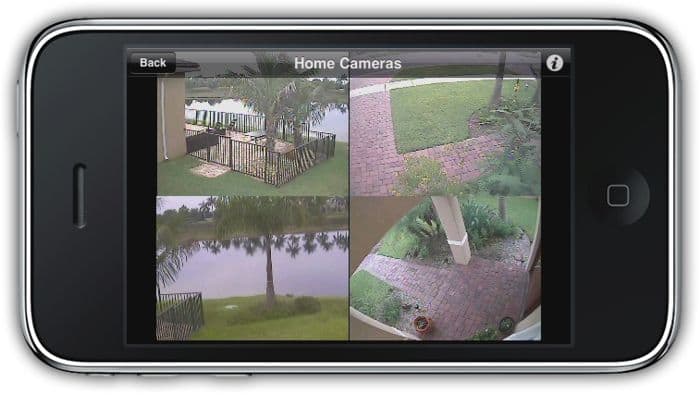
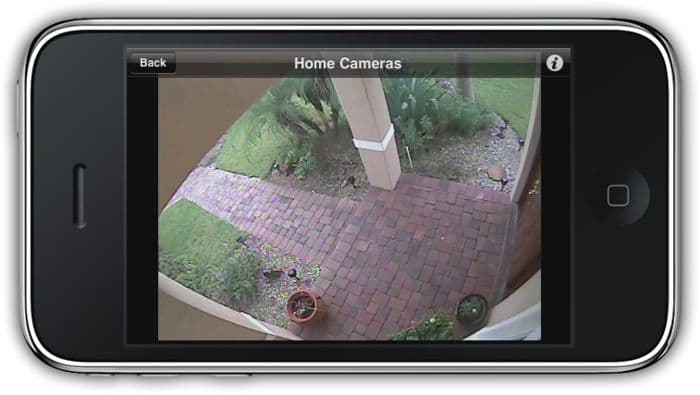
The following images show screenshots of the GV-Eye iPhone app from Geovision that is compatible with Geovision video servers. This app allows users to view all of the CCTV cameras connected to an IP video server from the Apple iPhone. Please click on any image to see a larger view.
|
|
|