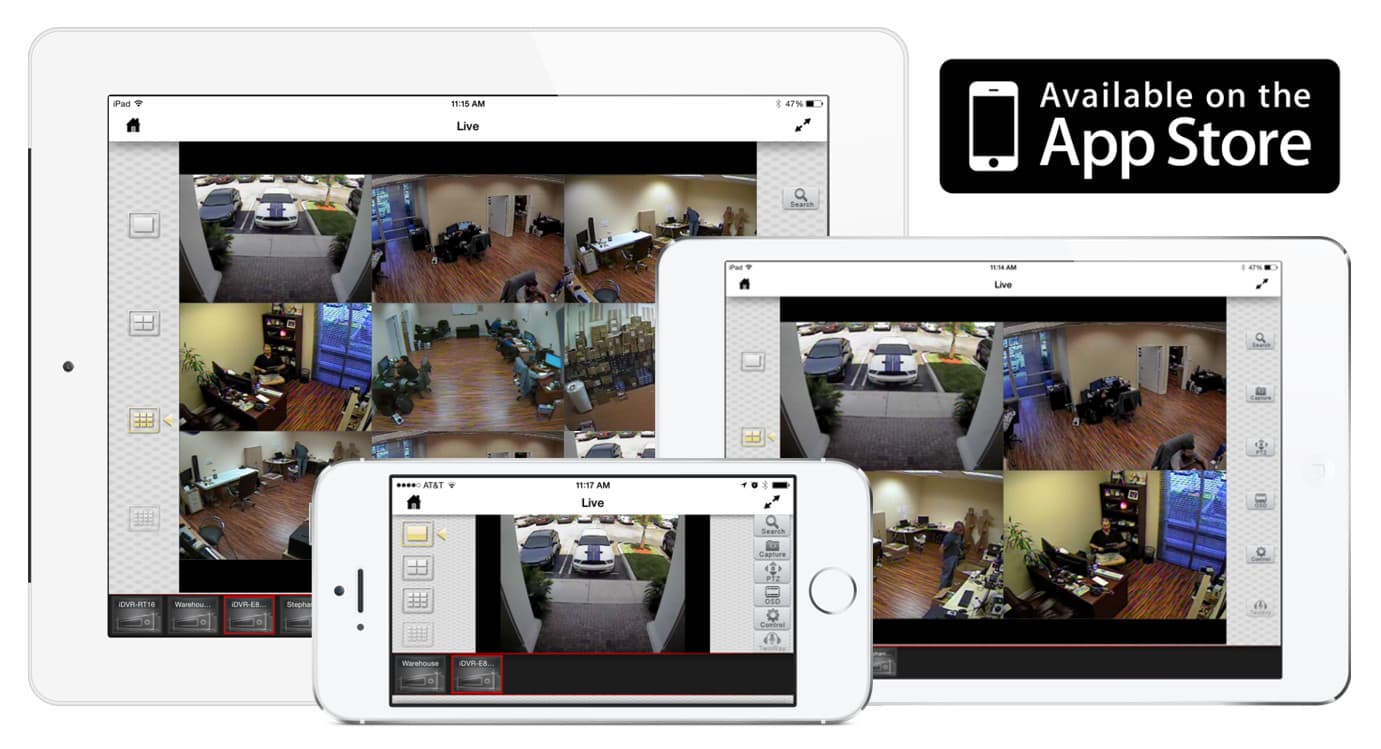
iPad CCTV App for iDVR Video Surveillance Recorders
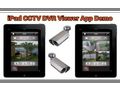
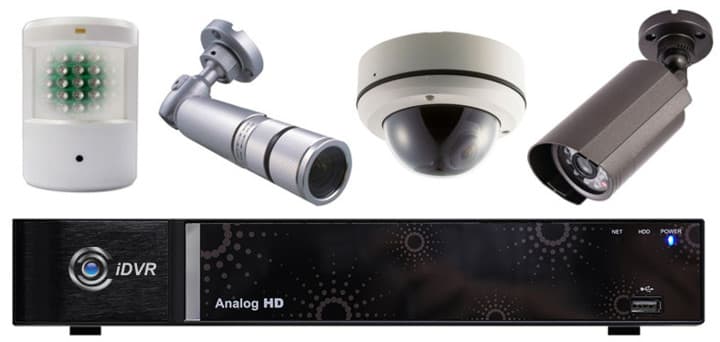
The following video demonstrates the iPad CCTV app to view 4 analog surveillance cameras connected to the iDVR surveillance recorder. This Internet DVR is sold by CCTV Camera Pros. Please click here for more information on the iDVR video surveillance DVRs.
The MobileCMS app allows users to connect to the IDVRS video surveillance records from CCTV Camera Pros using an iPad or iPhone. In this video we will demonstrate connecting to the four channel IDVR E4 using an Apple iPad. We start by launching the MobileCMS app on our iPad. On the device list screen I tap on the plus button to add the DVR to connect to. In the name field users can choose any name they want for their connection. In the IP field I enter the IP address of the DVR followed by a colon, and then the port number that the DVR is operating on. The default port is 7000. Next I enter the admin user name and password, then press done. The app attempts to connect the DVR, and if successful the DVR is added to the device list in the app.
To log in to the DVR I tap on the device in the device list. A connection is established and we can see the four camera view of the DVR we just connected to. I then browse through the single camera view of camera one by double tapping on the screen. I am switching views to the other cameras by swiping my finger across the screen. I go back to the quad screen view by tapping on the four camera grid icon in the app. With the eight and 16 channel IDVR models users can also view nine and 16 cameras on a single screen by tapping on the nine or 16 grid view icons.
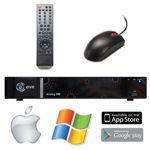
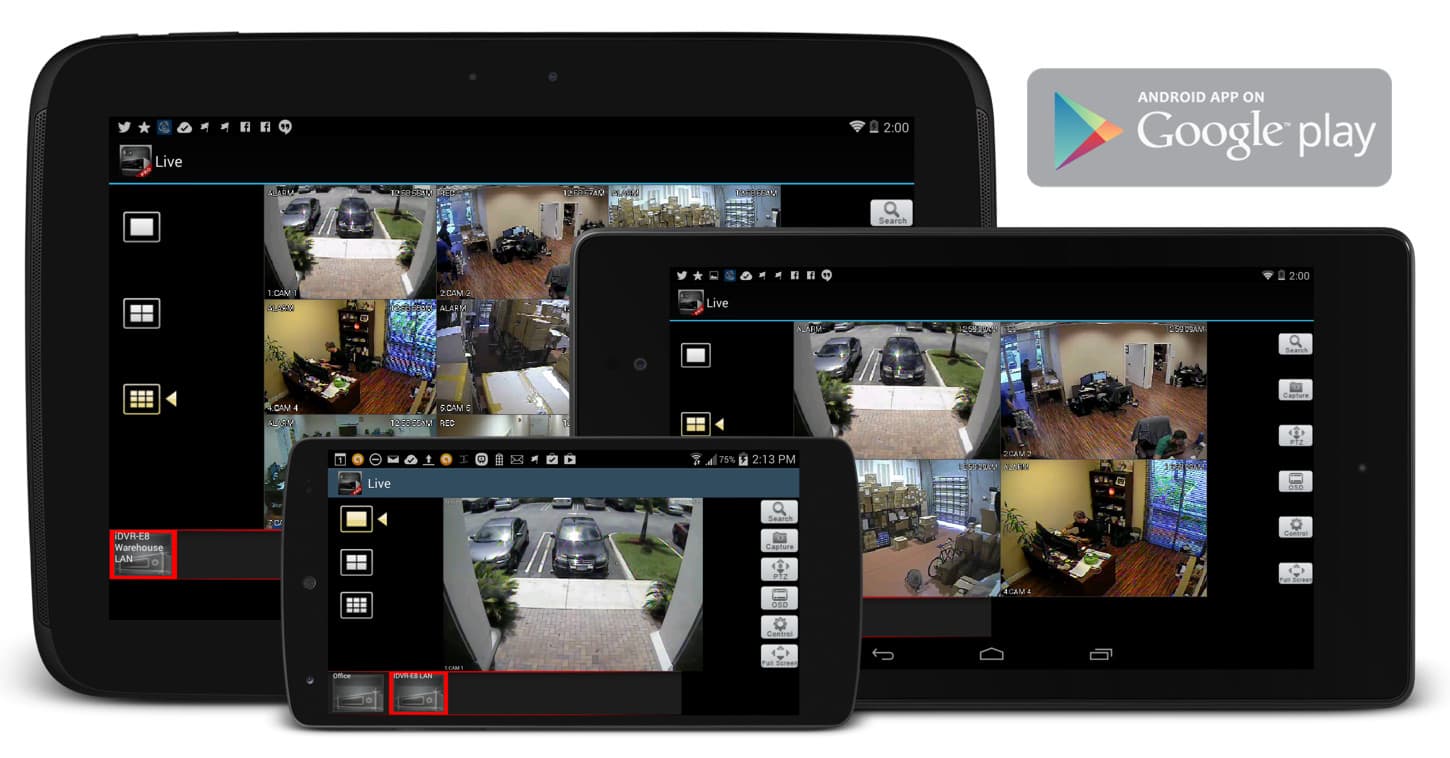
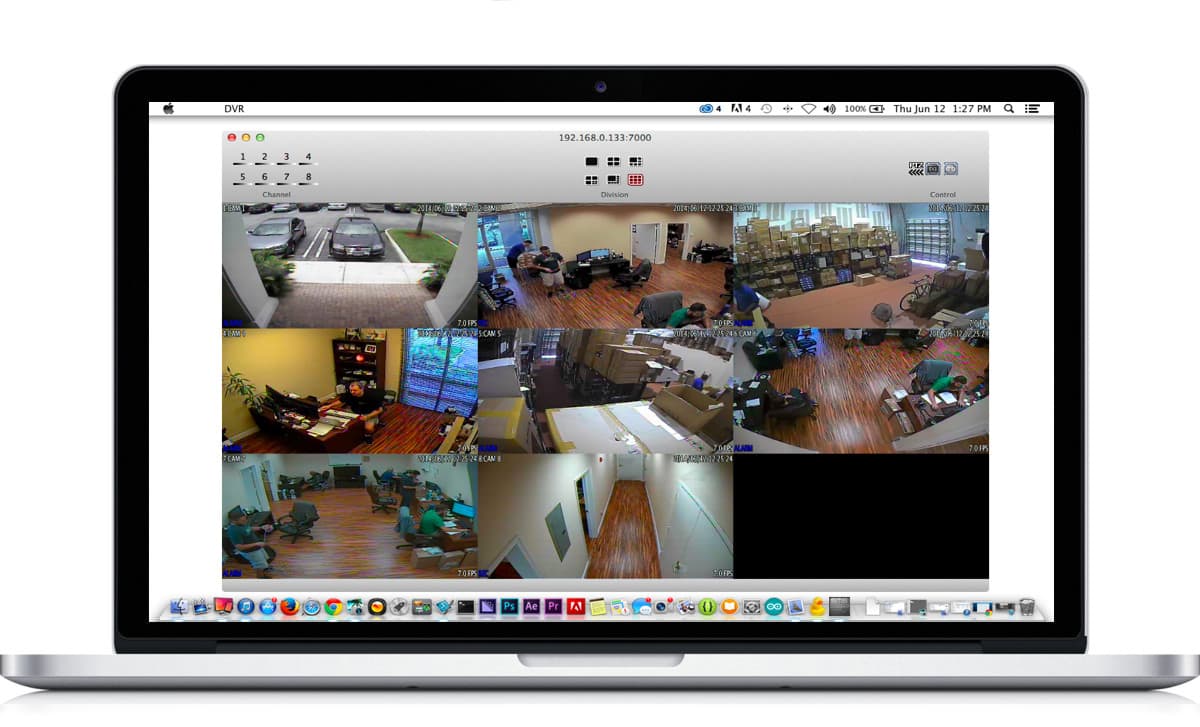
In addition to support for remote viewing using the iPad, the IDVR also supports remote viewing using iPhone, Android, and Blackberry cellphones. In addition to mobile phone support users can also log into the IDVR from both Windows and Mac-based computers using Internet Explorer on Windows, and the free Mac DVR viewer software that is included for Macintosh. For more information on the IDVR please visit www.cctvcamerapros.com/idvr. Thank you for watching our video.
HD Video Playback Instructions
For the best viewing experience, start playing the video, then select the highest video quality setting by clicking on the video settings button.
If you were able to select 720p or 1080p video, you should also select full screen mode to see the video larger. You can break out of full screen mode by clicking on the Esc button on your keyboard.
Additional Internet DVR Videos & Images
Please visit the below links for more great videos and screenshots of the iDVR Internet Video Surveillance DVR
If you do not currently have an iDVR-PRO and would like to log in to the demo unit at our office, please request a demo login below. You will be able to login from iPhone, iPad, and Android mobile devices. You can also login from Macintosh and Windows computers. Please
click here to request a demo login.
Complete CCTV Systems
Did you know? CCTV Camera Pros can provide a complete surveillance system quote that includes a hybrid iDVR-E surveillance DVR, any number of cameras SD and
HD CCTV cameras you need plus cables, connectors, power supplies, and monitors? As you have probably already seen on our website, we have 2, 4, 8, and 16 camera surveillance systems in pre-made packages. However, it is not possible for us to package up every combination and quantity of all the different camera models that we carry. So, we can also provide you with a custom quote with as many cameras as you need and a mix of any combination of camera model(s) based on your project requirements.
Video Author & Producer
This video was created by and this page is maintained by
Mike Haldas, co-founder and managing partner of CCTV Camera Pros. If you have questions about setting up alarm inputs and outputs, please email me at mike@cctvcamerapros.net.
Be First to know of our deals and promotions. Sign up for our mailing list: