|
MPEG H.264 DVR Setup & Support
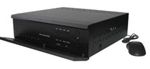
The setup instructions and information on this page are related to the entry level H.264
4 channel digital video recorder. Please note that this DVR is no longer available and has been replaced by the latest iDVR-PRO CCTV DVRs. You can find product information about the iDVR-PRO here, demo and setup videos here, and the iDVR-PRO support page here.
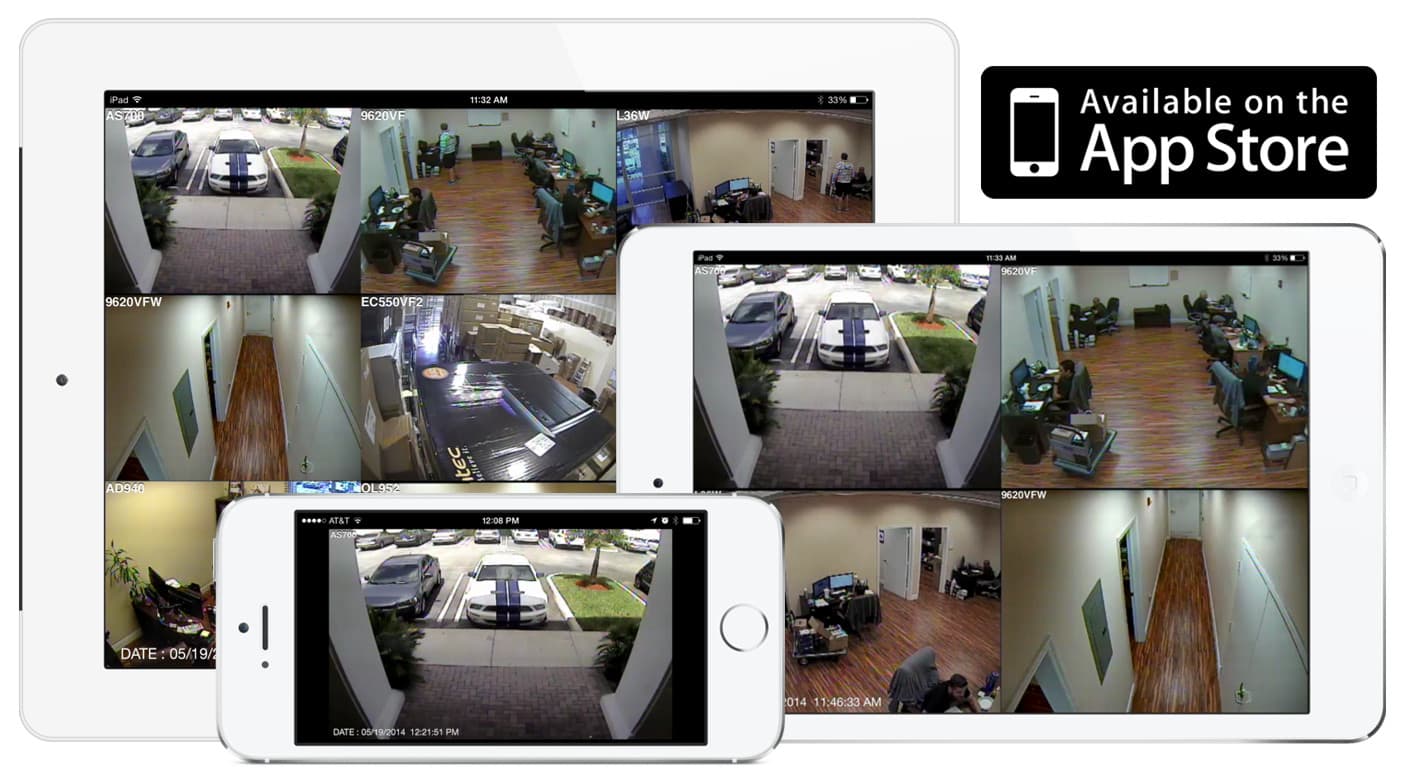
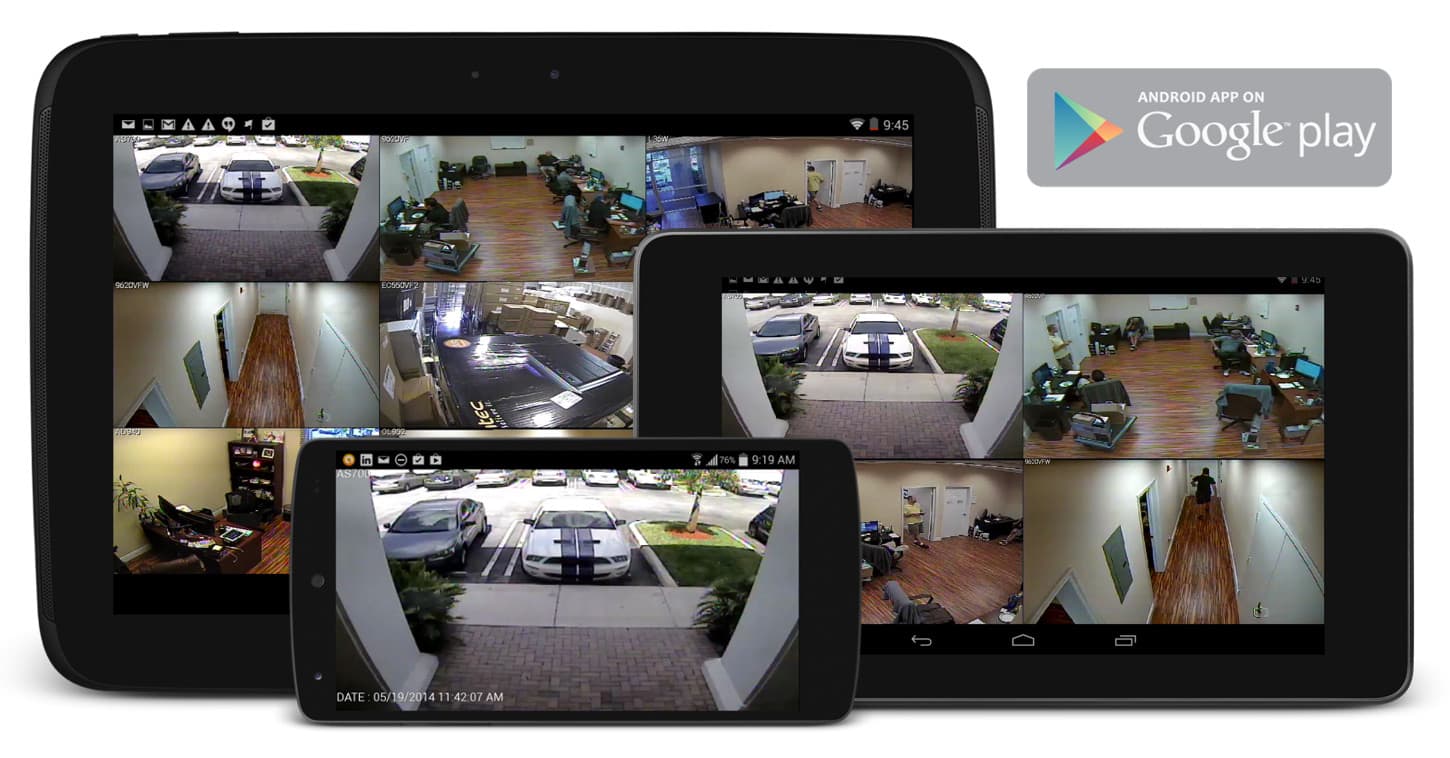
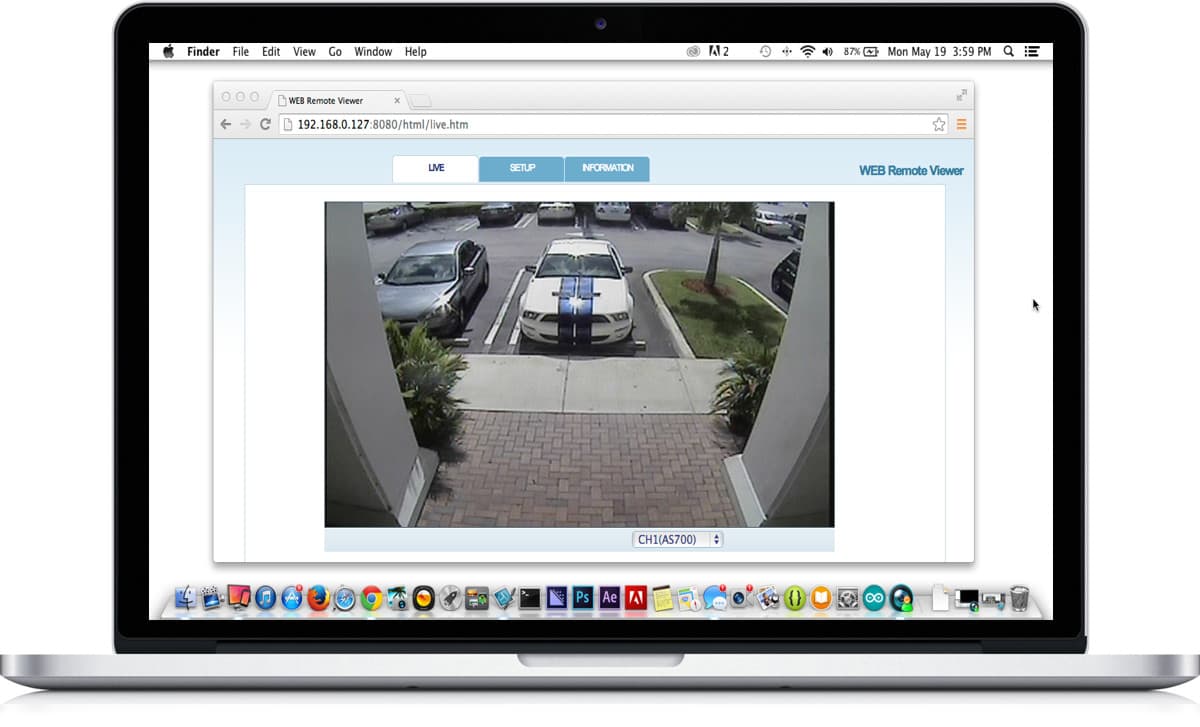
Update! The MPEG H.264 DVR has been replaced by the new hybrid CCTV / AHD / HD-TVI iDVR-PRO surveillance DVR which supports analog CCTV cameras and HD security cameras (720p and 1080p resolution AHD and HD-TVI cameras). iDVR-PRO security camera DVRs include client software for Mac and Windows. All iDVR-PRO DVRs also include free mobile apps for iPhone, iPad, and Android mobile devices. Users can view their security cameras live from remotely over the Internet, as well as search and playback surveillance video that has been recorded to the DVR's hard drive.
Click on the below images to watch sample surveillance videos and images that show why iDVR-PRO is our best selling video surveillance DVR.
iPhone / iPad Compatible
|
Android Compatible
|
Mac Compatible
|
Follow these instructions to reset the master password. Press the menu button on the DVR. When prompt for a password, Enter the following password: 21086888. You will be logged into the DVR as the administrator. Select Configuration from the System Menu. Then, select password Setup from the configuration menu. The password setup screen will display your current password.
Remote Camera Monitoring - Follow these instructions to setup remote network and Internet access to monitor your cameras.
The
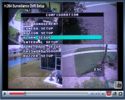
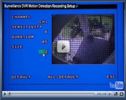
following videos document how to use the 4 channel H.264 surveillance DVR from CCTV Camera Pros.
|